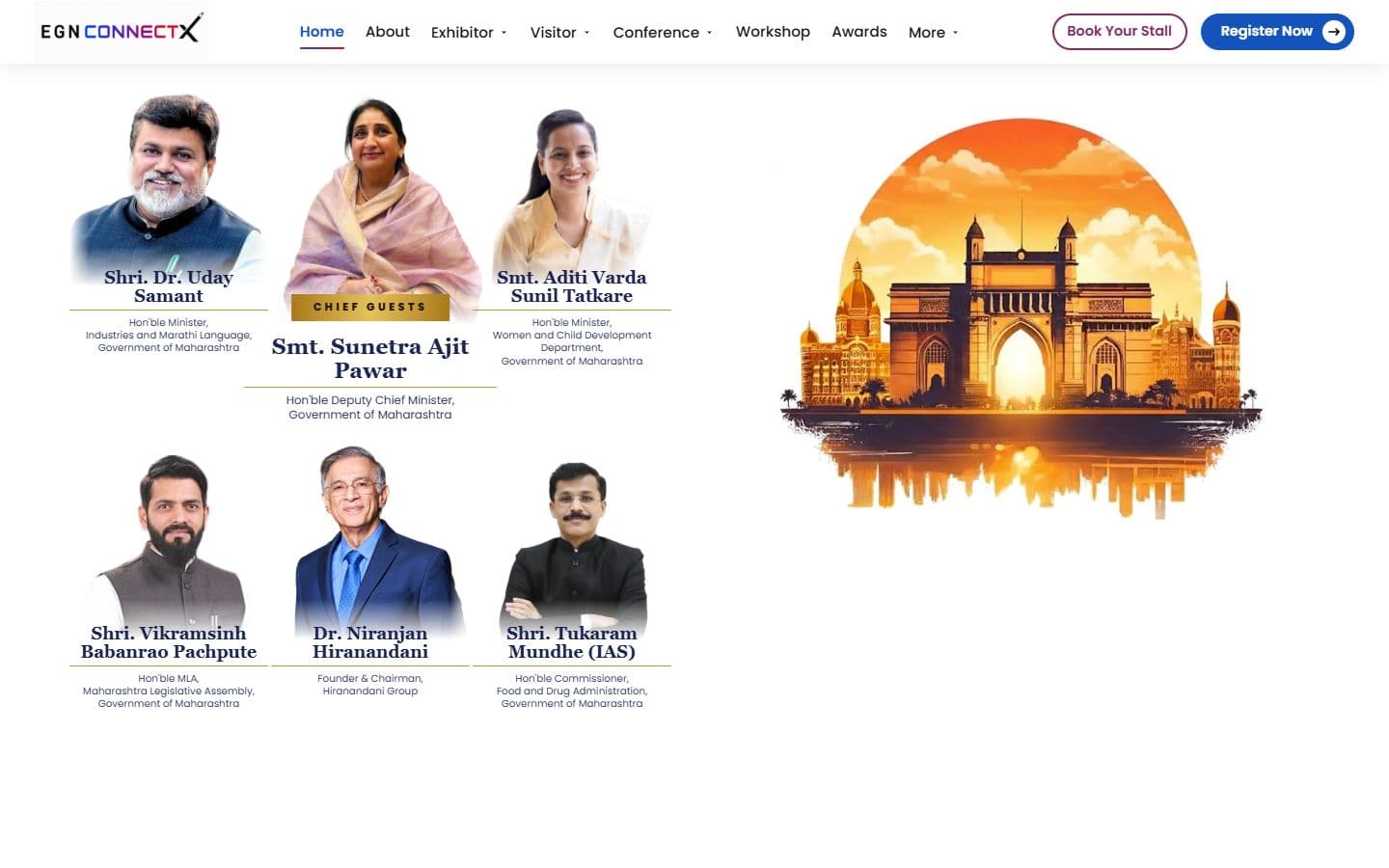
The official website for India's big education leadership summit. People can register, book stalls and nominate for awards, and explore the venue in an interactive 3D floor plan. Over 20,000 visitors are expected.

Web Designer, UI/UX Designer, Front-End Developer, Automation Engineer. Tools: Figma, Adobe Illustrator, Adobe Photoshop, Miro, CapCut, Claude Design, ChatGPT, Google Flow, Google Stitch.
Design tools
 Figma
Figma Adobe Illustrator
 Adobe Photoshop
 Miro
Miro CapCut
AI design tools
 Claude Design
 ChatGPT
 Google Flow
 Google Stitch
The official website for India's big education leadership summit. People can register, book stalls and nominate for awards, and explore the venue in an interactive 3D floor plan. Over 20,000 visitors are expected.

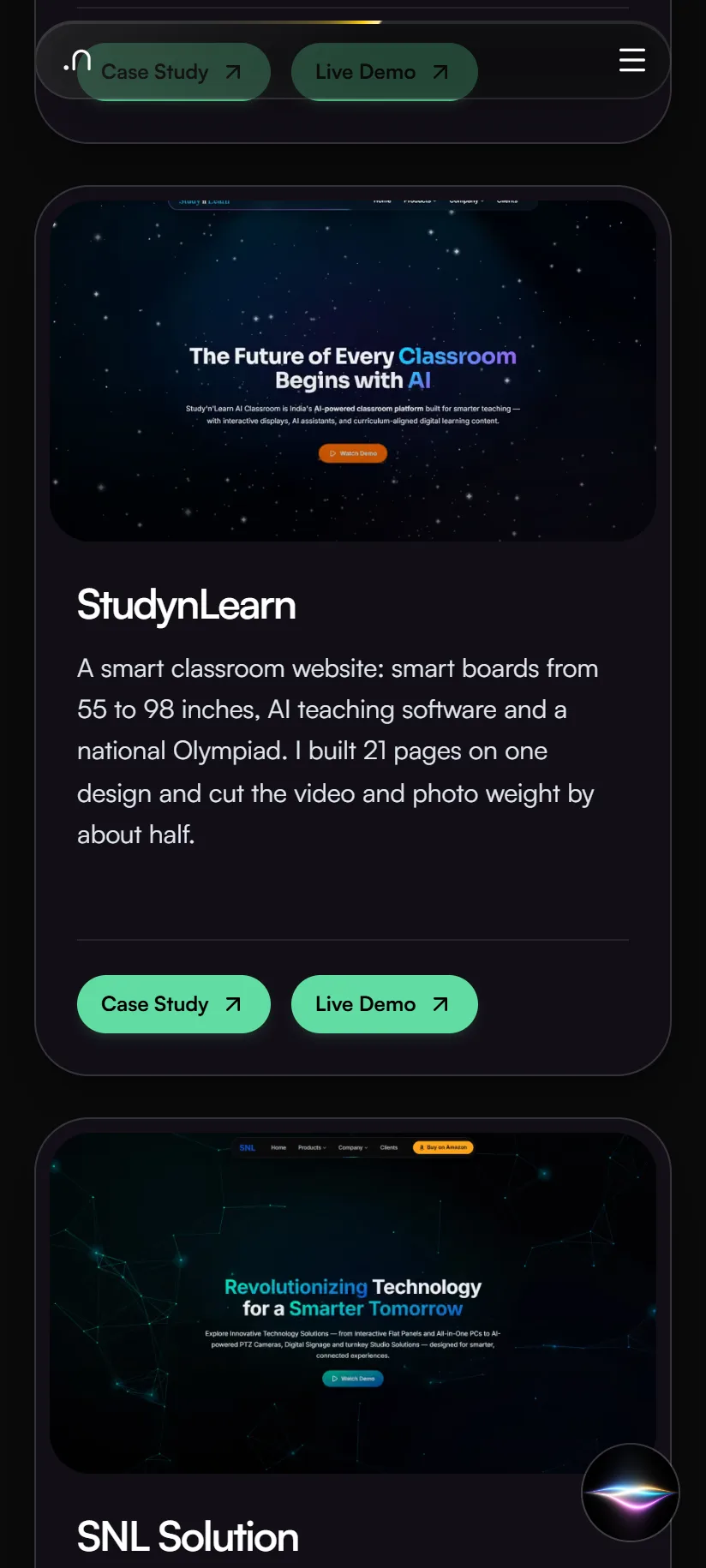
A smart classroom website: smart boards from 55 to 98 inches, AI teaching software and a national Olympiad. I built 21 pages on one design and cut the video and photo weight by about half.
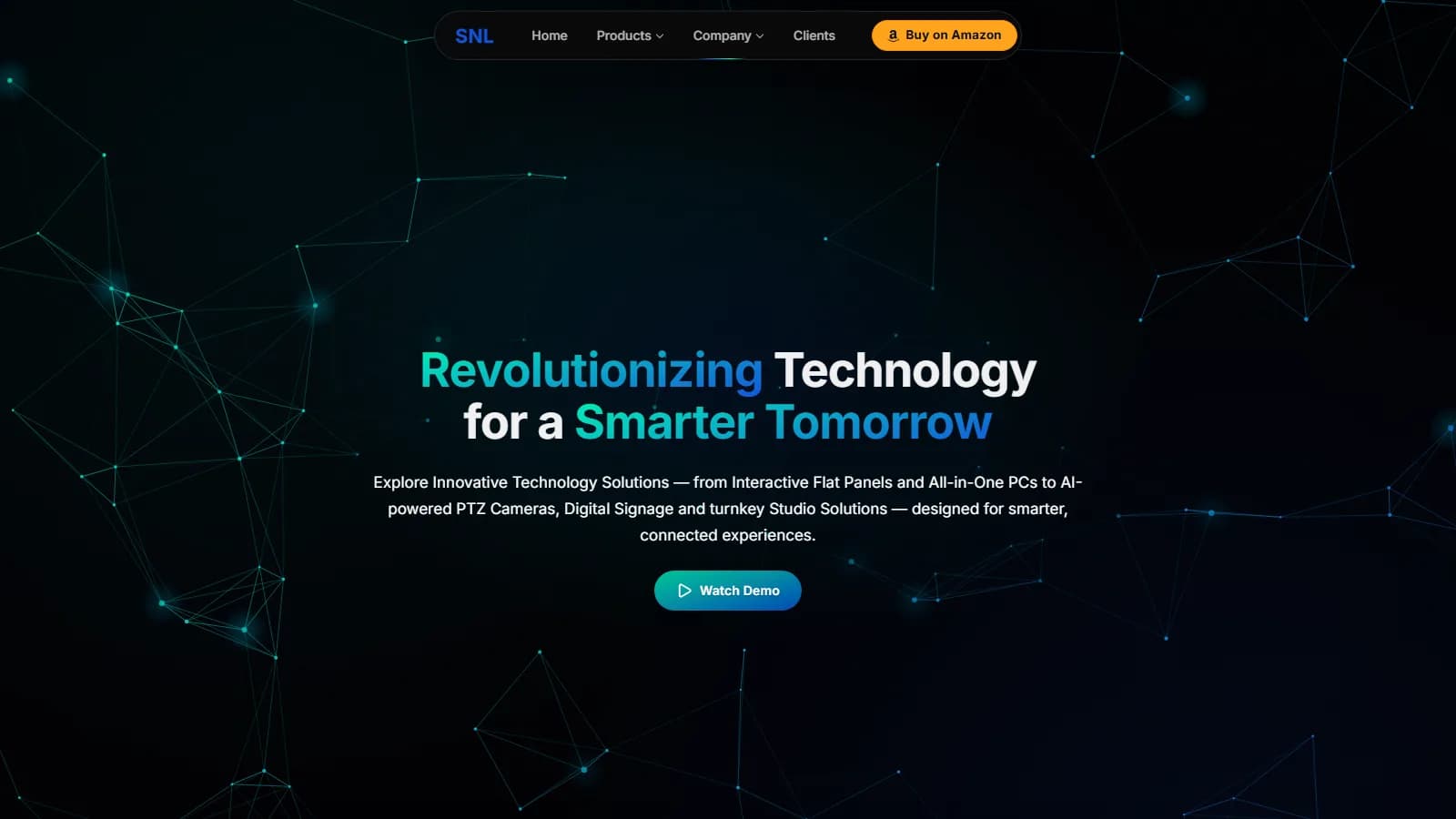
A redesign of the SNL Solutions website. SNL sells smart classroom equipment to schools across India. Version 2 has 27 pages, scored 94–99 for phone speed when tested in September, and makes it easy to compare products.

A doctor–patient app for booking appointments and talking to doctors from a phone. The case study goes from user interviews and pain points to the navigation structure, wireframes and the final screens.
A redesign of the Adidas website. The case study covers the problem and a competitor review, a user-centered approach, hand-drawn wireframes, the type and colour choices, and the redesigned home page.
iPhone

Tablet
Android
I start with the business goal, target users, product requirements and the problem the design needs to solve. I review existing products, competitors, content, technical constraints and success criteria before deciding what should be designed.
I define how users move through the product before designing individual screens. I map navigation, page hierarchy, user journeys, tasks and key conversion paths so the experience is logical, predictable and easy to understand.
I create low-fidelity wireframes to establish structure, hierarchy and content priority without getting distracted by visual styling. Layout decisions follow principles such as visual hierarchy, proximity, alignment, whitespace and Gestalt laws.
I turn the wireframes into high-fidelity interfaces using typography, color, spacing, imagery and interaction patterns. Decisions are guided by principles such as Jakob’s Law, Hick’s Law, Fitts’s Law, Gestalt principles, the Von Restorff Effect and established platform conventions rather than decoration alone.
I define reusable colors, typography, spacing, grids, buttons, forms, cards and interface states. Components are designed consistently so the product can scale without every new screen becoming a separate design problem.
I design for different screen sizes, input methods and user needs from the beginning. Layouts, typography, touch targets, contrast, keyboard interaction and component behavior are checked against responsive design principles and WCAG accessibility guidance.
I define how the interface behaves, not just how it looks. Navigation, hover states, transitions, feedback, loading states, errors, empty states and micro-interactions are designed and tested through interactive prototypes.
I review whether users can understand the interface, complete important tasks and find information without unnecessary friction. Feedback, usability issues, accessibility concerns and inconsistent patterns are identified and corrected before development.
I prepare the design for development with components, responsive behavior, interaction details, assets and clear design decisions. After implementation, I compare the live product with the design, review analytics and user feedback, and continue improving the experience through iteration.