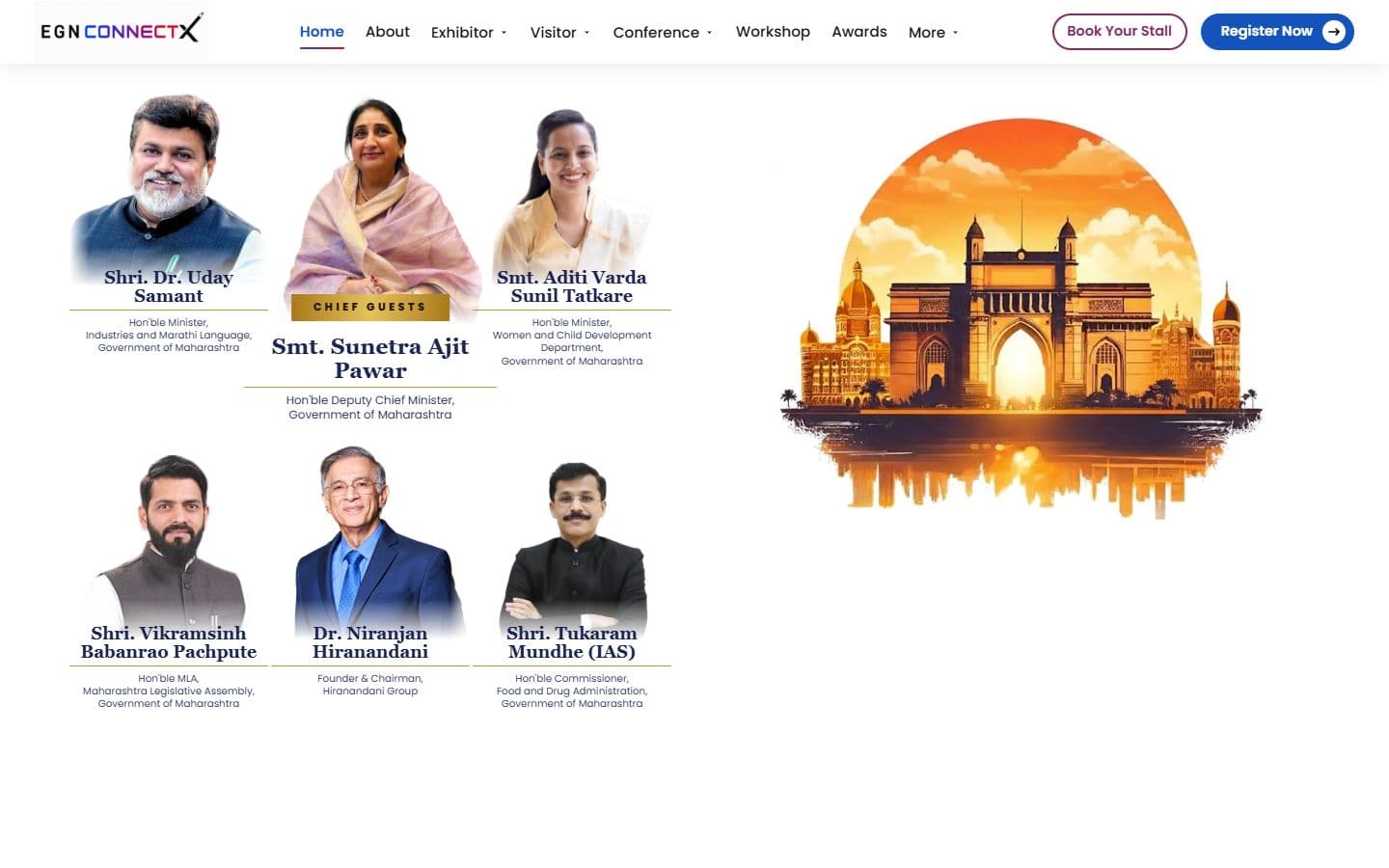
The official website for India's big education leadership summit. People can register, book stalls and nominate for awards, and explore the venue in an interactive 3D floor plan. Over 20,000 visitors are expected.

The official website for India's big education leadership summit. People can register, book stalls and nominate for awards, and explore the venue in an interactive 3D floor plan. Over 20,000 visitors are expected.

A smart classroom website: smart boards from 55 to 98 inches, AI teaching software and a national Olympiad. I built 21 pages on one design and cut the video and photo weight by about half.
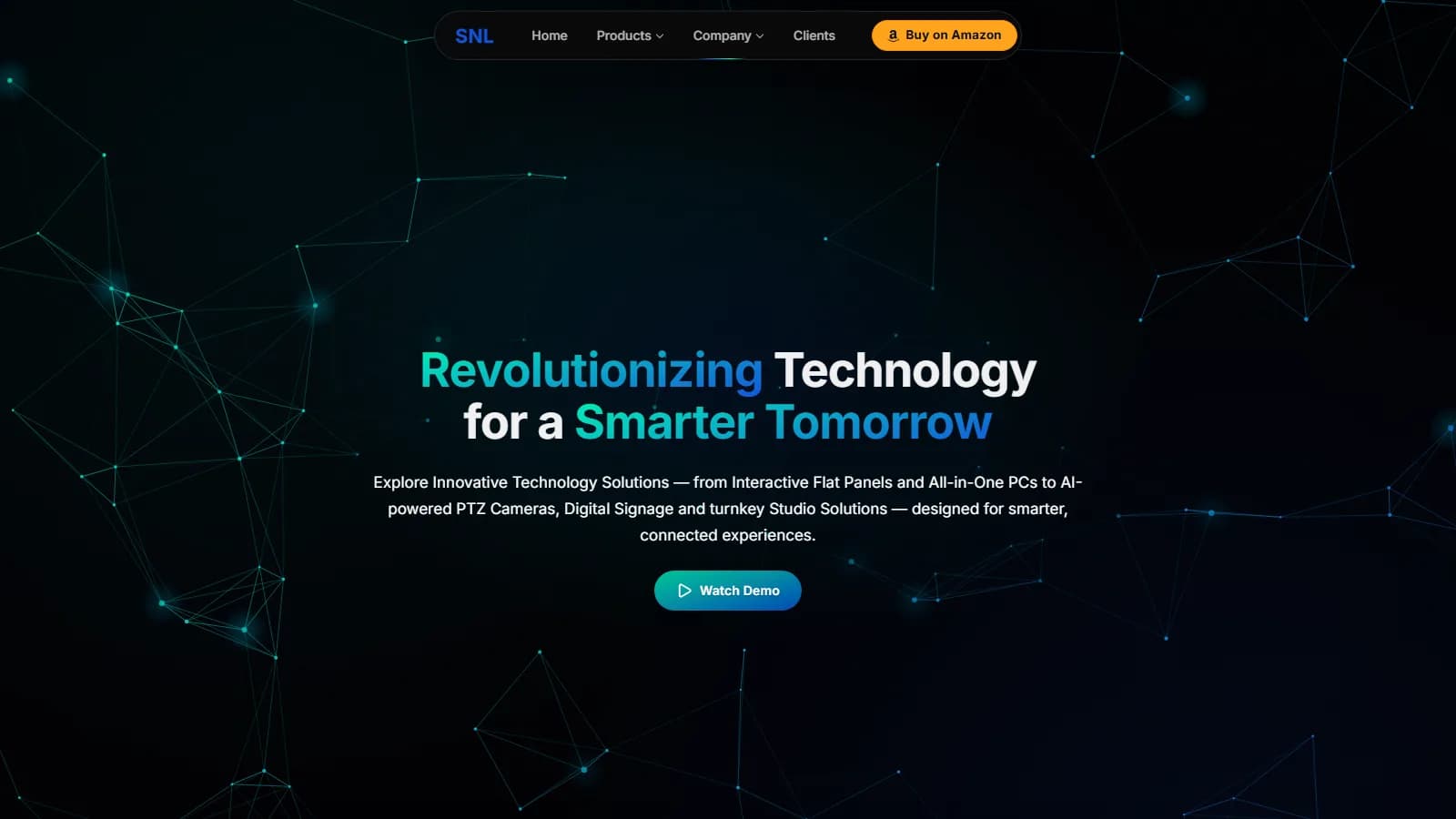
A redesign of the SNL Solutions website. SNL sells smart classroom equipment to schools across India. Version 2 has 27 pages, scored 94–99 for phone speed when tested in September, and makes it easy to compare products.
One dashboard that replaces five apps: tasks, calories, gym, money and sleep. You update it by typing or speaking to a Telegram bot.
SmartSchool's marketing dashboard. It builds the daily and monthly lead reports from CRM exports, shows live traffic and Search Console data for four websites, runs SEO checks and audits, and emails a weekly summary.
The chat assistant on this site. It answers questions about my projects, skills and experience using only what is on the site, and alerts me on Telegram when a visitor wants to talk.
Code editors


AI tools


Voice & agentic AI


Data & knowledge







Development stack















AI models & inference


Security & DevOps






Design & productivity


I work out the business problem, the users, the pages and features, the technical limits, SEO and accessibility needs, deadlines and what success looks like. I produce the requirements, a sitemap and user flows, the feature scope and the technical decisions.
Wireframes first, then high-fidelity designs, every screen size, interactions and animations. Typography, colors, spacing, components and breakpoints are set here, before any code.
I choose the stack and set up the codebase: for example Next.js, TypeScript and Tailwind, Git and GitHub, the folder structure, routing, reusable components, environment variables, linting, formatting, deployment environments and coding conventions.
I turn the designs into production code: the layout, reusable components, responsive UI, navigation, forms, animations, API connections, state, loading and error states, SEO metadata and accessibility.
I connect the frontend to the services it needs: REST or GraphQL APIs, sign-in, a CMS, databases through their APIs, analytics, email, payments, AI APIs and other outside systems.
I check that everything works and looks right on mobile and desktop and in different browsers: forms, navigation, APIs, accessibility, animations, error states and edge cases. Automated checks include TypeScript, ESLint, unit and component tests, Playwright or Cypress end-to-end tests and production builds.
I measure LCP, INP and CLS, JavaScript size, images, fonts, rendering, hydration, caching, lazy loading, animation frame rate and extra React re-renders. Then I find the slowest part, fix it and measure again.
A production build, CI/CD, hosting such as Vercel, environment settings, domain and DNS, HTTPS, a smoke test on the live site and monitoring.
After launch the work continues: I watch errors and analytics, fix bugs, improve Core Web Vitals, update dependencies, add features, act on user feedback, keep SEO and accessibility healthy and clean up technical debt.
I'm open to full-time jobs, freelance projects and new ideas. Send me a message.
Or reach me directly