The official website for India's big education leadership summit. People can register, book stalls and nominate for awards, and explore the venue in an interactive 3D floor plan. Over 20,000 visitors are expected.

Case study · SmartSchool Education Pvt. Ltd.
Frontend Developer · Jun – Sep 2026
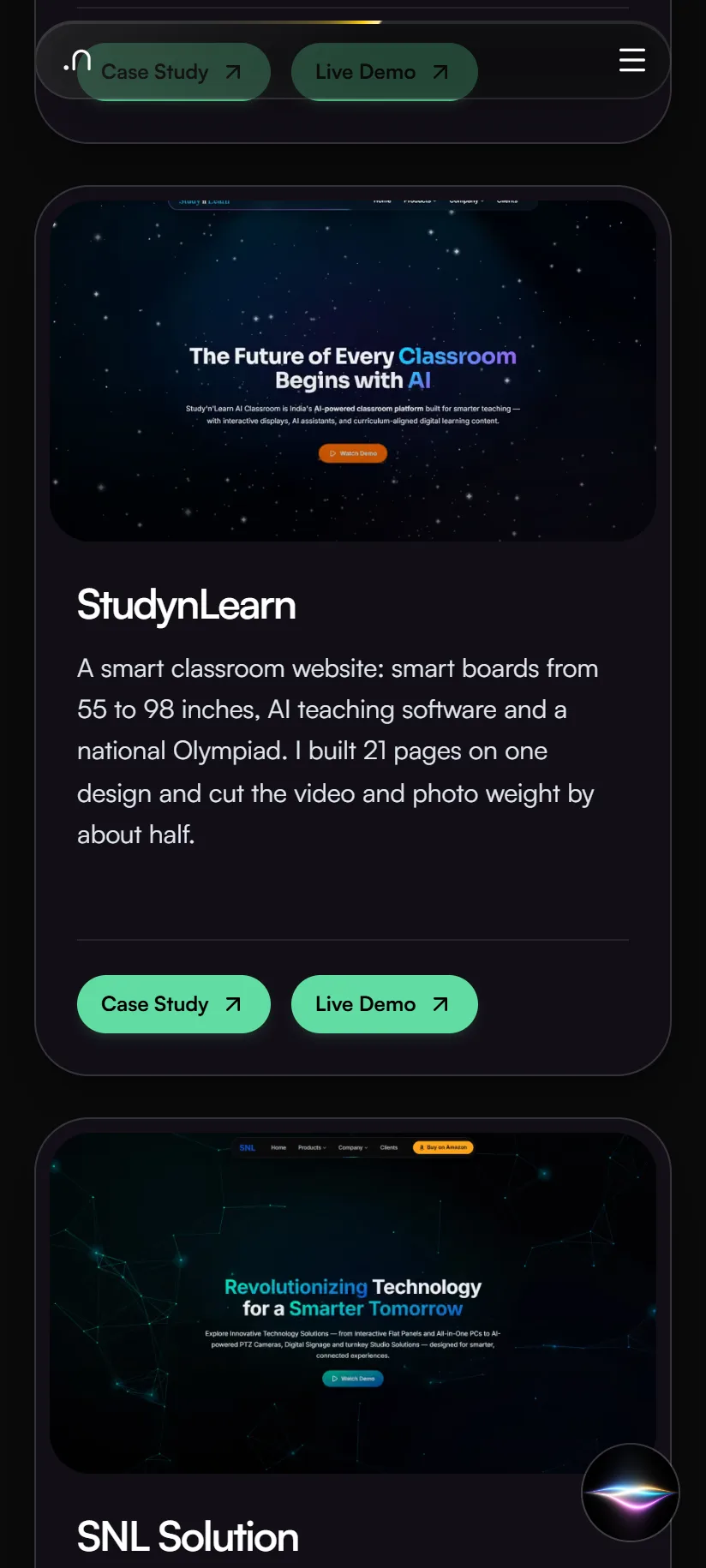
A smart classroom website: smart boards from 55 to 98 inches, AI teaching software and a national Olympiad. I built 21 pages on one design and cut the video and photo weight by about half.
Home page
StudynLearn helps schools, colleges and coaching centers across India set up smart classrooms: smart boards from 55 to 98 inches, AI teaching software and the SNOT national Olympiad. I built the front end with PHP and JavaScript, tested it on Vercel, and made it easy for Google and AI tools to read.
Technologies, platforms, and tools used to design, develop, and deliver this project.





StudynLearn sells smart boards, AI teaching software and a national Olympiad to schools, colleges and coaching centers. One website has to serve very different visitors and earn their trust before they call.
Before rebuilding, I compared the company's live site, my working copy and its blog (checked 8 August 2026). The earlier flat panel page is still served at /interactive-flat-panel, the address the live sitemap lists.
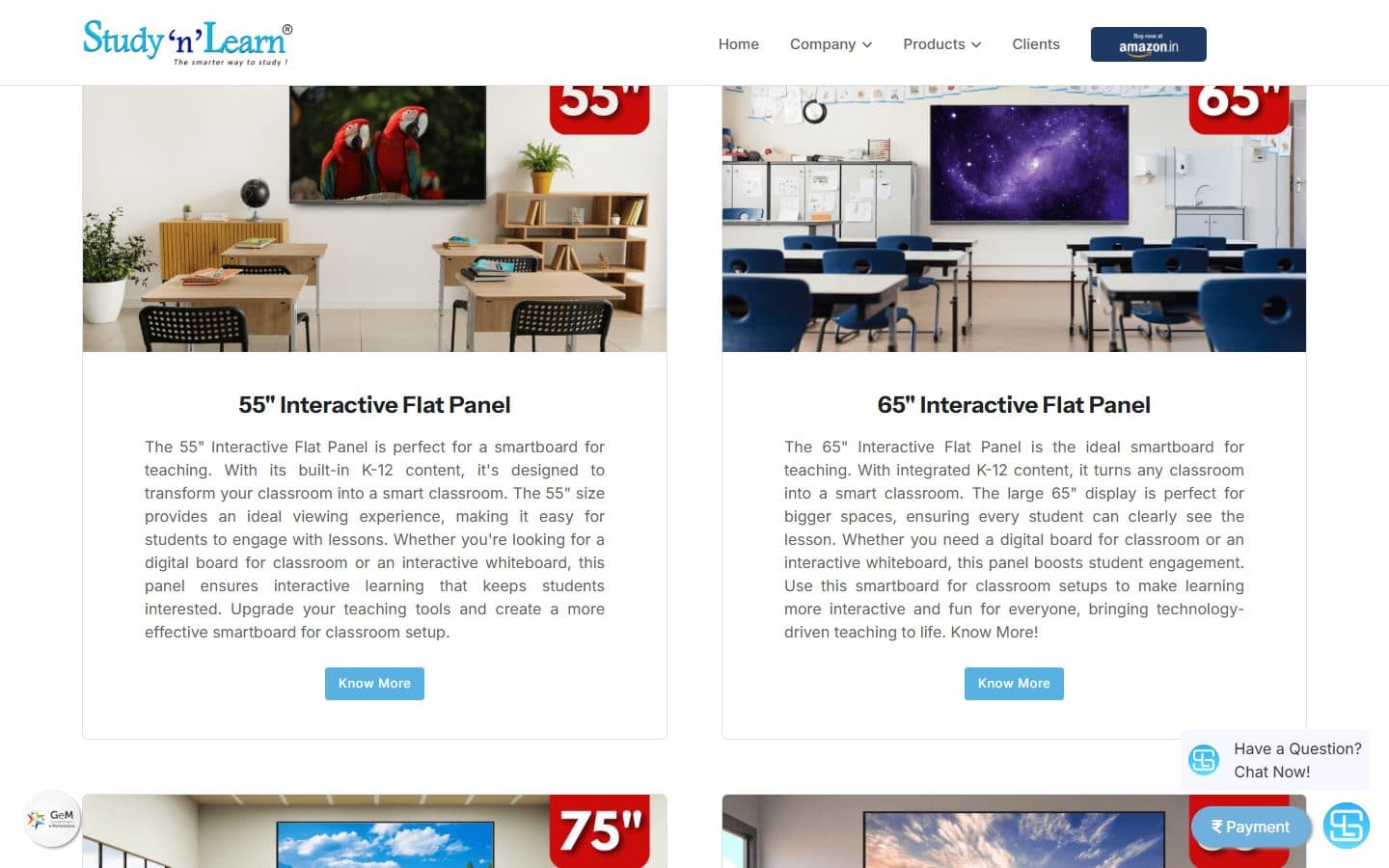
The live home page said “Empowering the Future with Studynlearn”. That names the company but not what it sells.
The earlier flat panel page has 10 questions and answers, and it publishes no price and no quote path.
The earlier flat panel page is a light page with pale-blue and yellow buttons and an Amazon.in badge in the header. Chat and payment bubbles float over the page.
The live site, my working copy and the company blog said different things about the same topics: the headline, the menu, the FAQ answers and the warranty. There was no single source of truth.
I did not measure the old site's speed or accessibility, so I quote no numbers for it.
No keyword-volume tool or Search Console was connected, and any volume figure I wrote would have been invented. So I ranked questions by evidence instead, and I say so.
I compared the company with Teachmint, Next Education, LEAD Group, Extramarks, BenQ Education and ViewSonic Education. Each is stronger somewhere: brand, curriculum, content library or spec depth. The gap I found is the one sentence nobody owns: one Indian partner for flat panels, AI teaching software and installation, training and support.
I collected the 50 questions buyers ask about smart classrooms and flat panels and ranked them in three tiers. Tier A means competitors build whole pages for it, it appears in three or more of their FAQ lists, and it shows buying intent.
I scored ten gaps in priority order. At the top: a price or quote path, plain-HTML questions and answers, a “why this company” block, comparison content and a full spec table.
A page-by-page comparison of the live site, my copy and the blog set the rule: agree one answer with the owner first, then update every copy to match.
The ranking uses evidence tiers (A, B, C), not search volumes. Real volumes need a keyword tool or the company's own Search Console.
The site was built in phases, starting in early June 2026 with the home page and the Olympiad, then legal and trust pages, then product lines. This is the structure today.
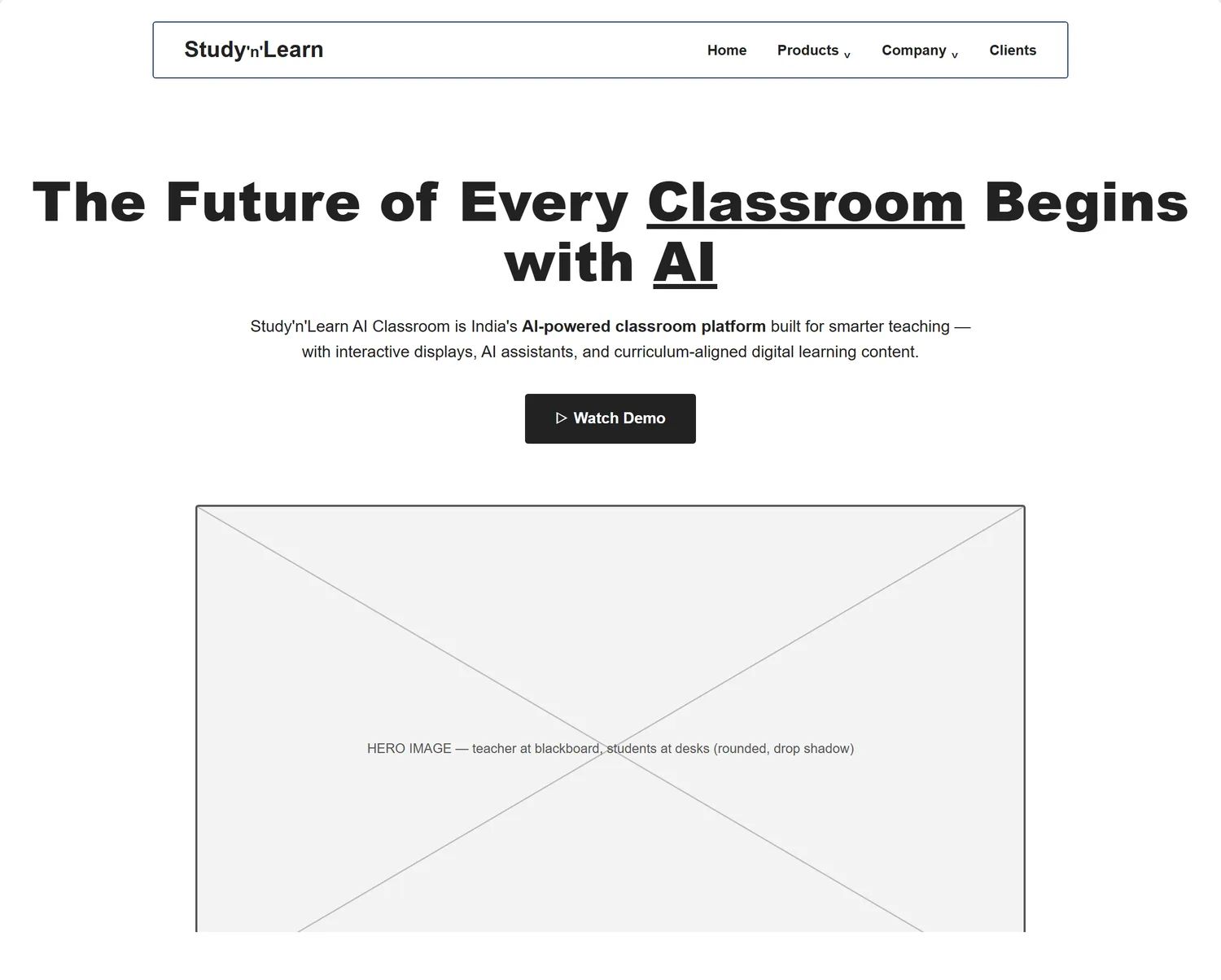
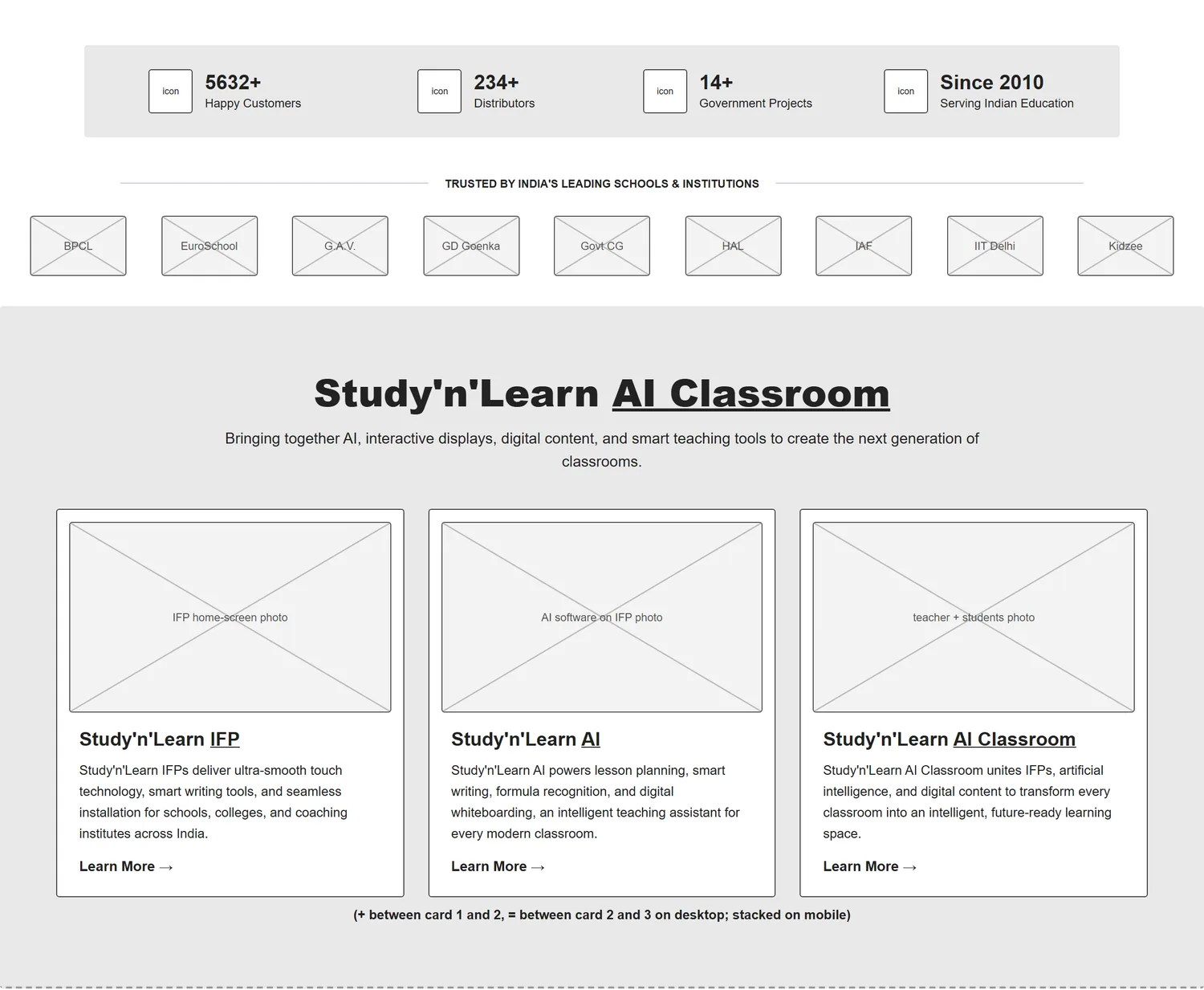
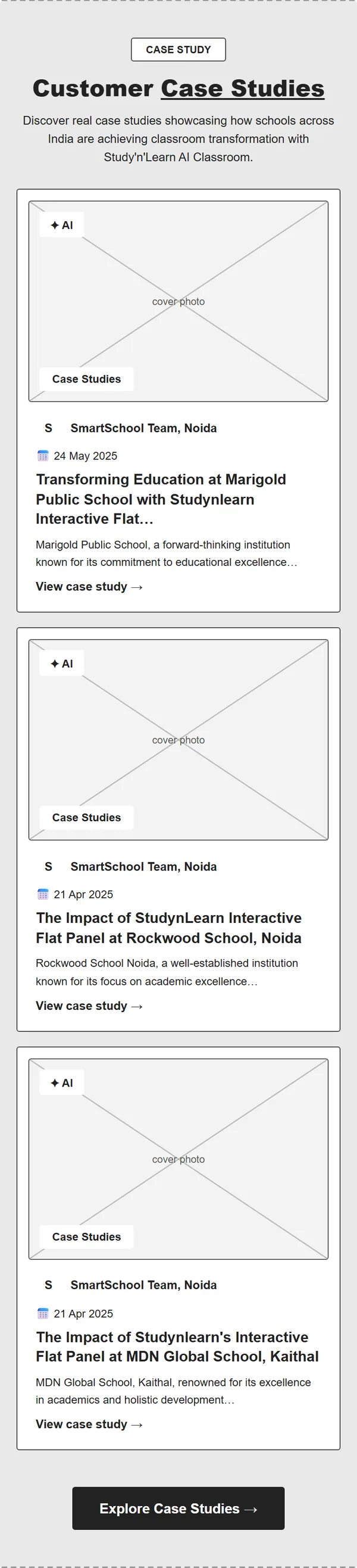
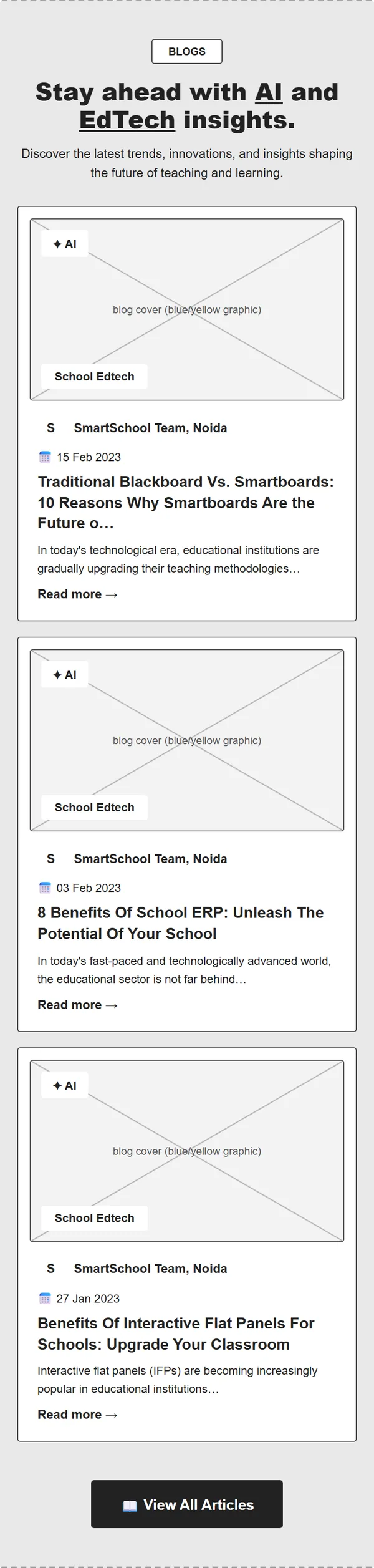
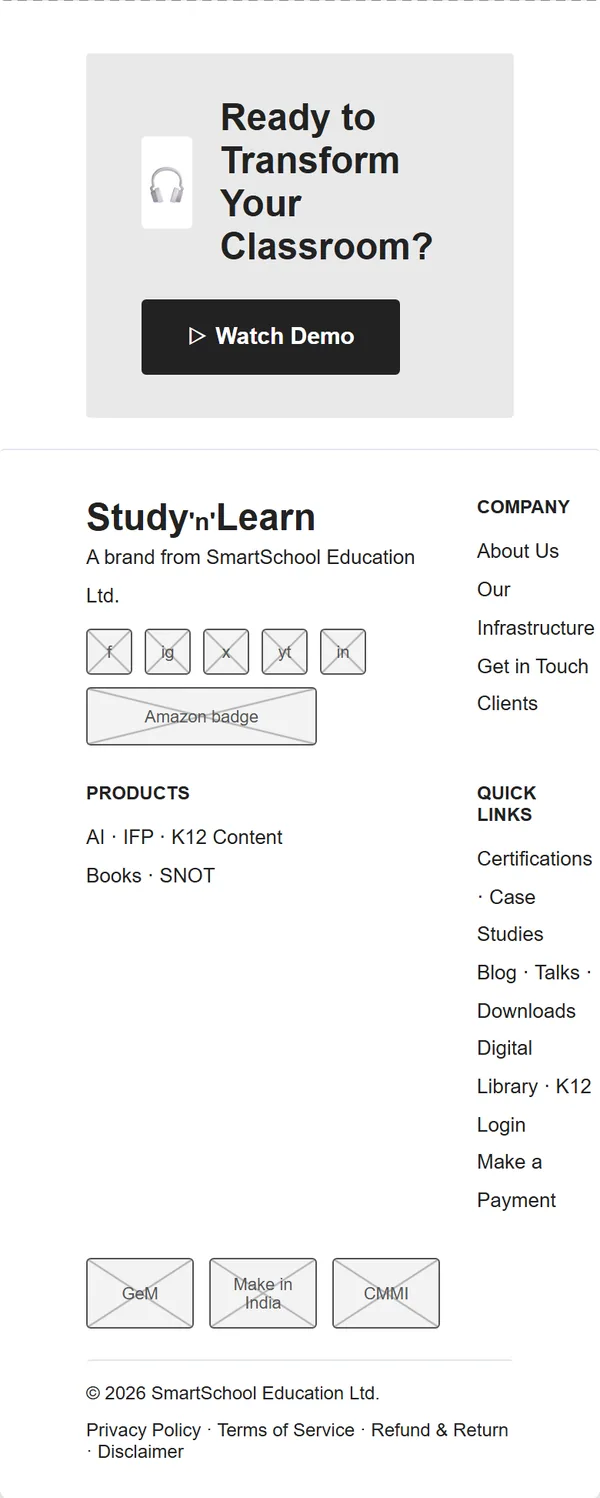
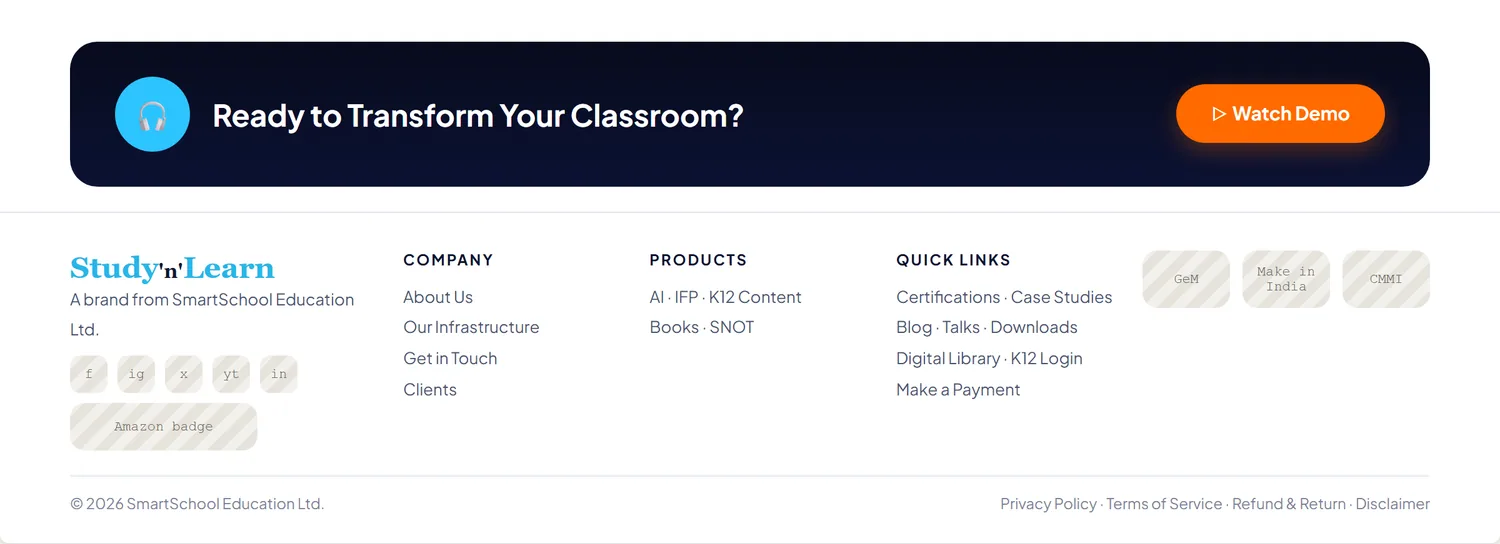
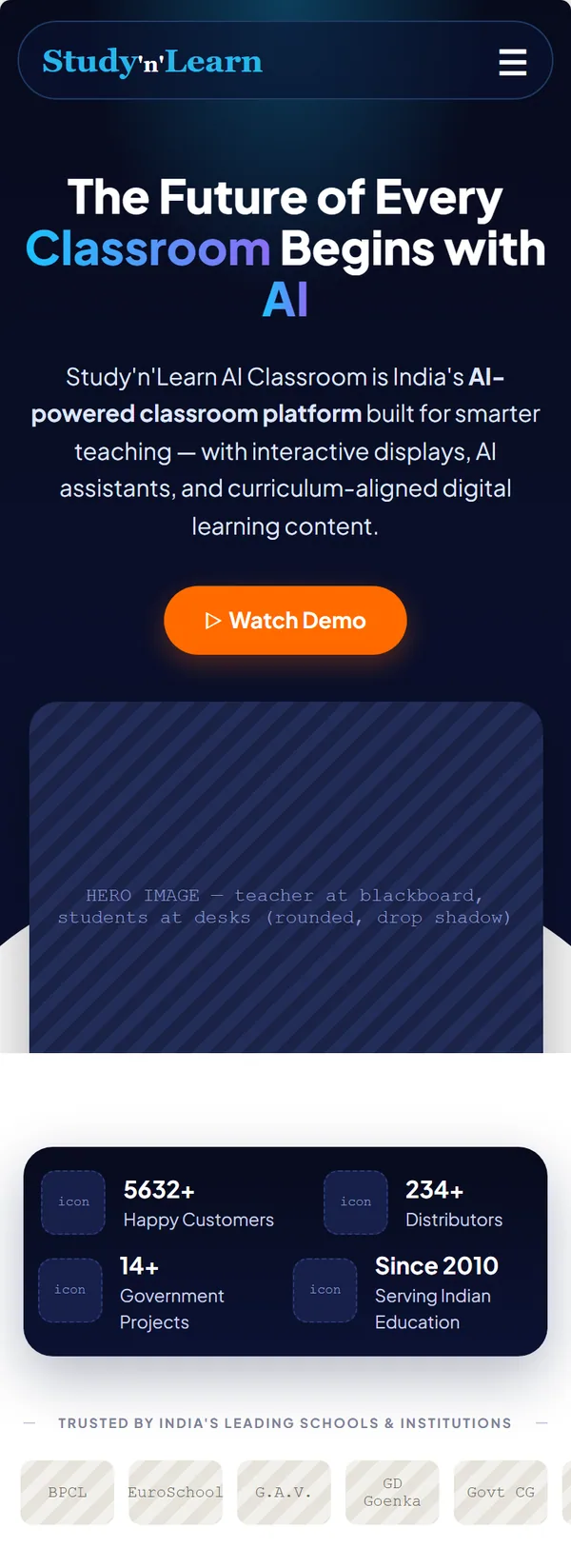
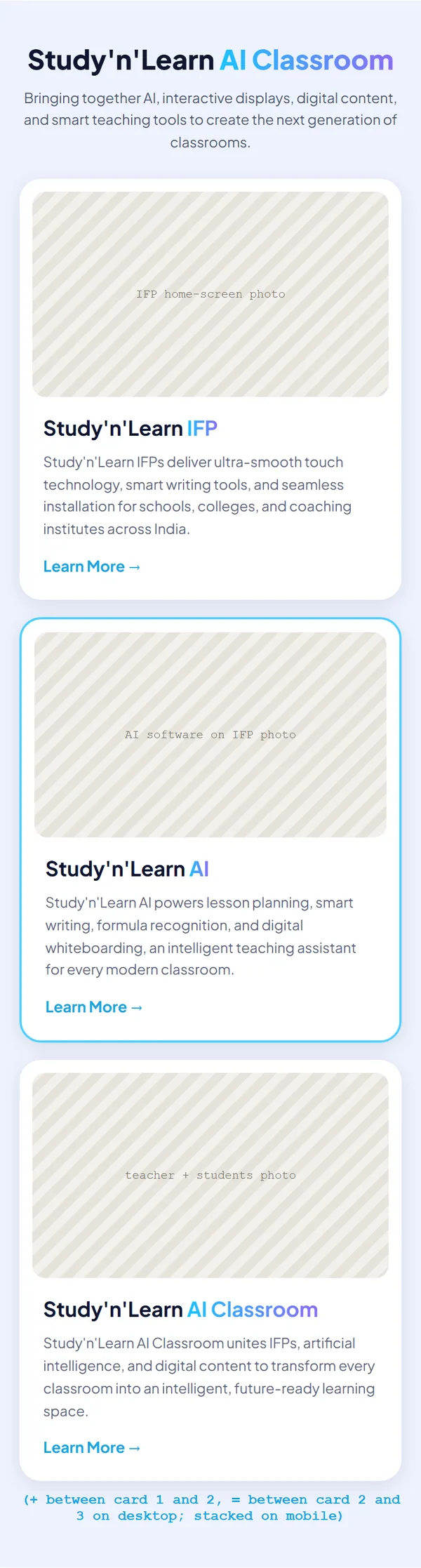
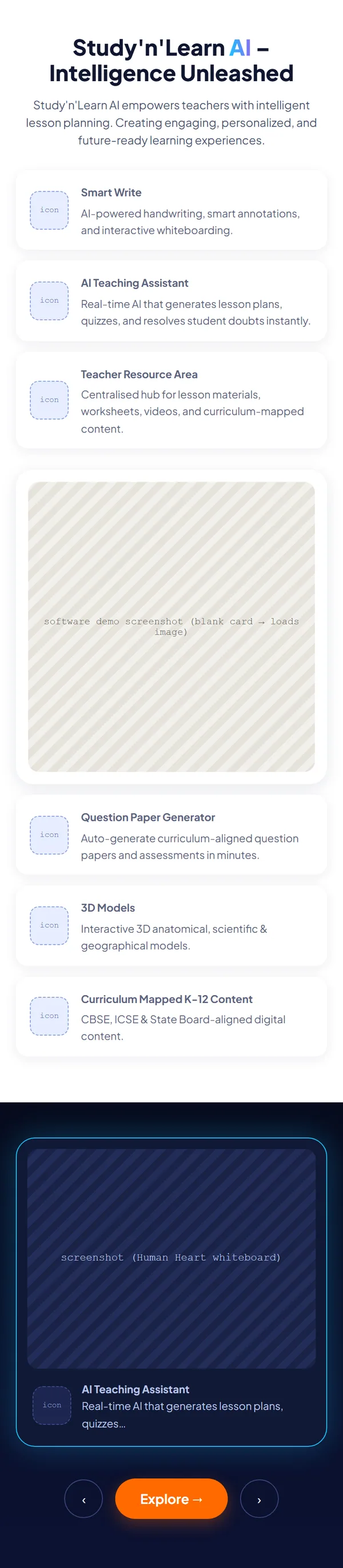
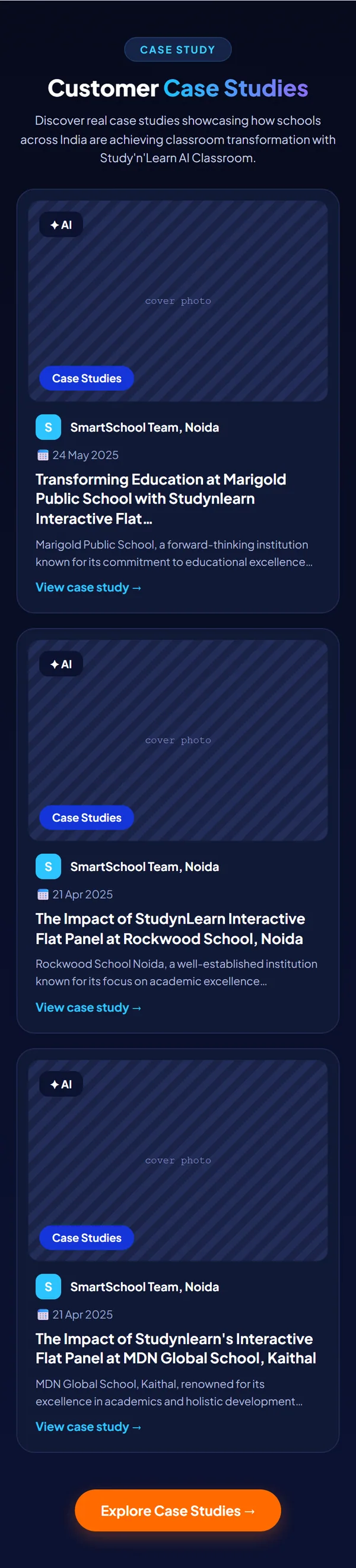
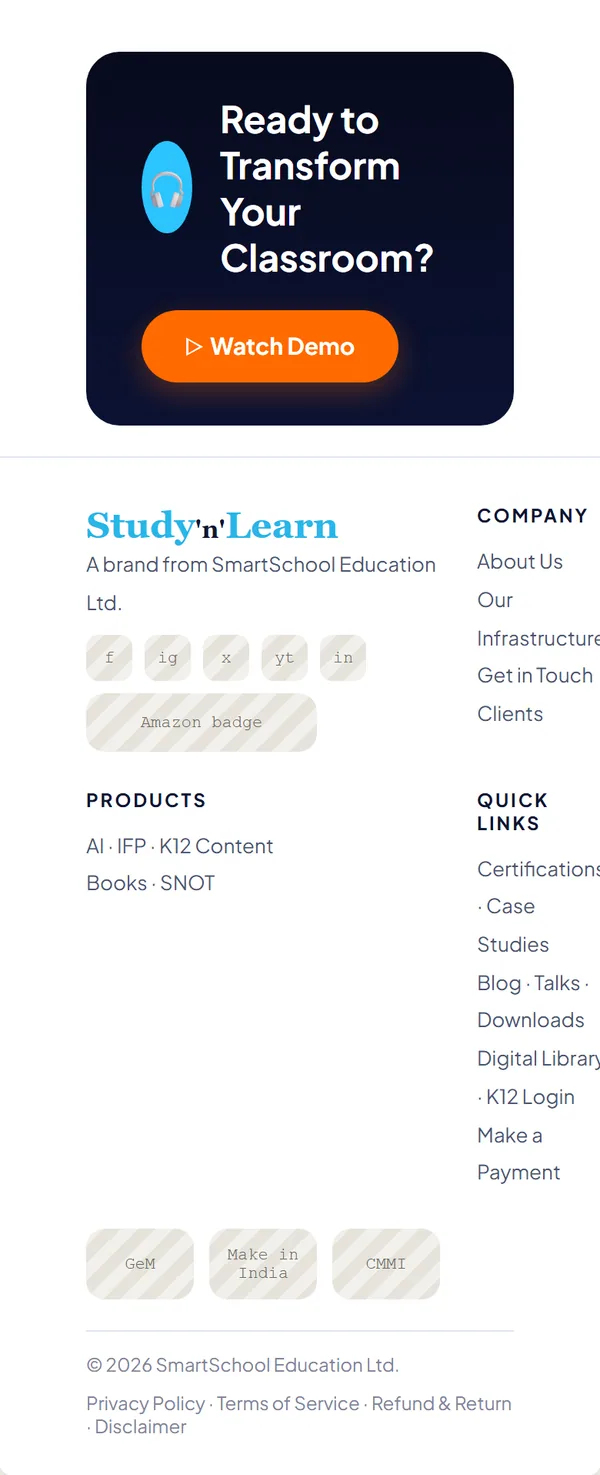
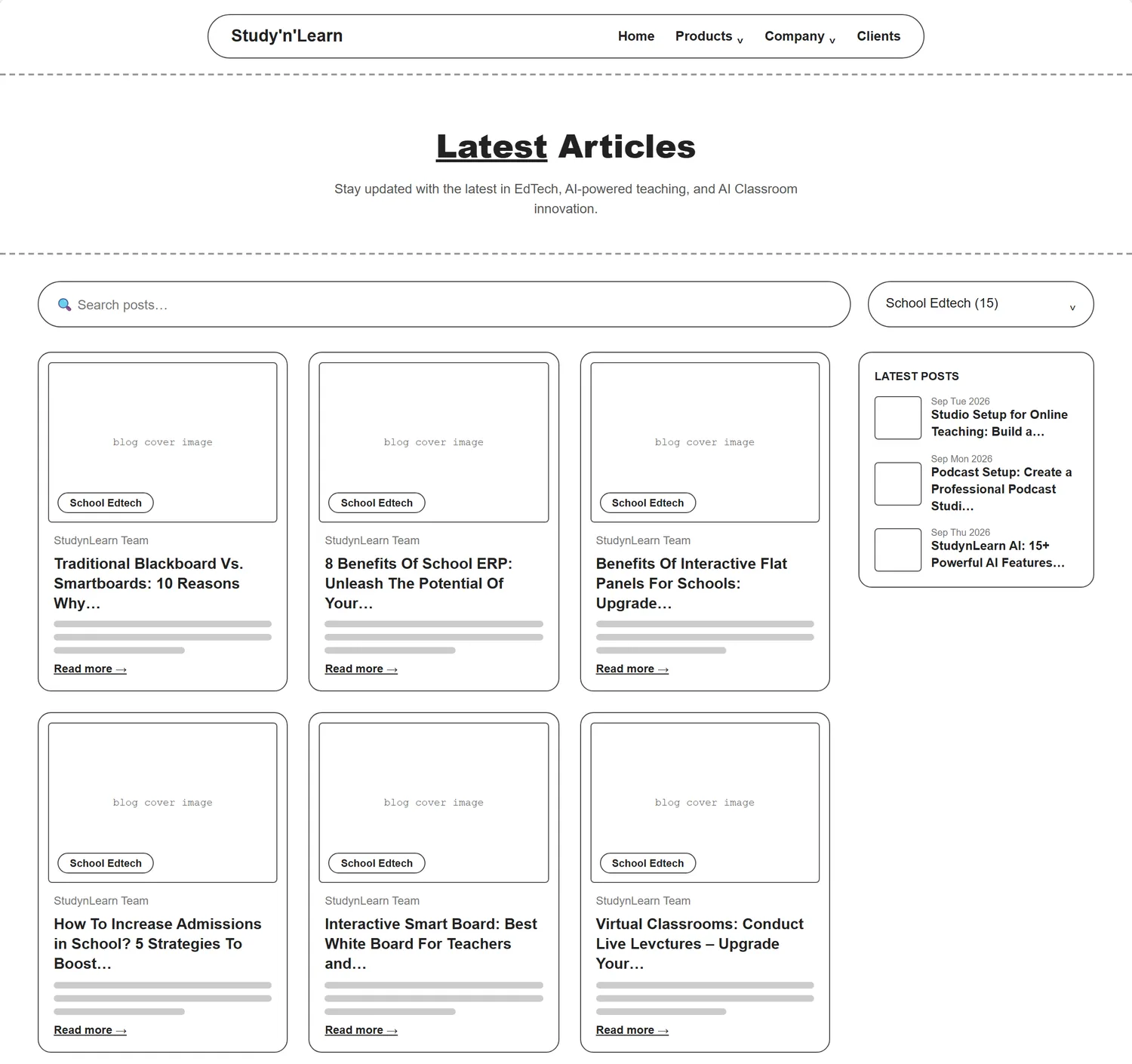
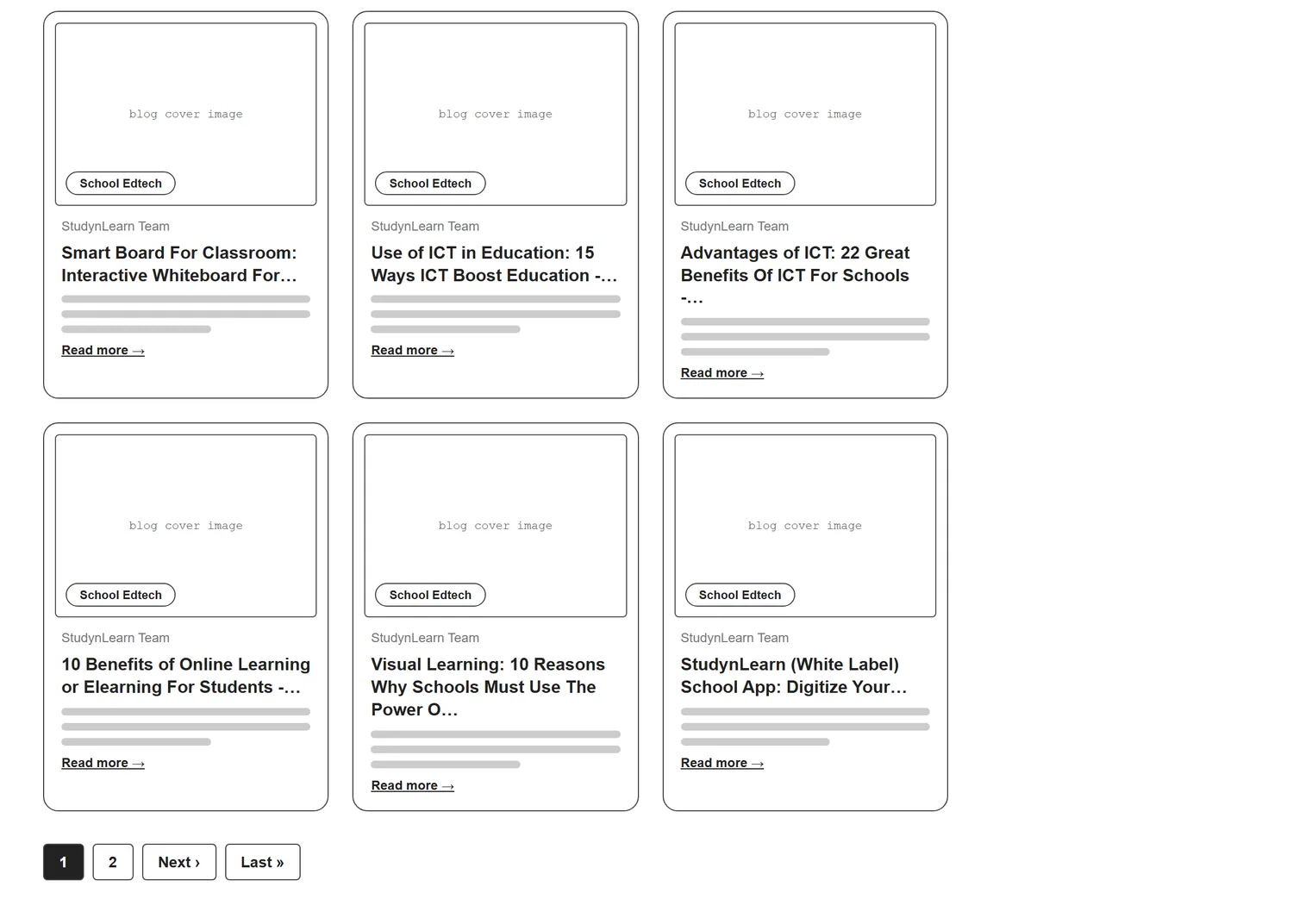
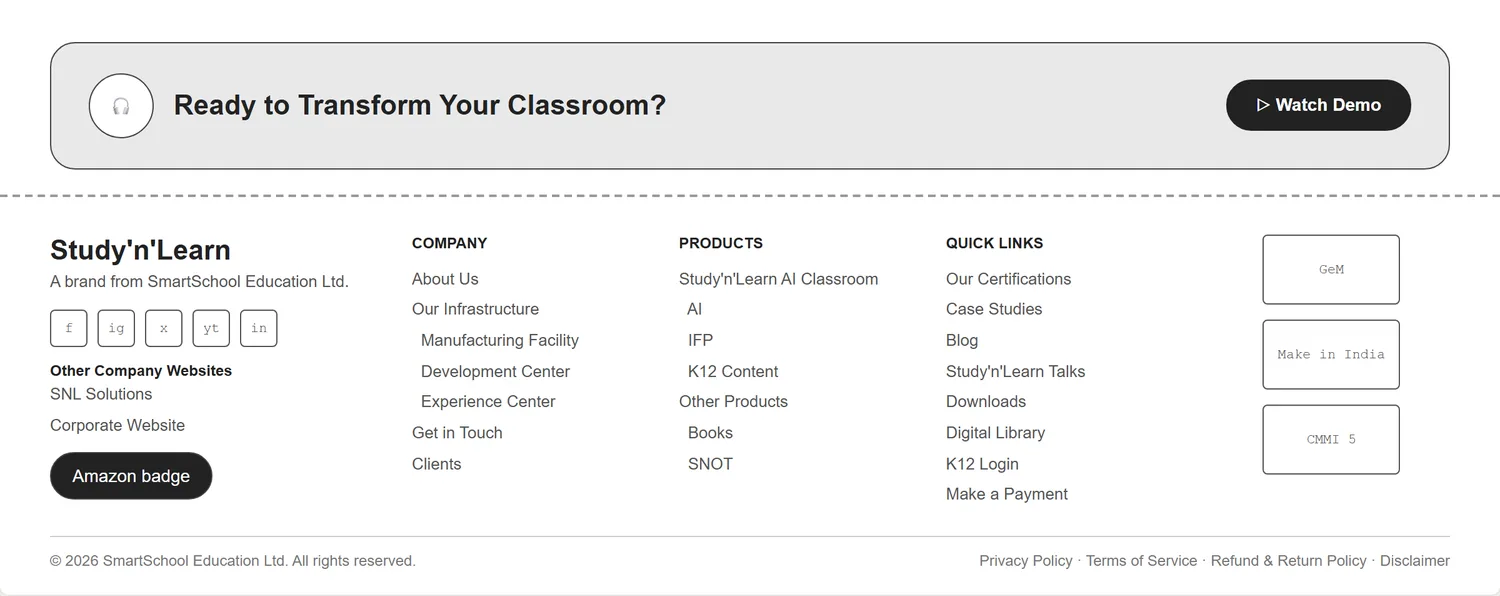
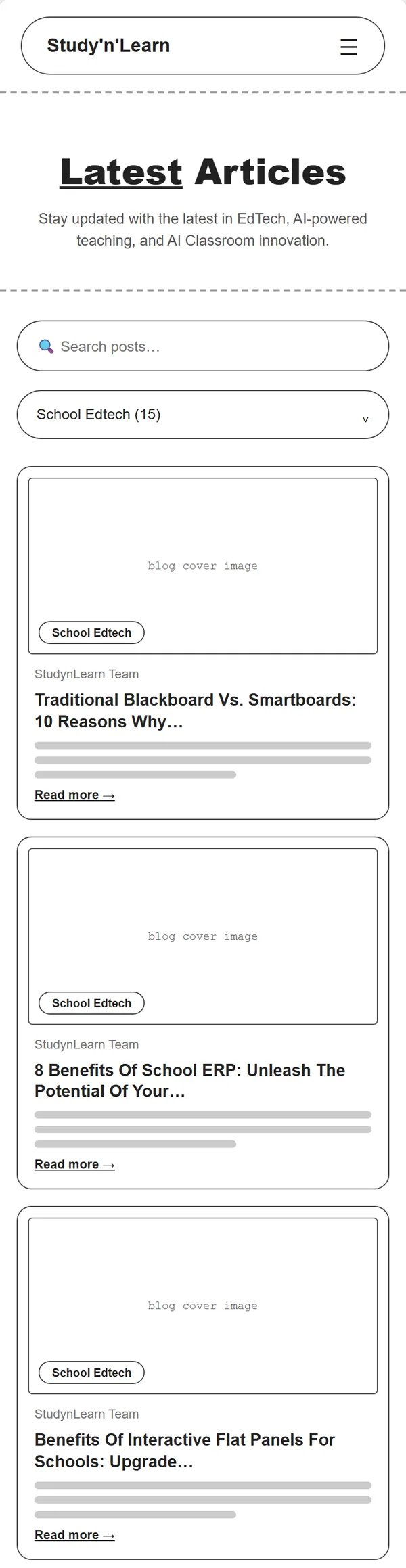
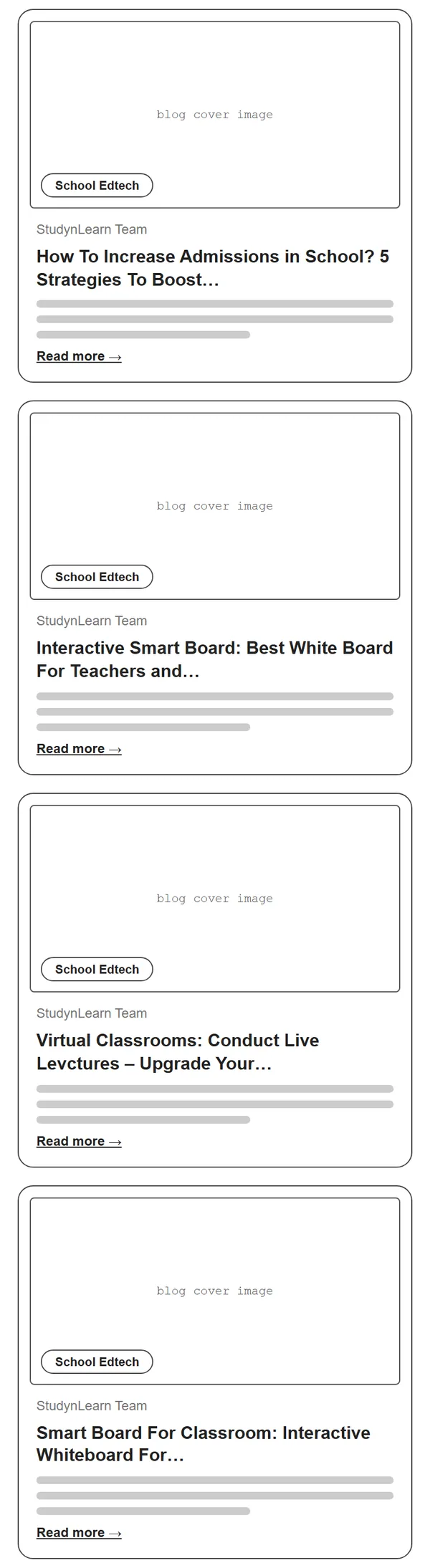
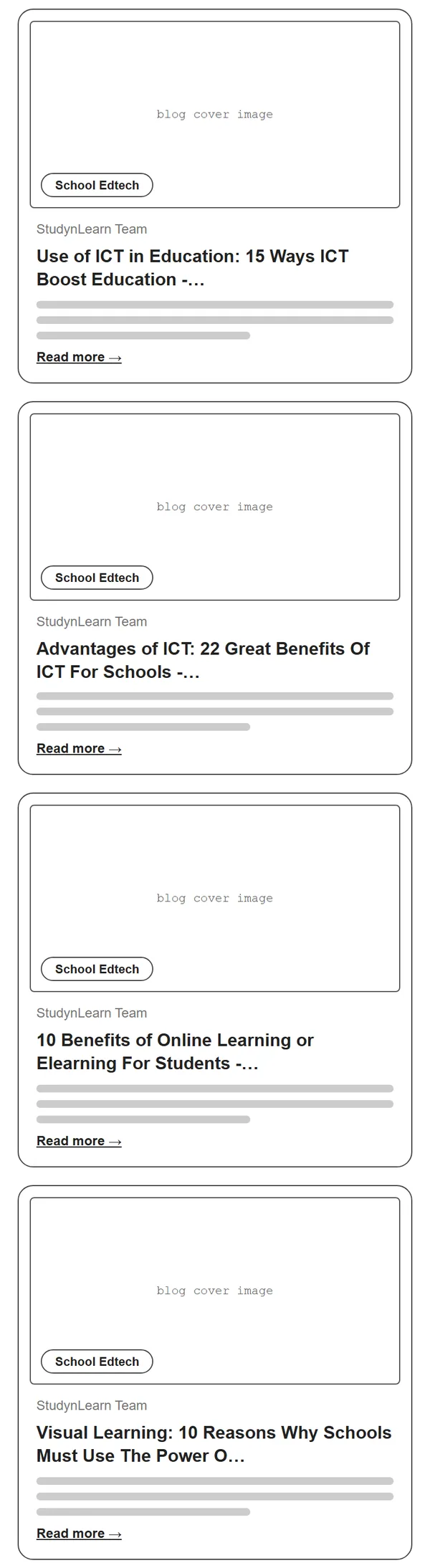
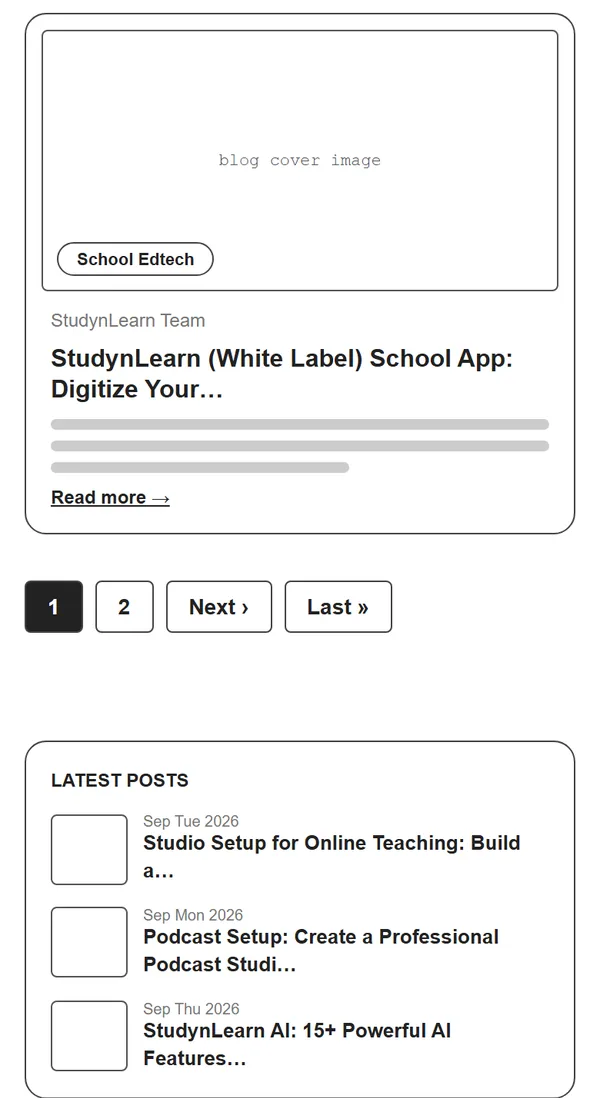
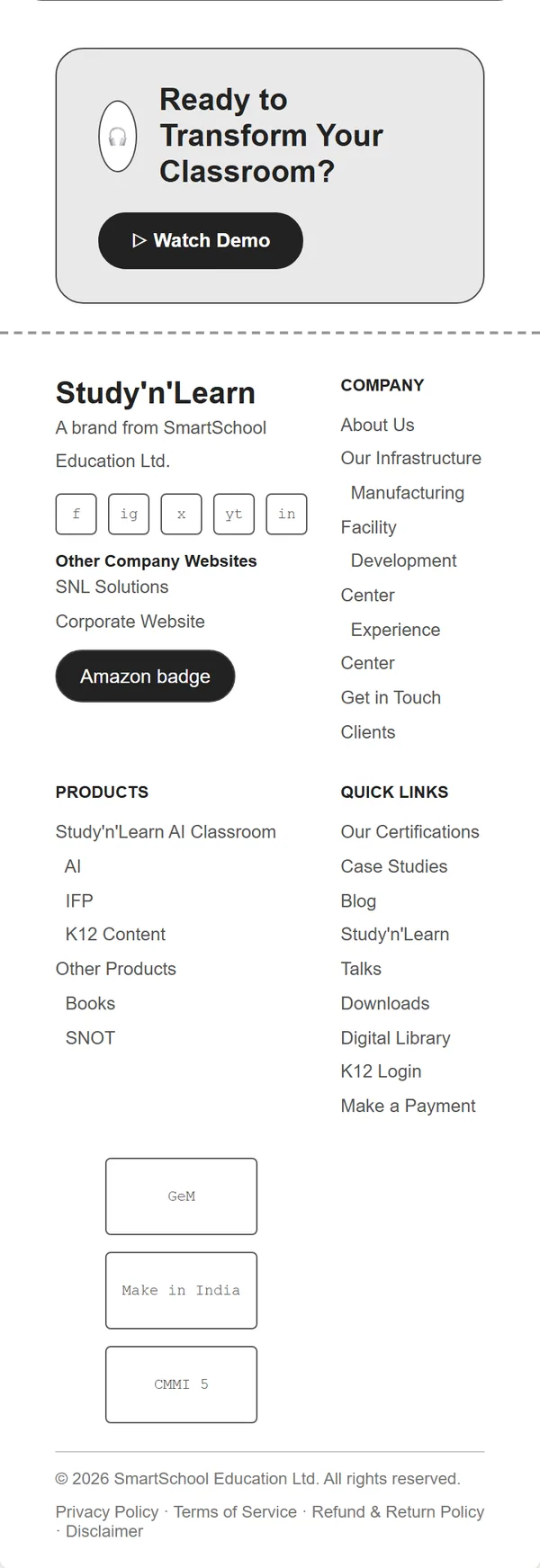
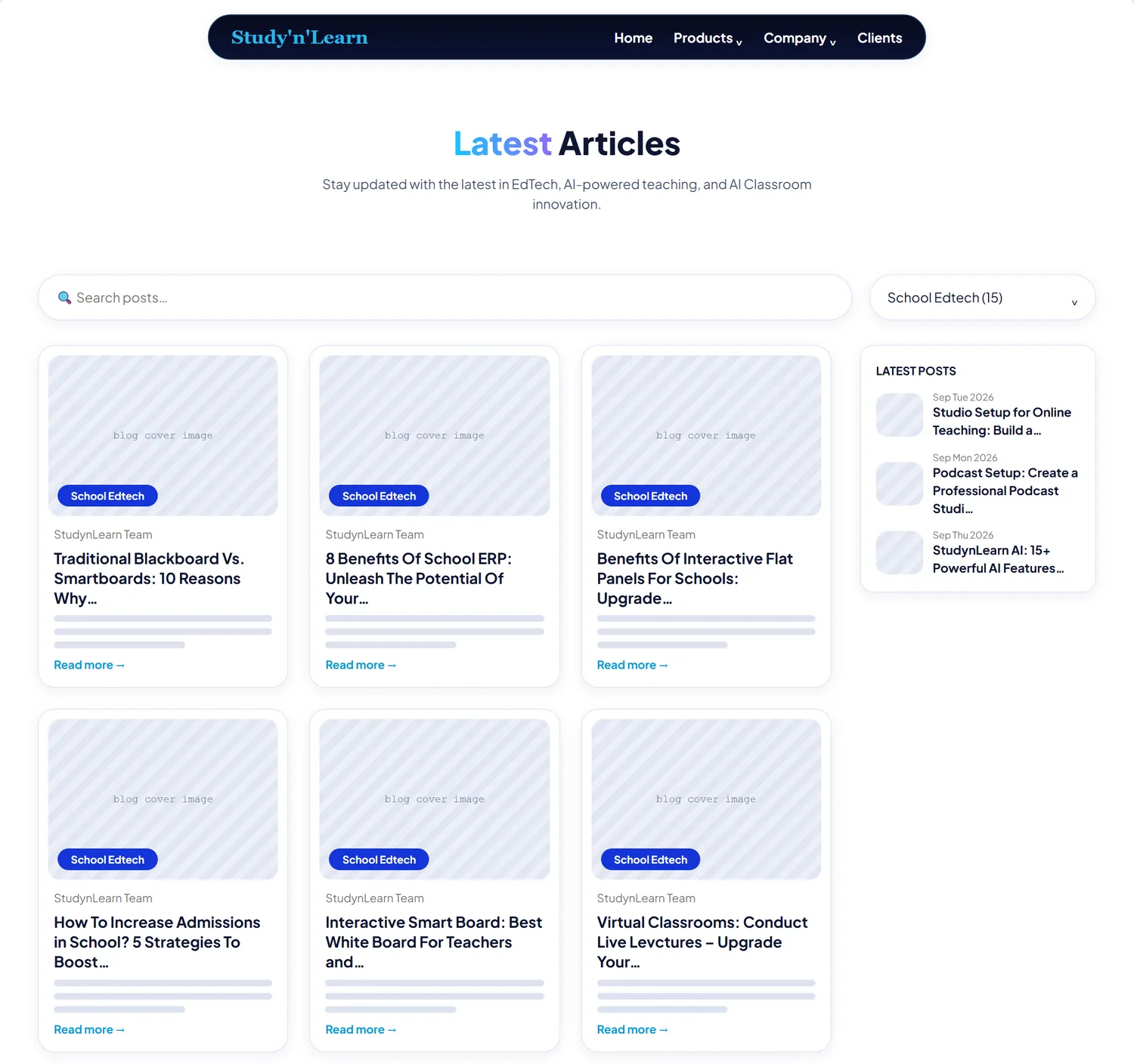
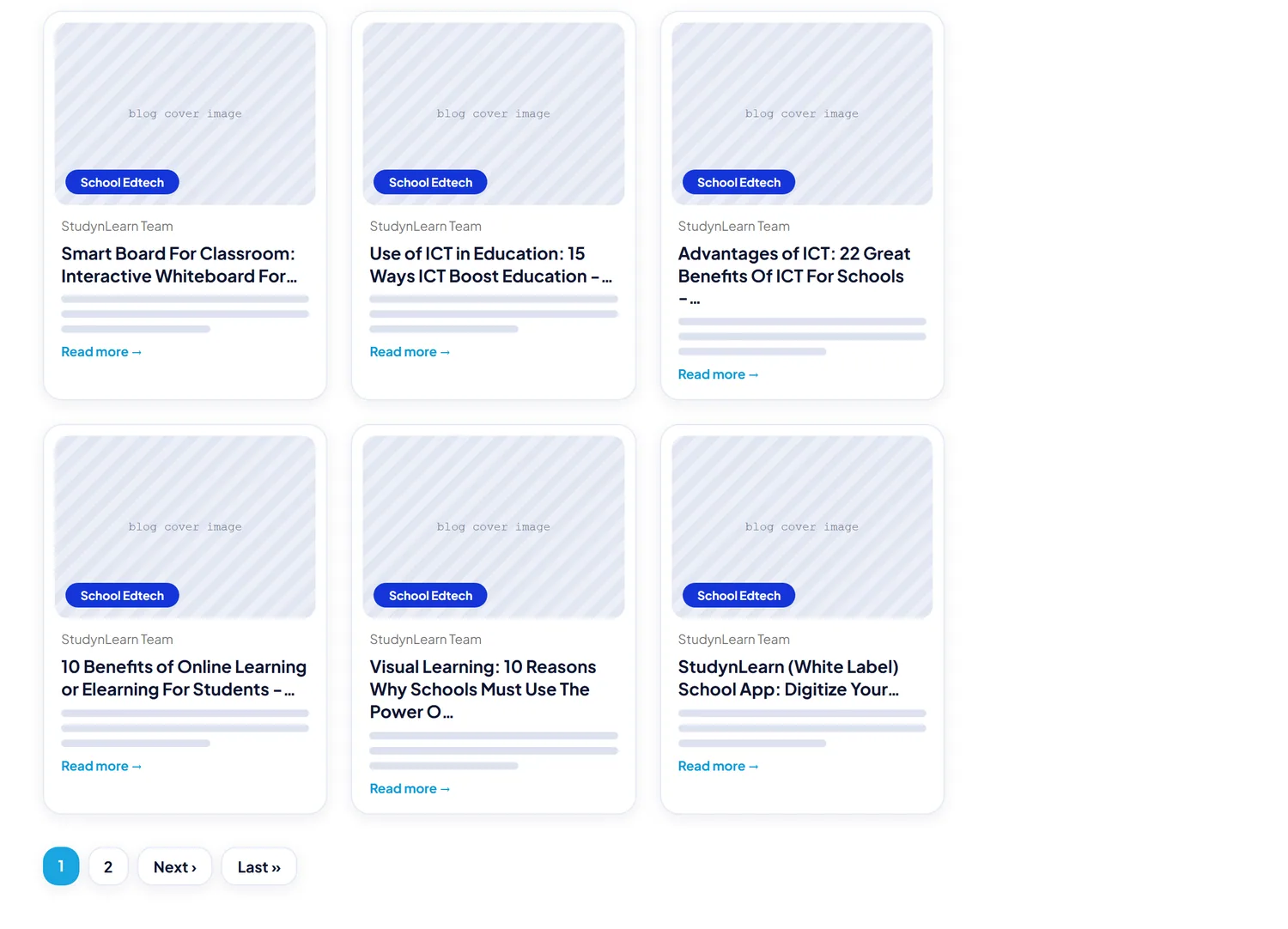
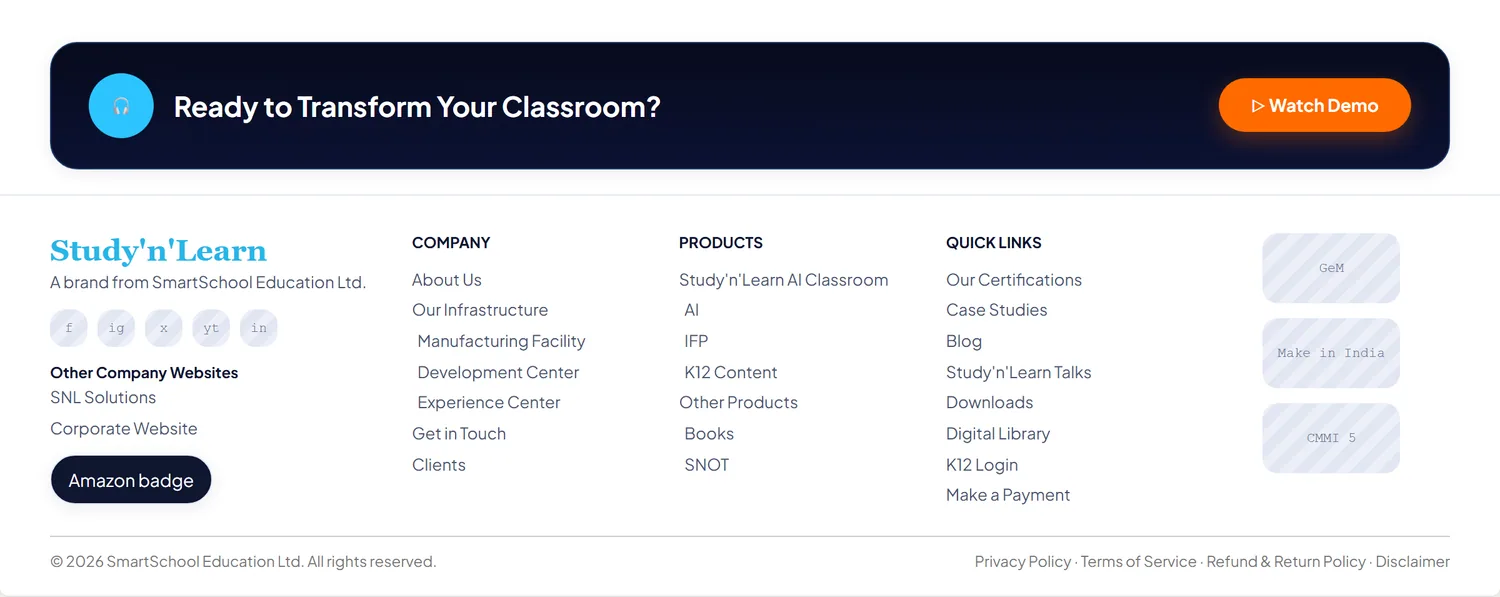
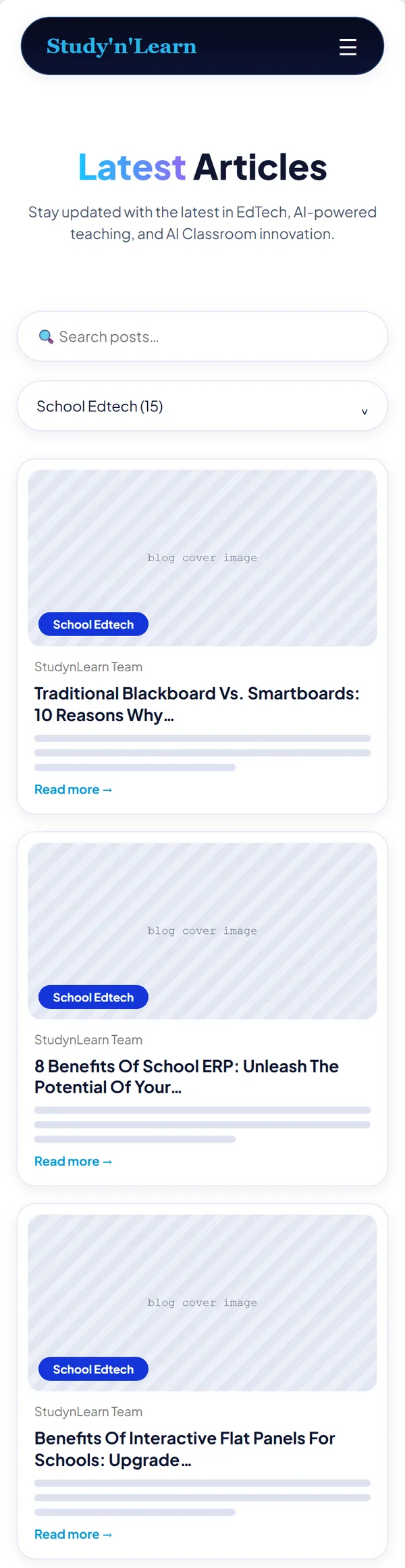
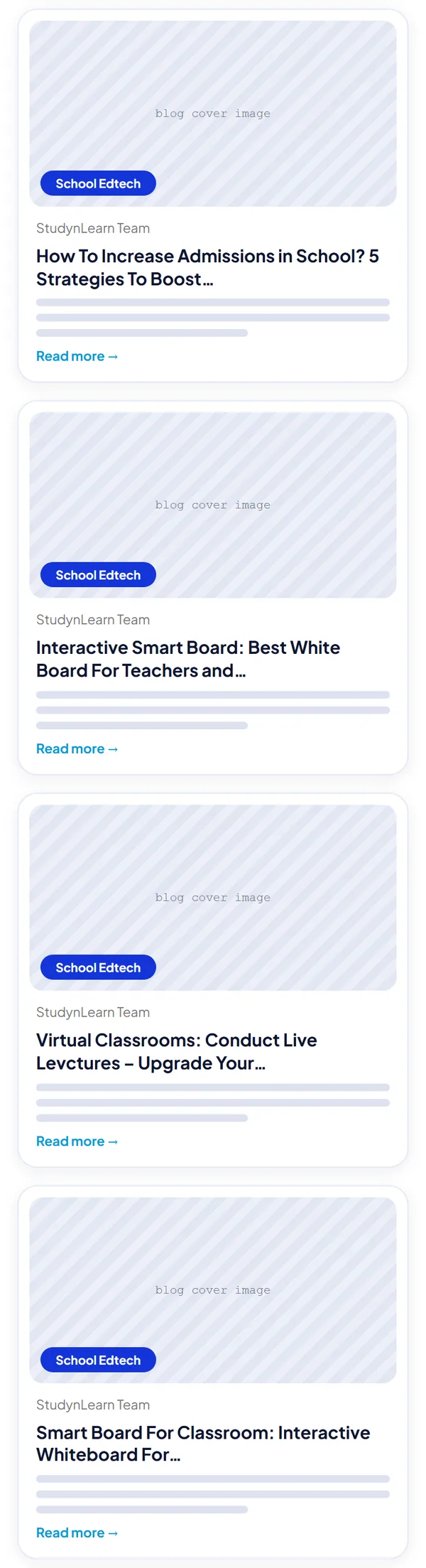
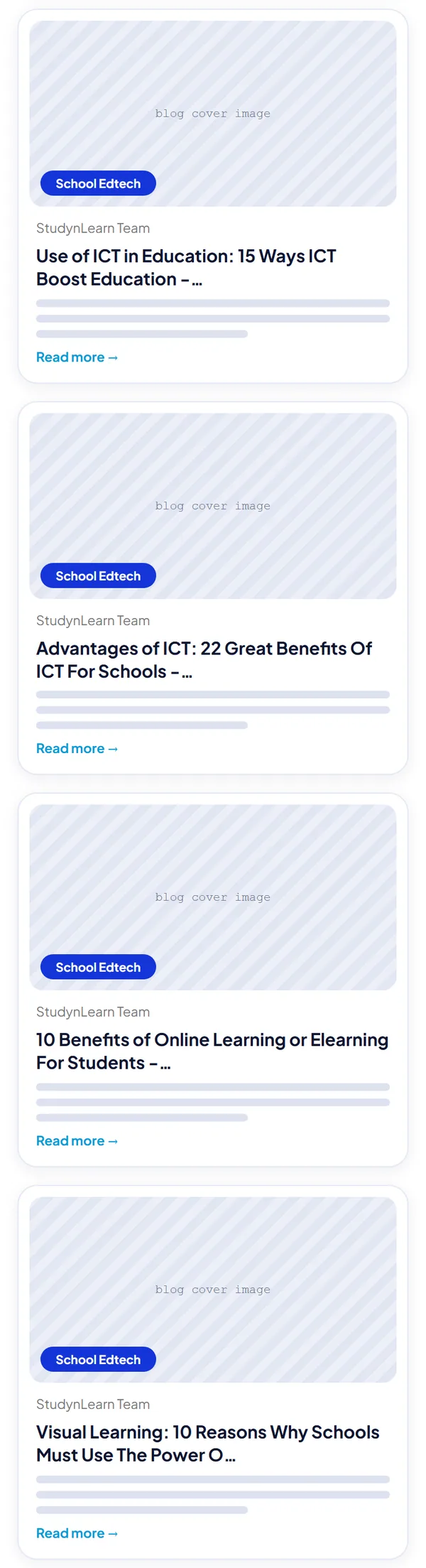
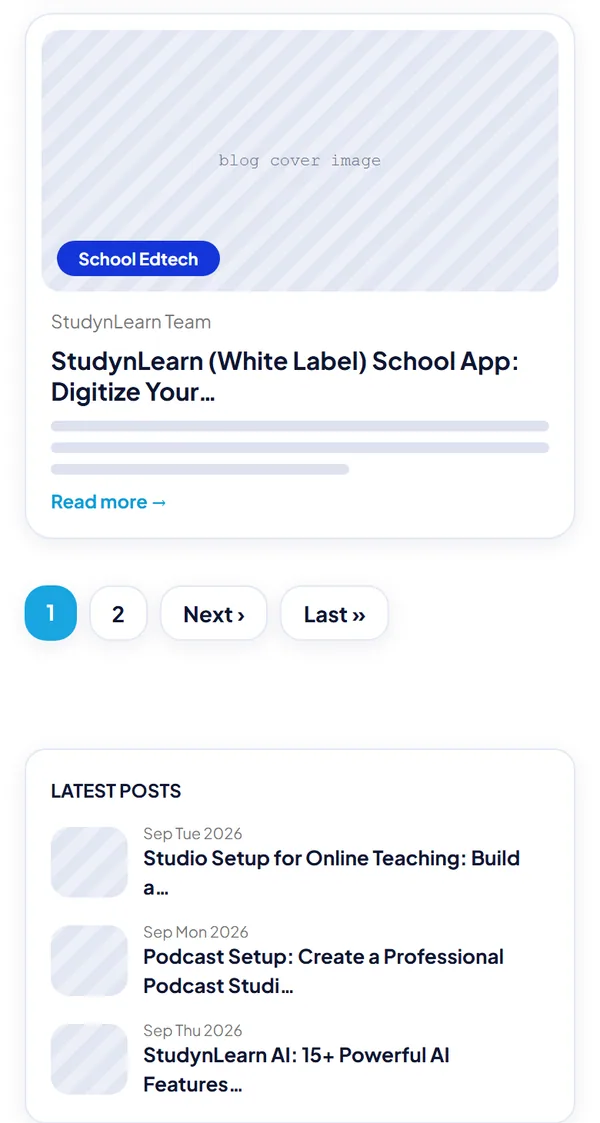
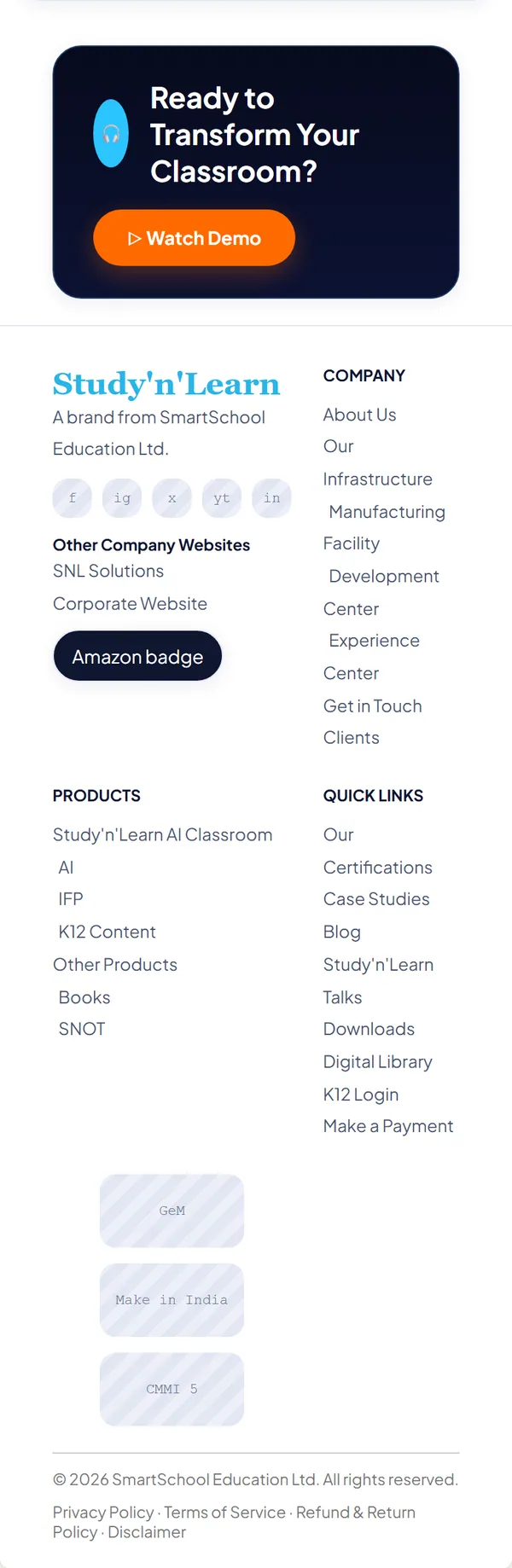
The home and blogs pages are drawn at two levels, each on desktop and on a phone: Level 1 is a grey layout of labelled boxes, and Level 2 keeps that layout and adds the brand's colors. The flat panel page wireframes are still to come.
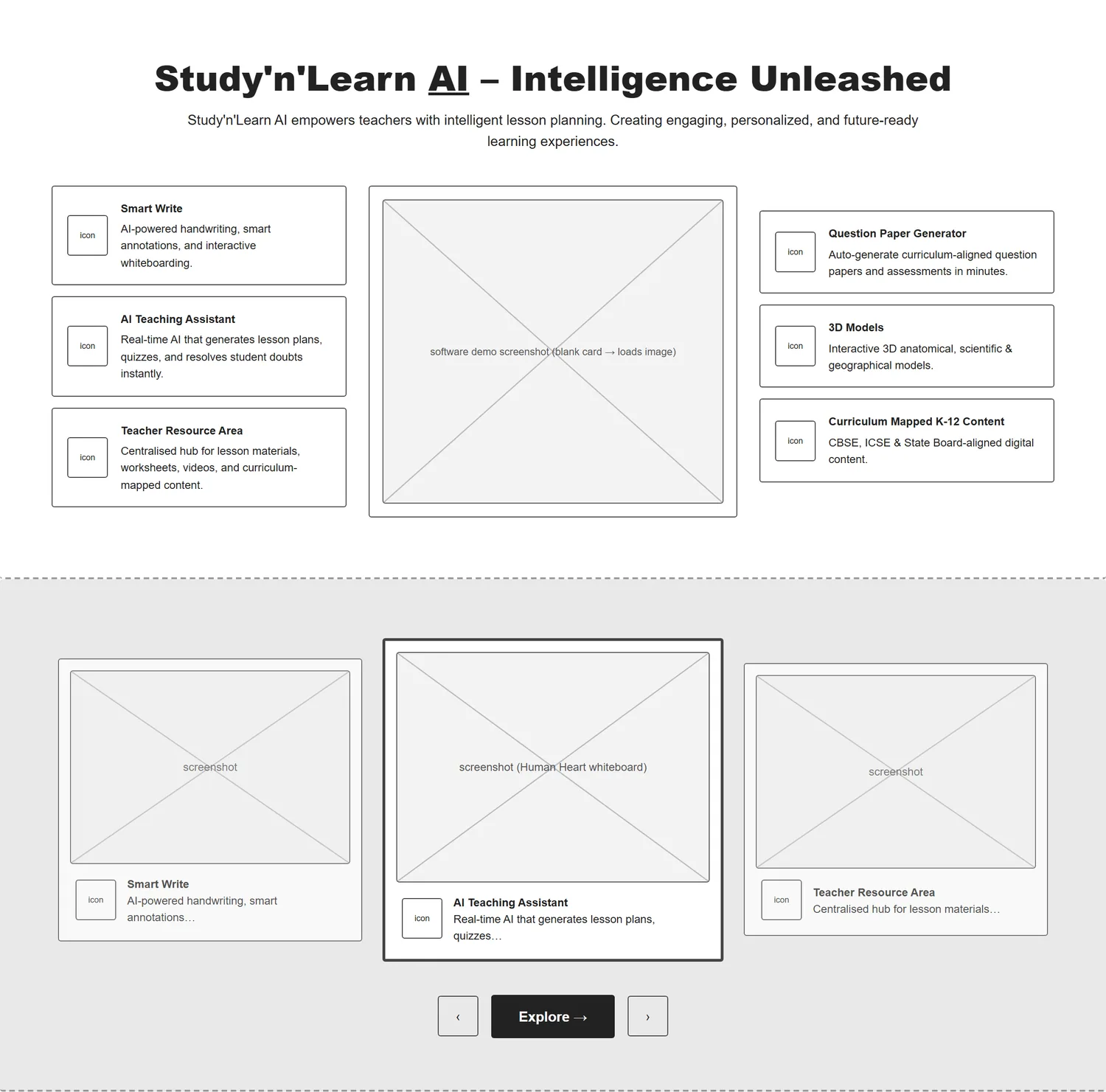
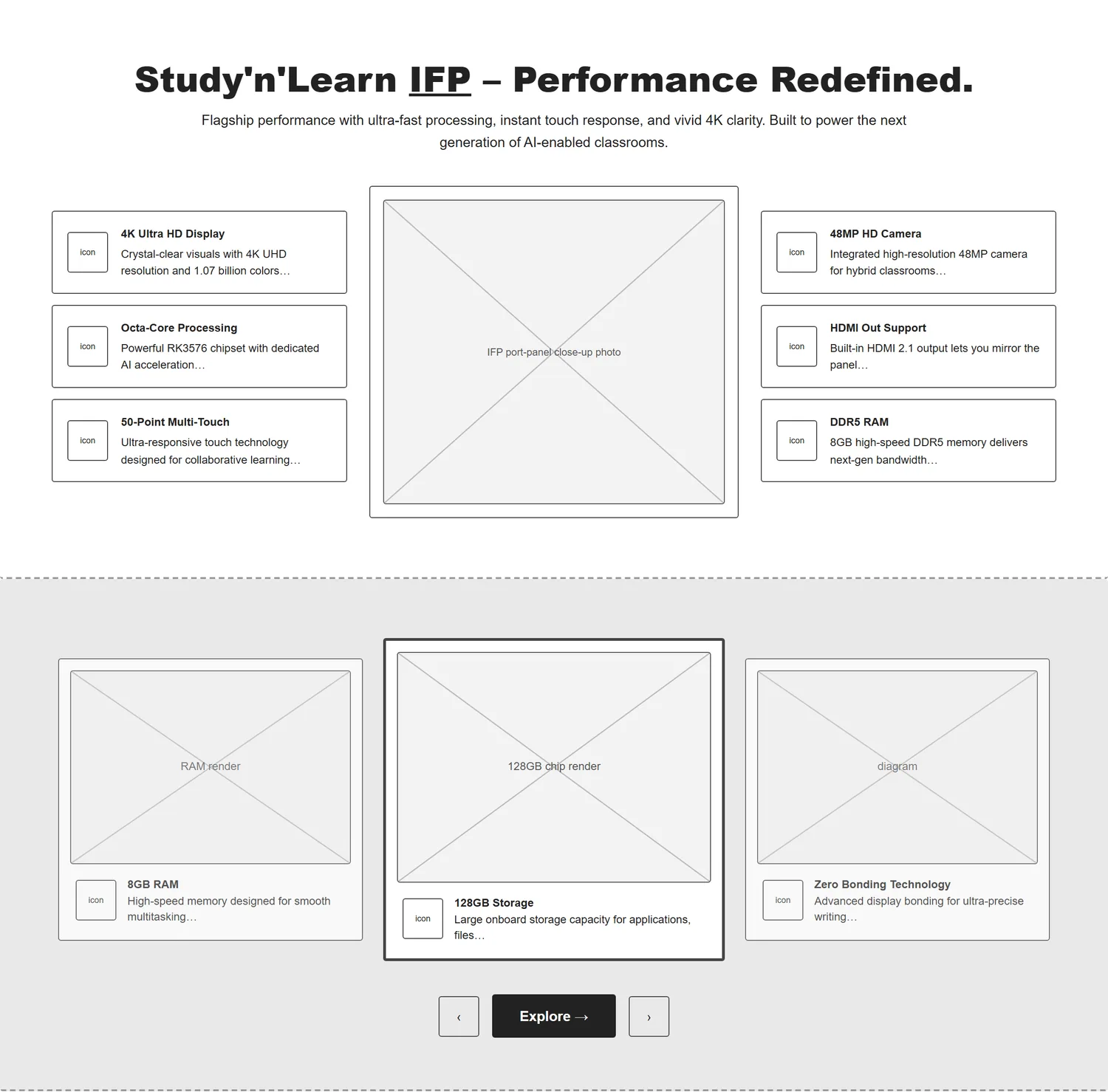
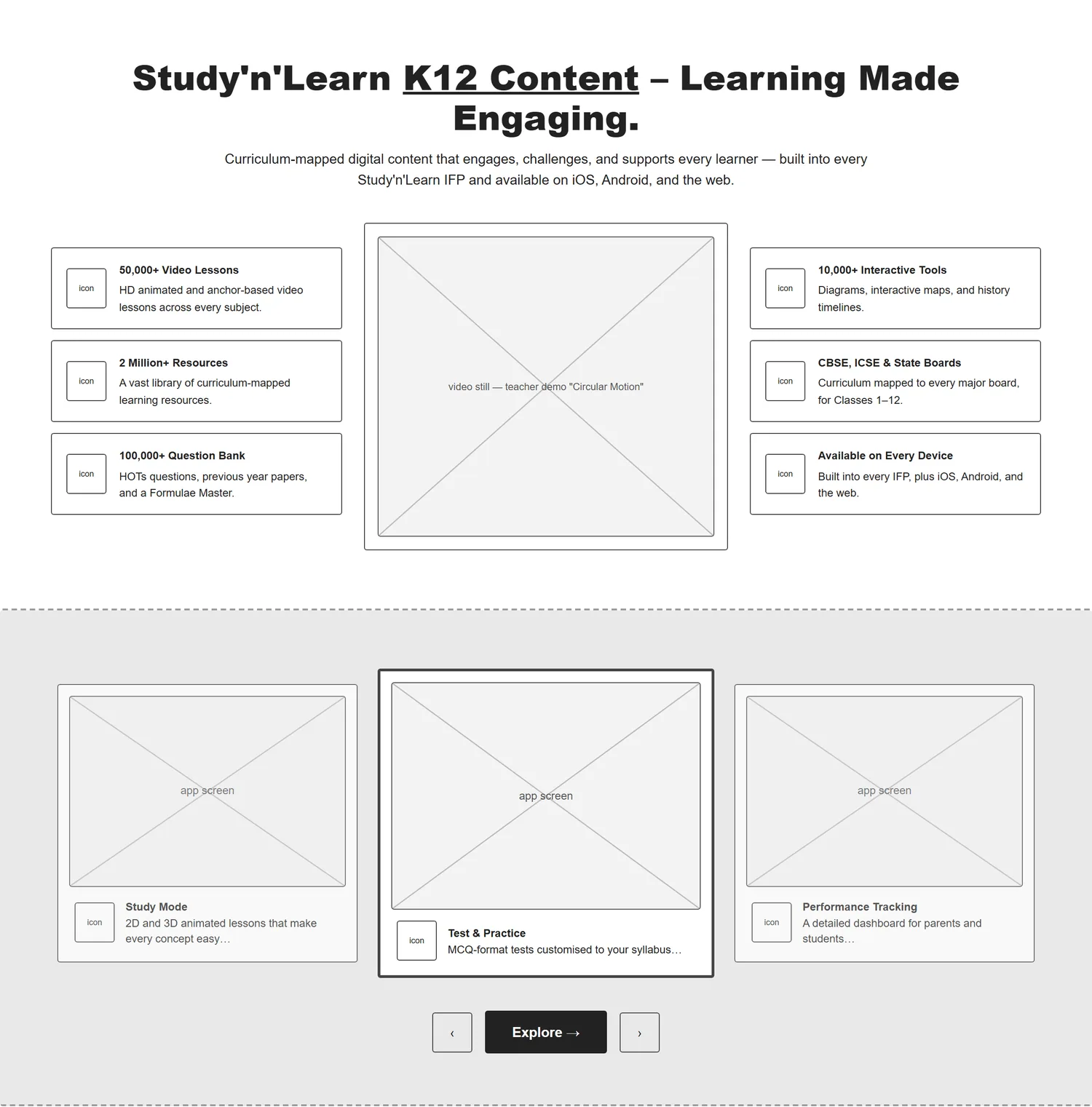
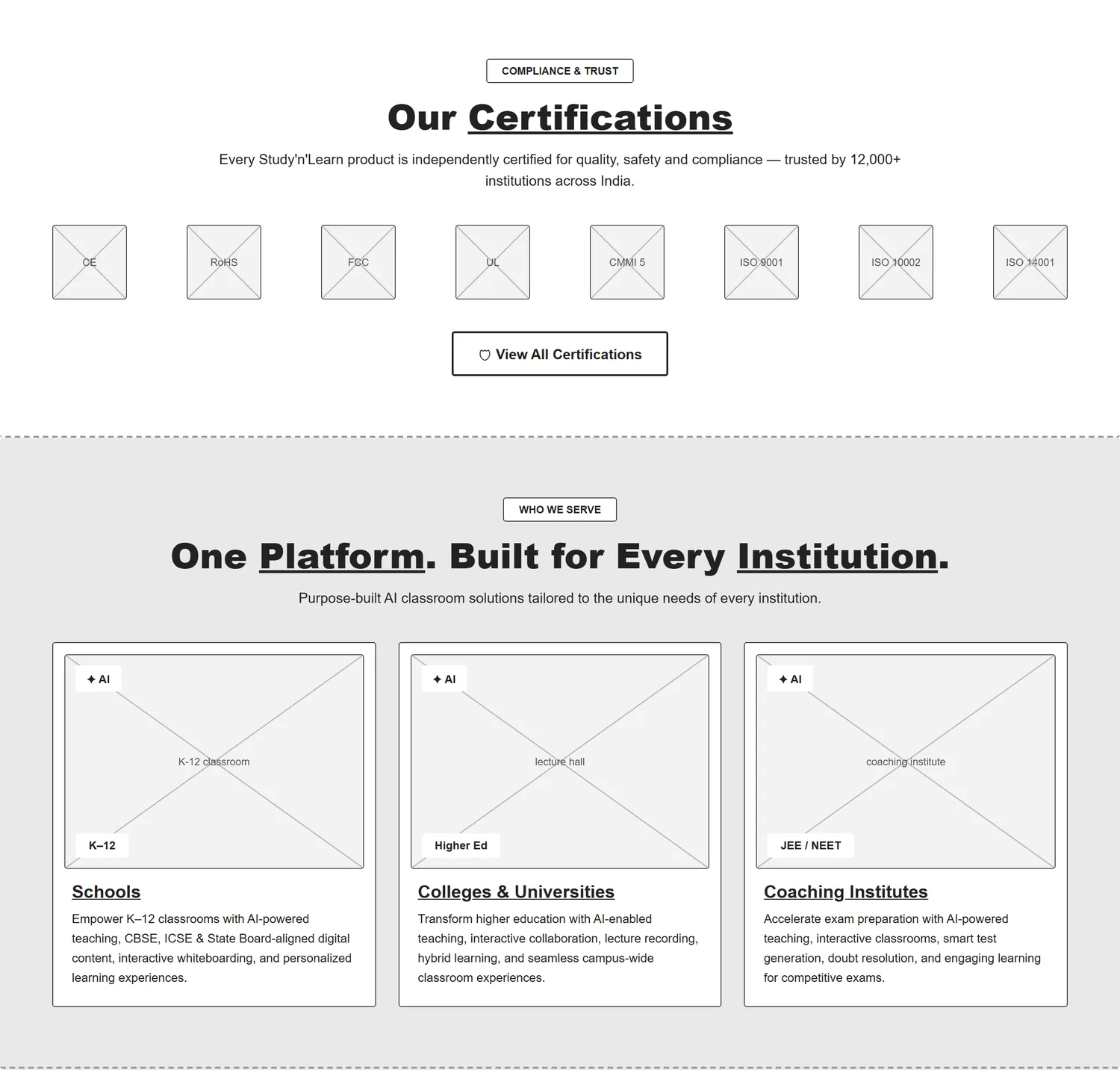
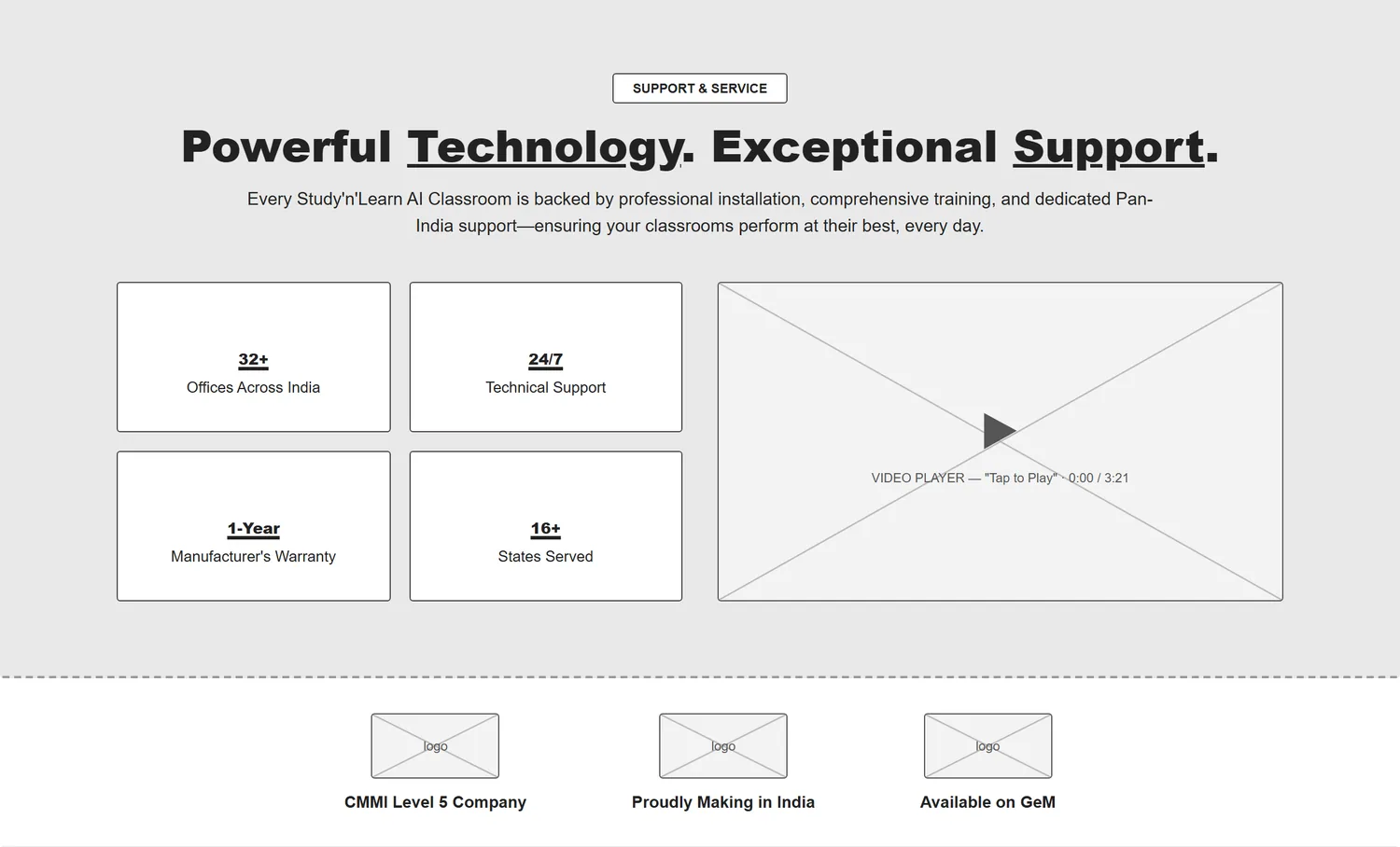
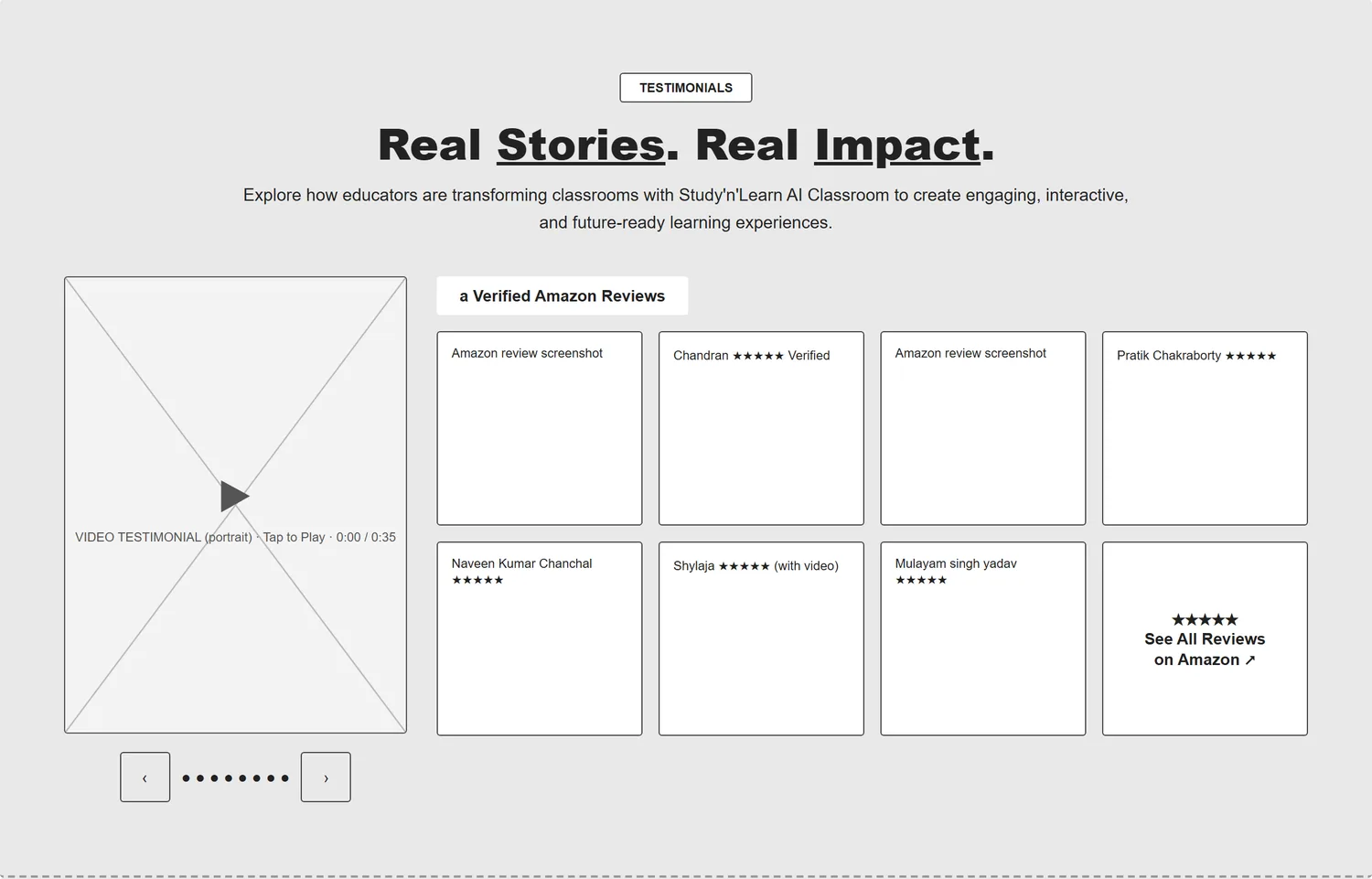
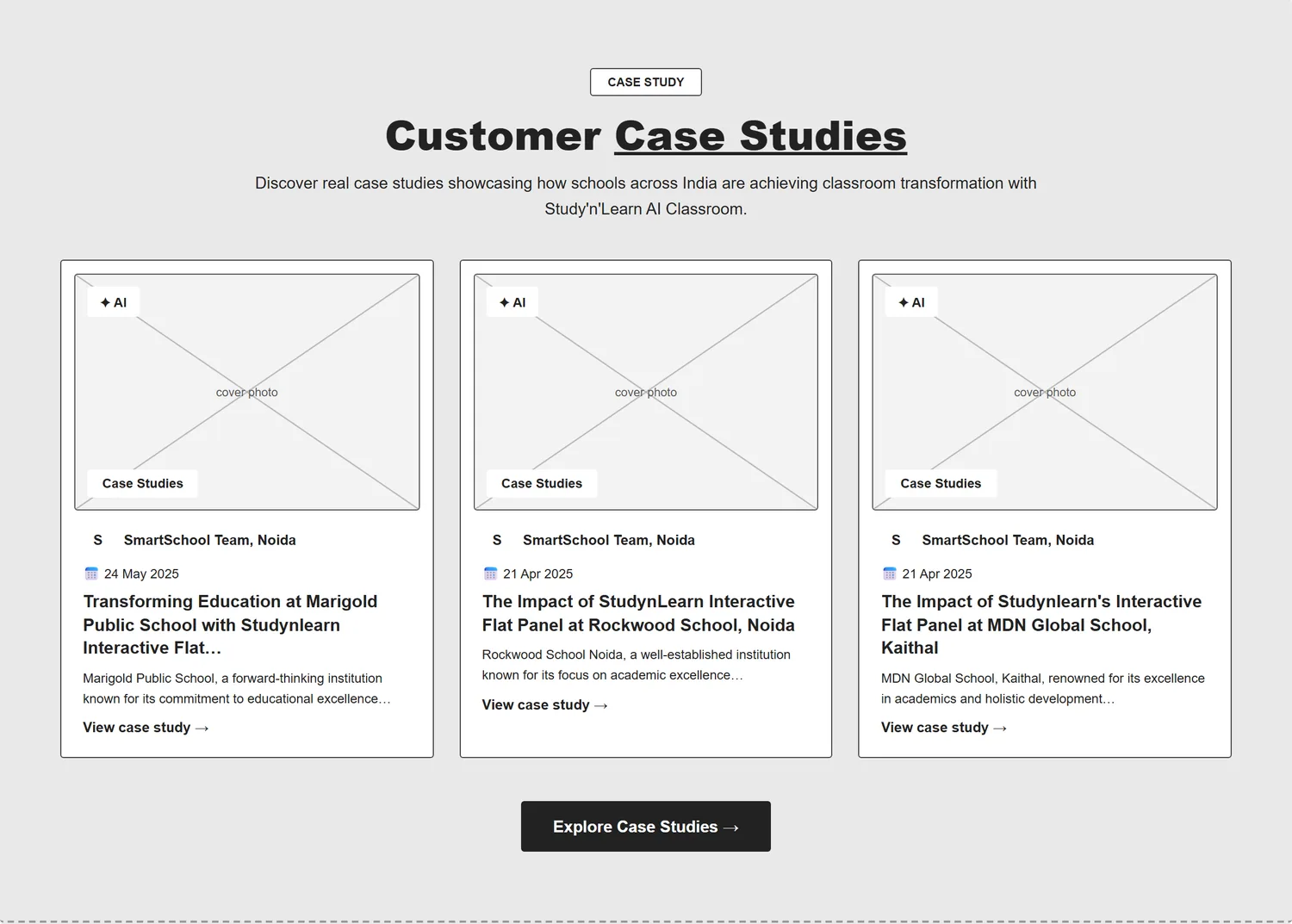
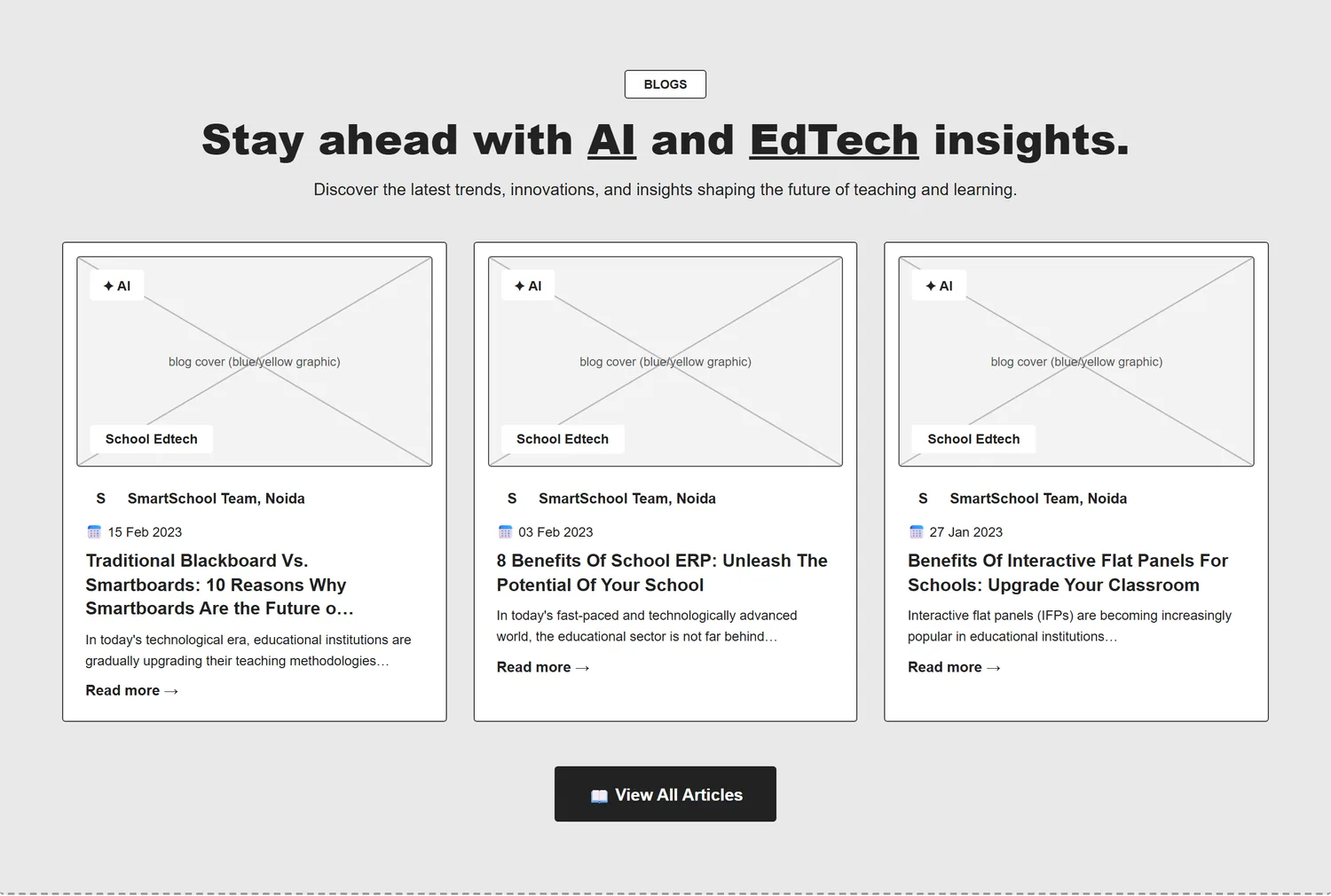
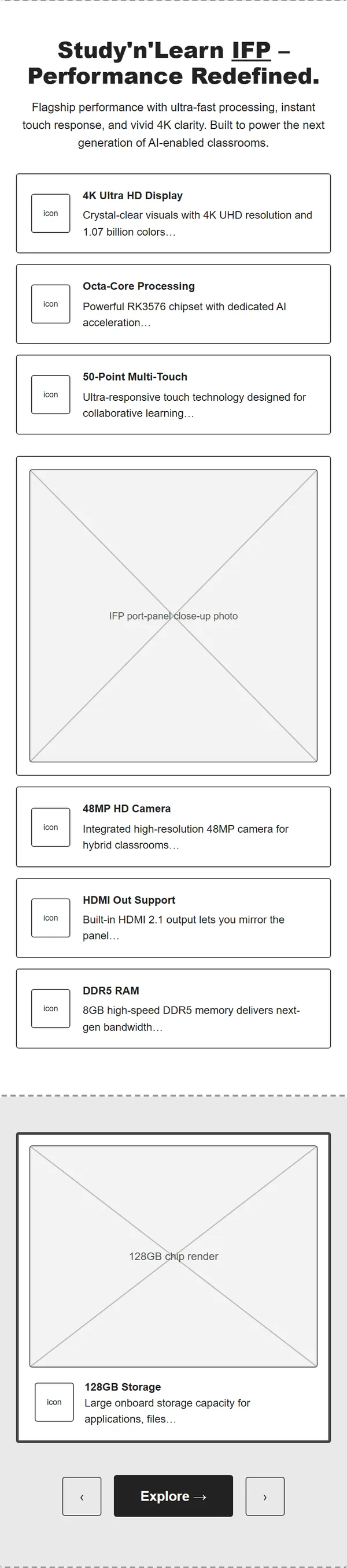
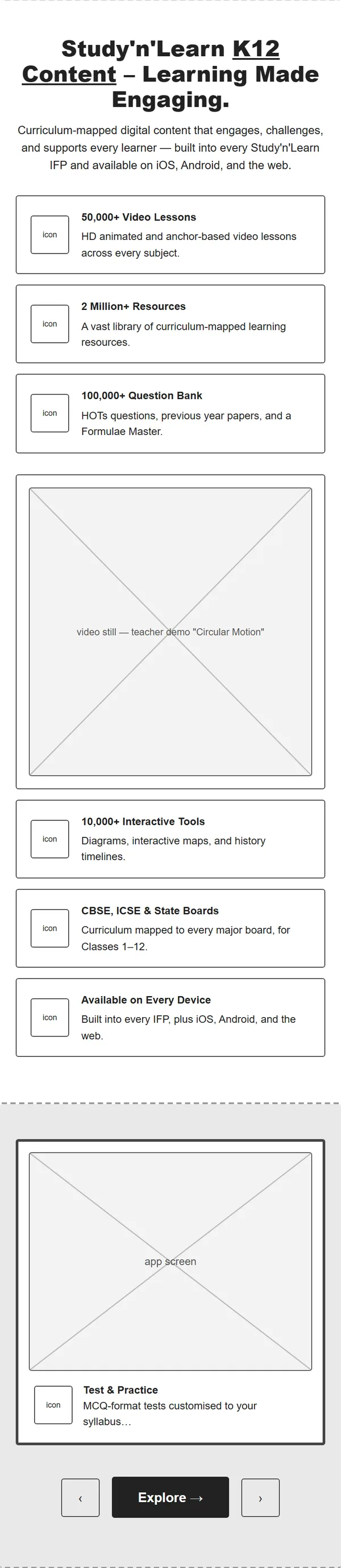

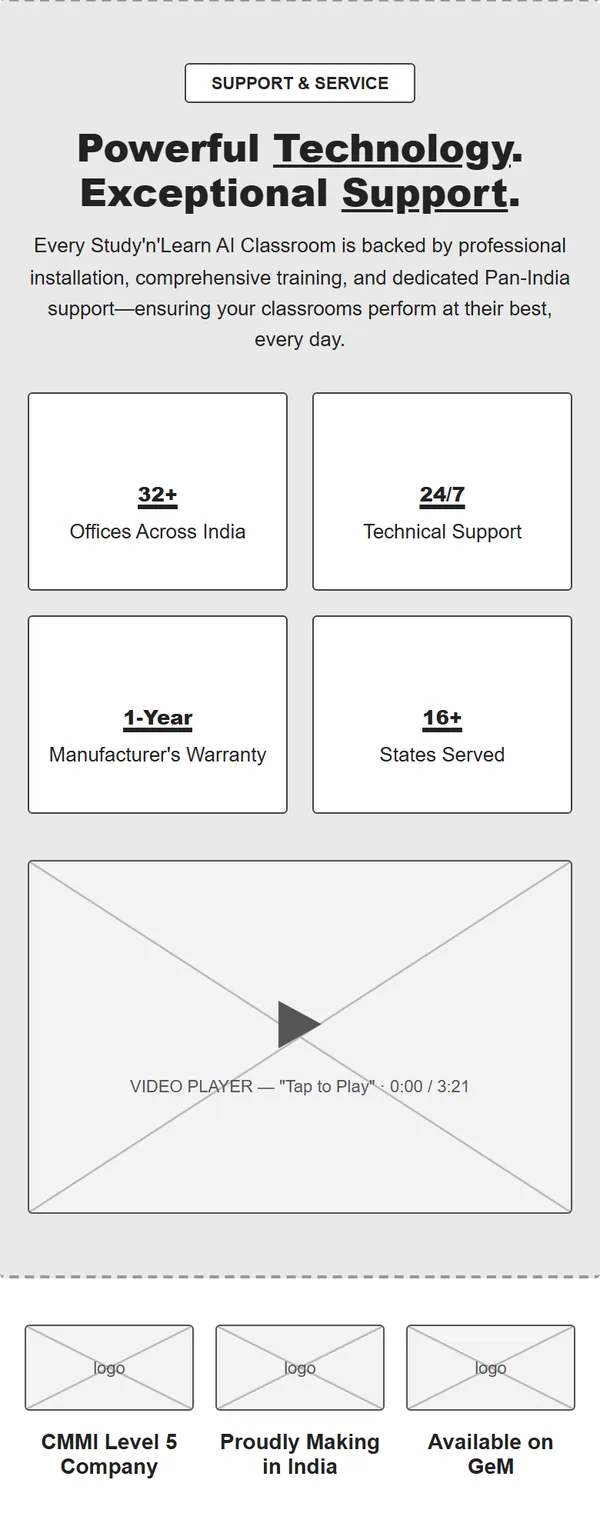
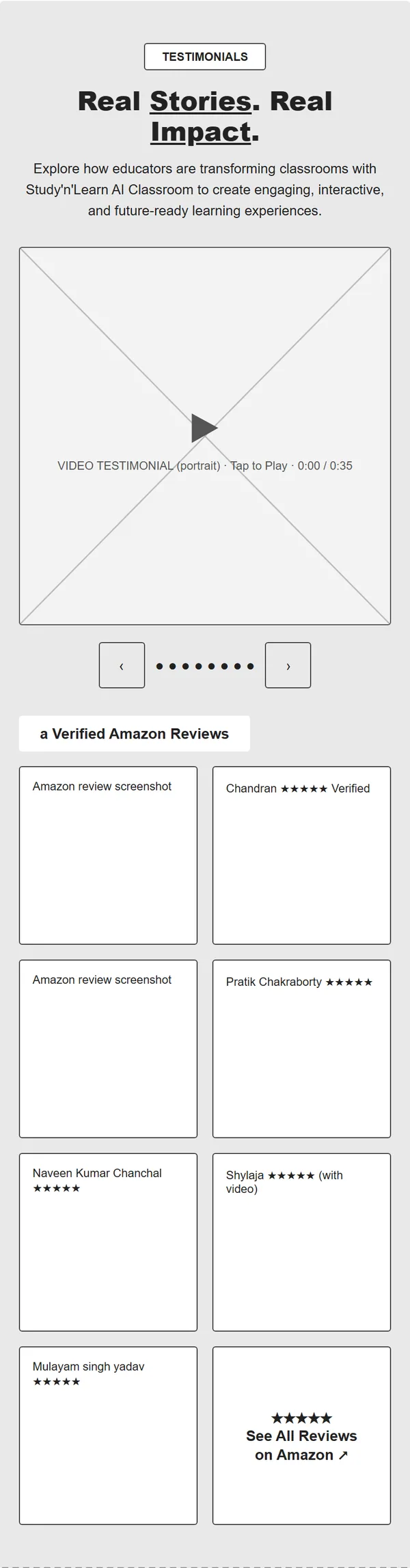
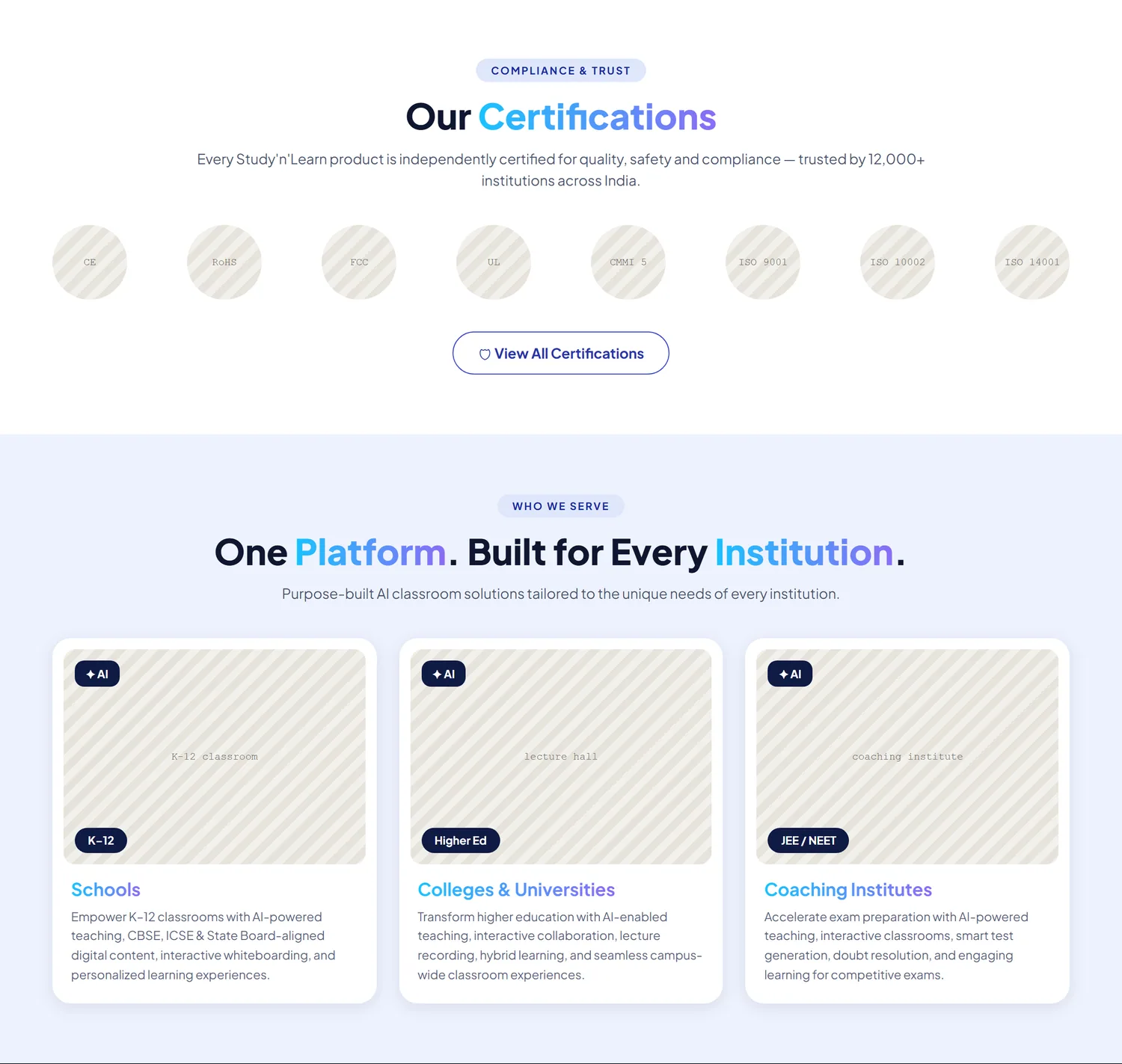
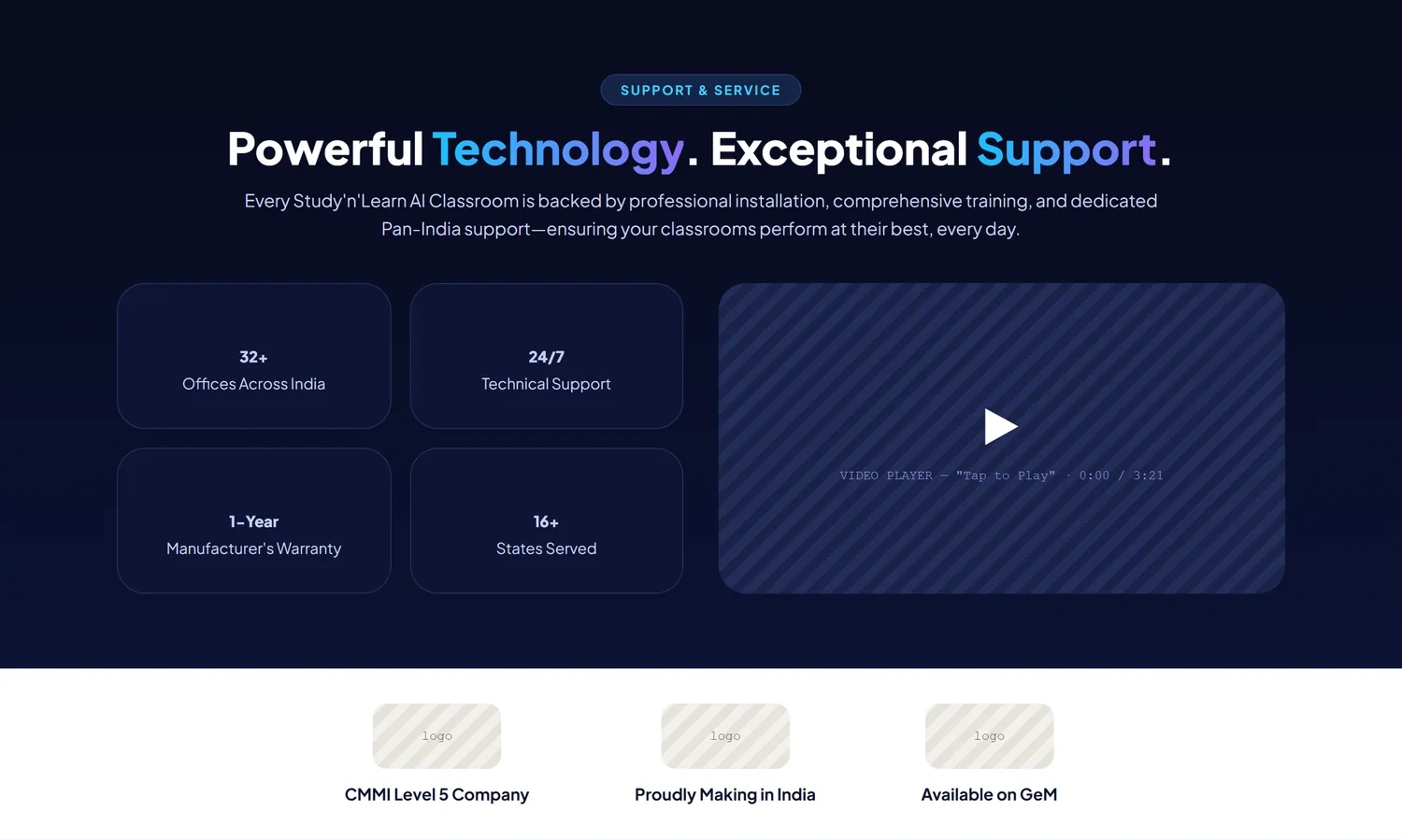
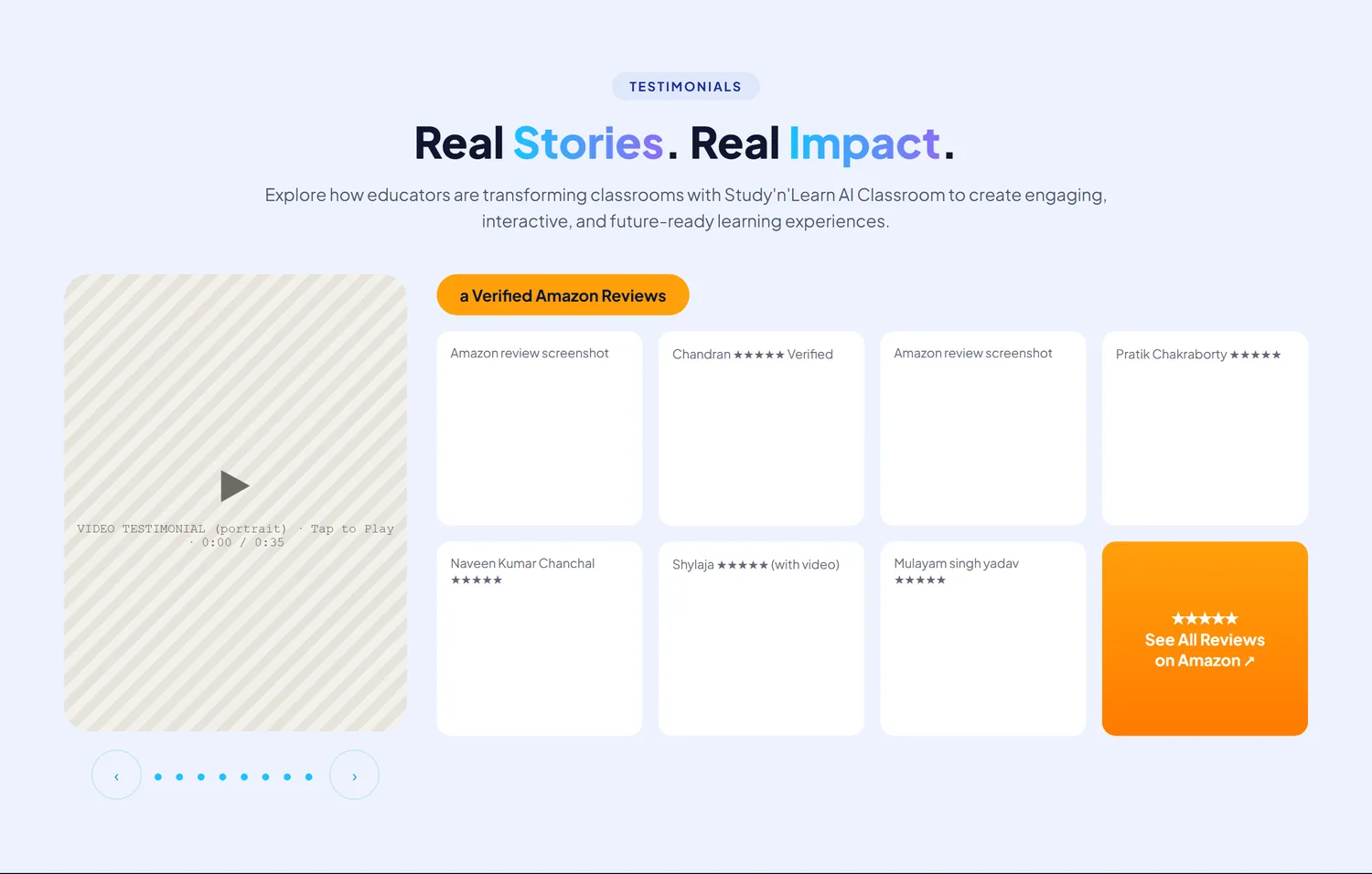
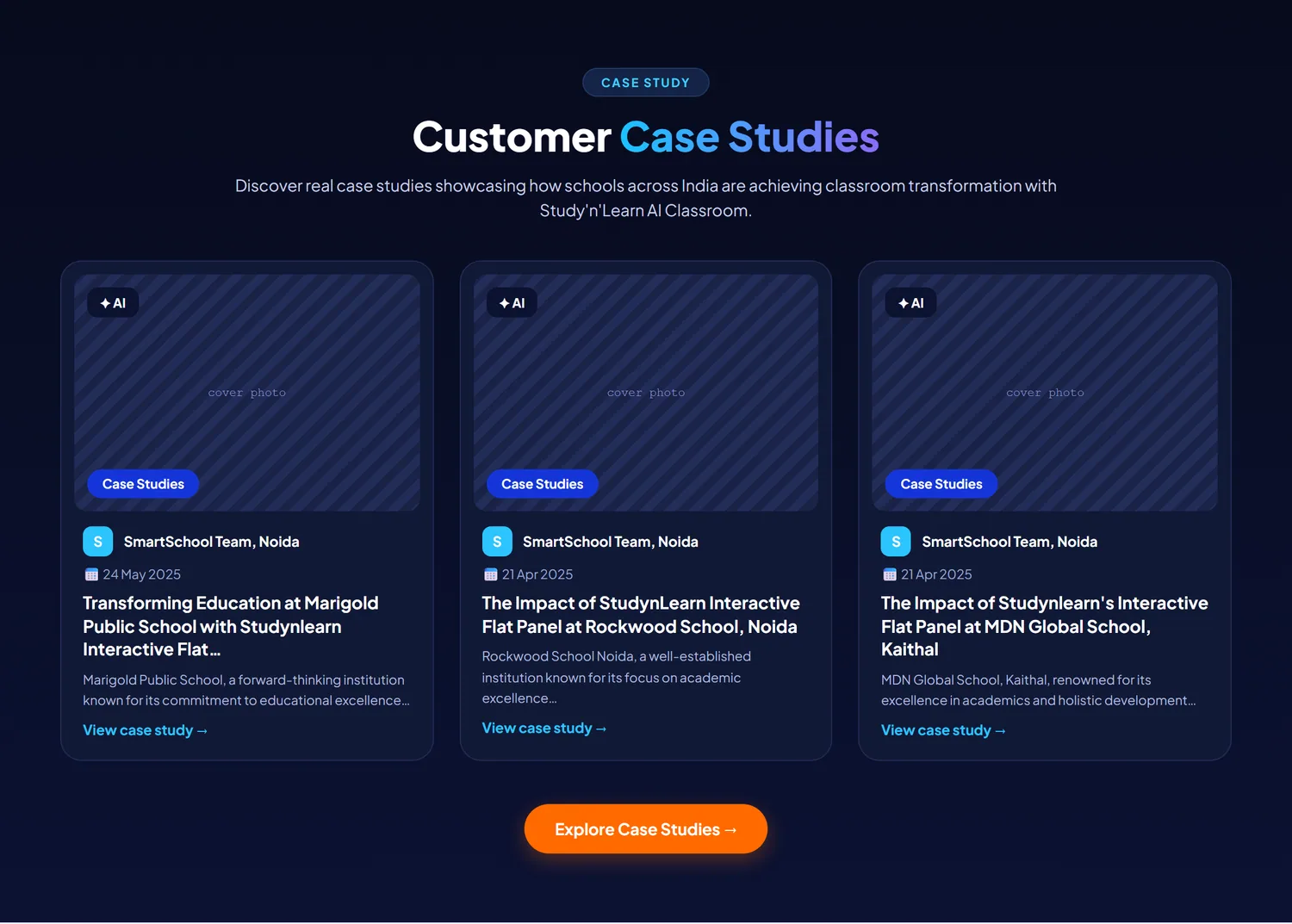

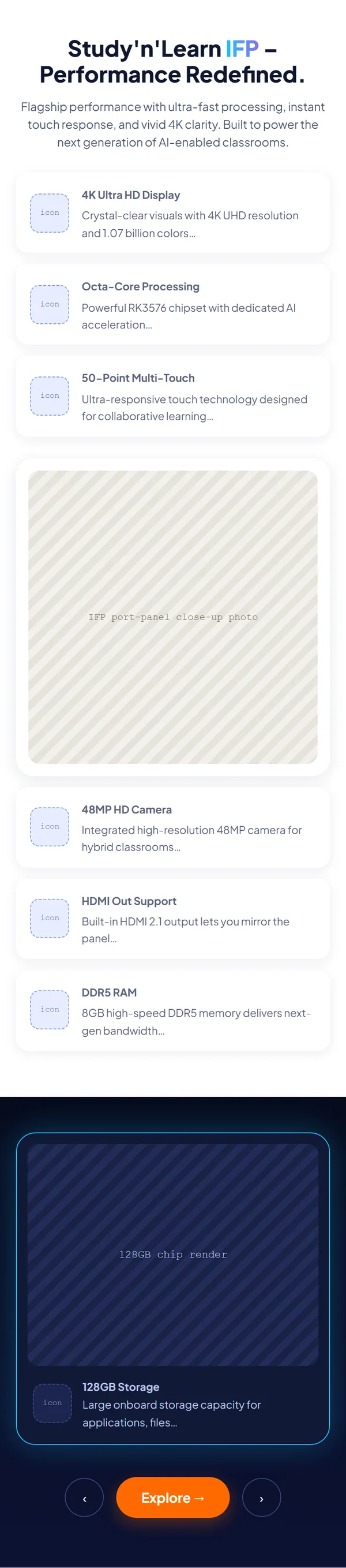
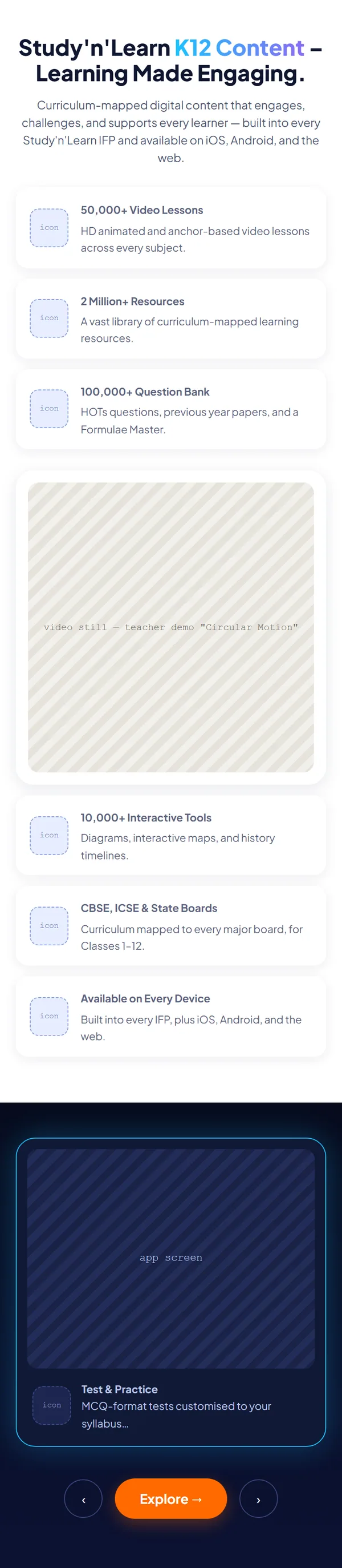

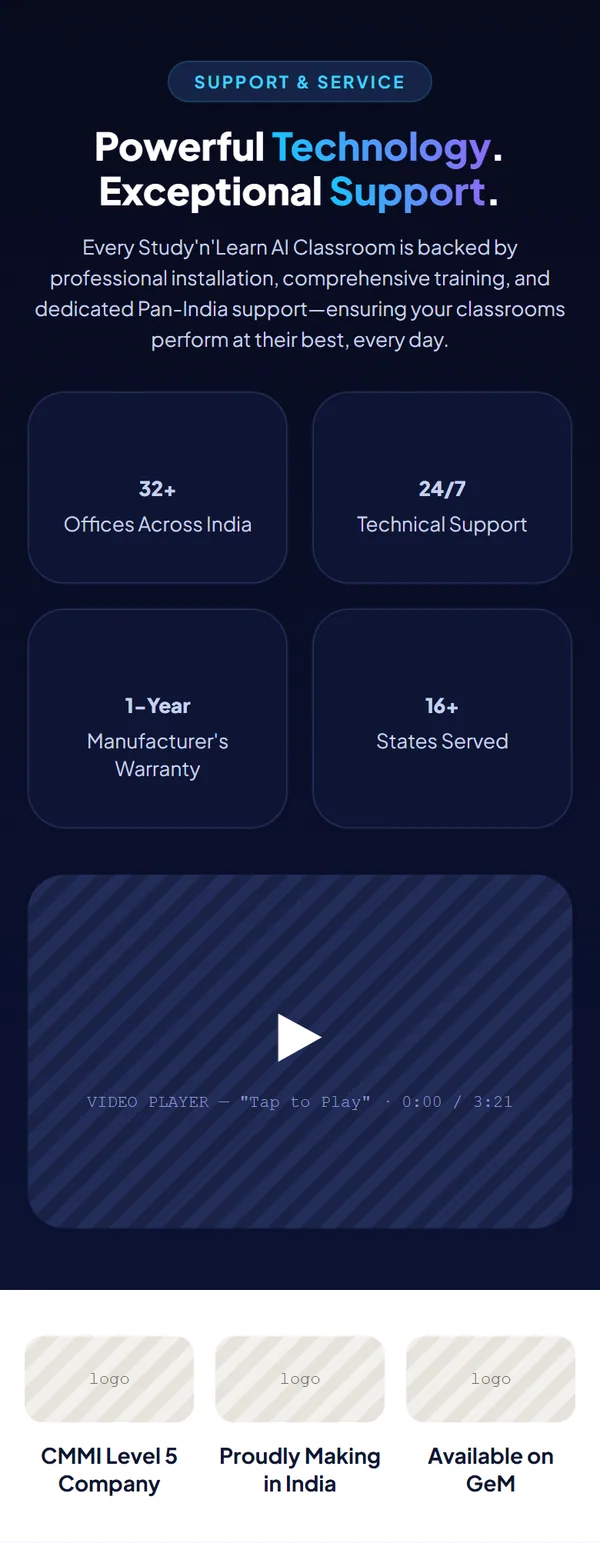
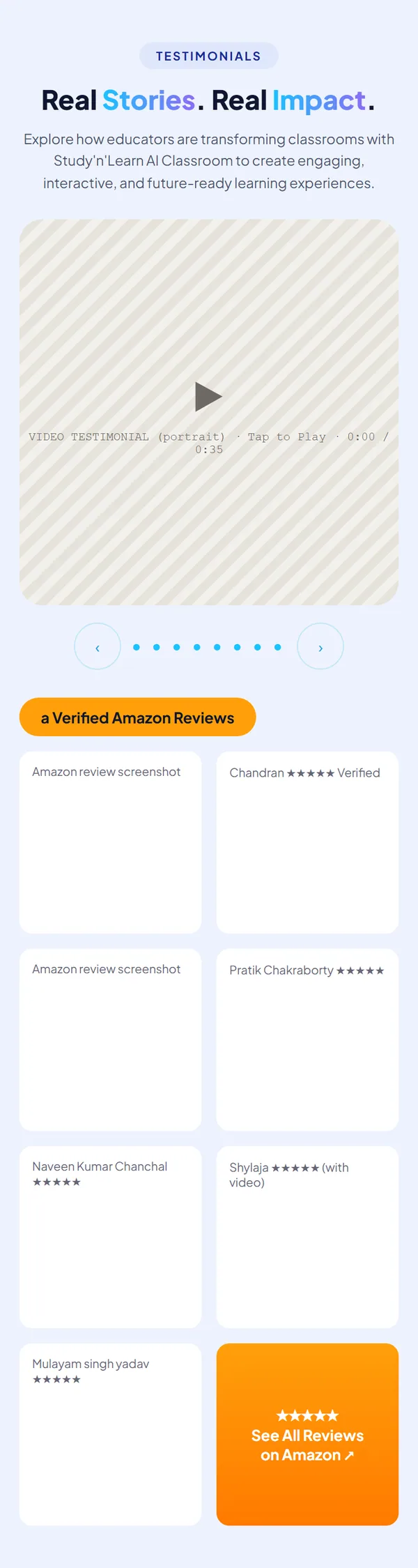

Flat panel page wireframe
Coming soon
Flat panel page
Coming soon
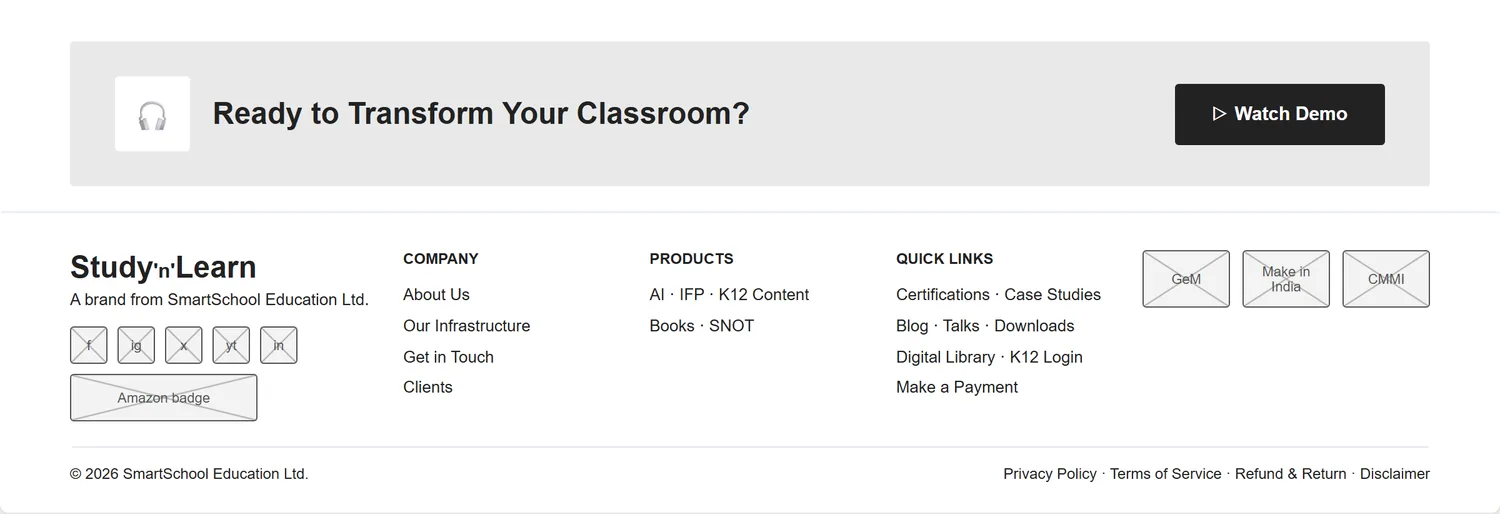
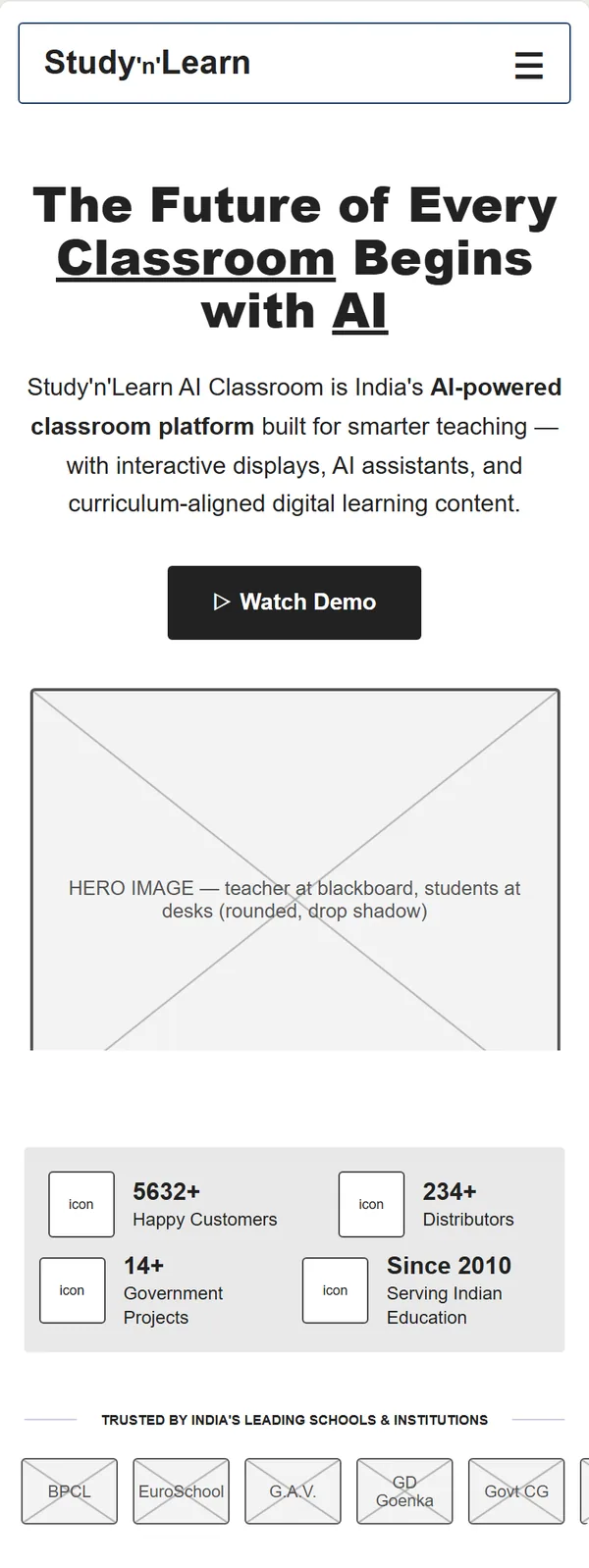
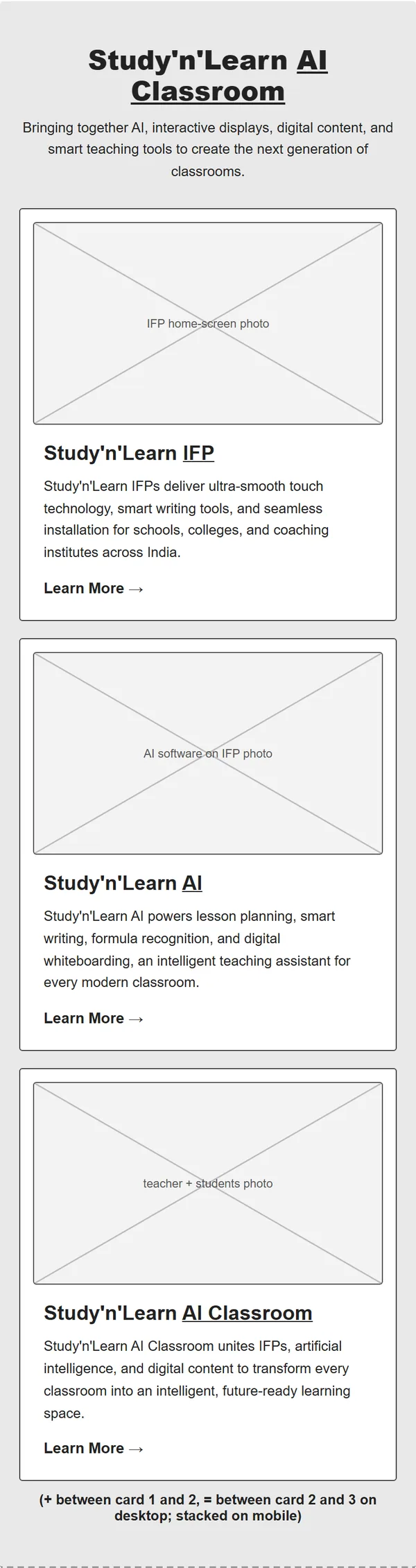
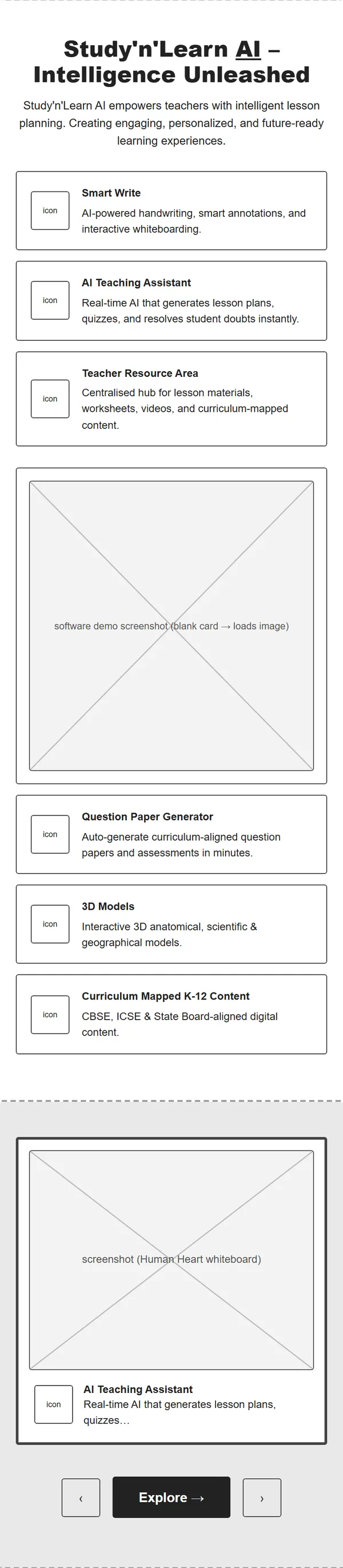
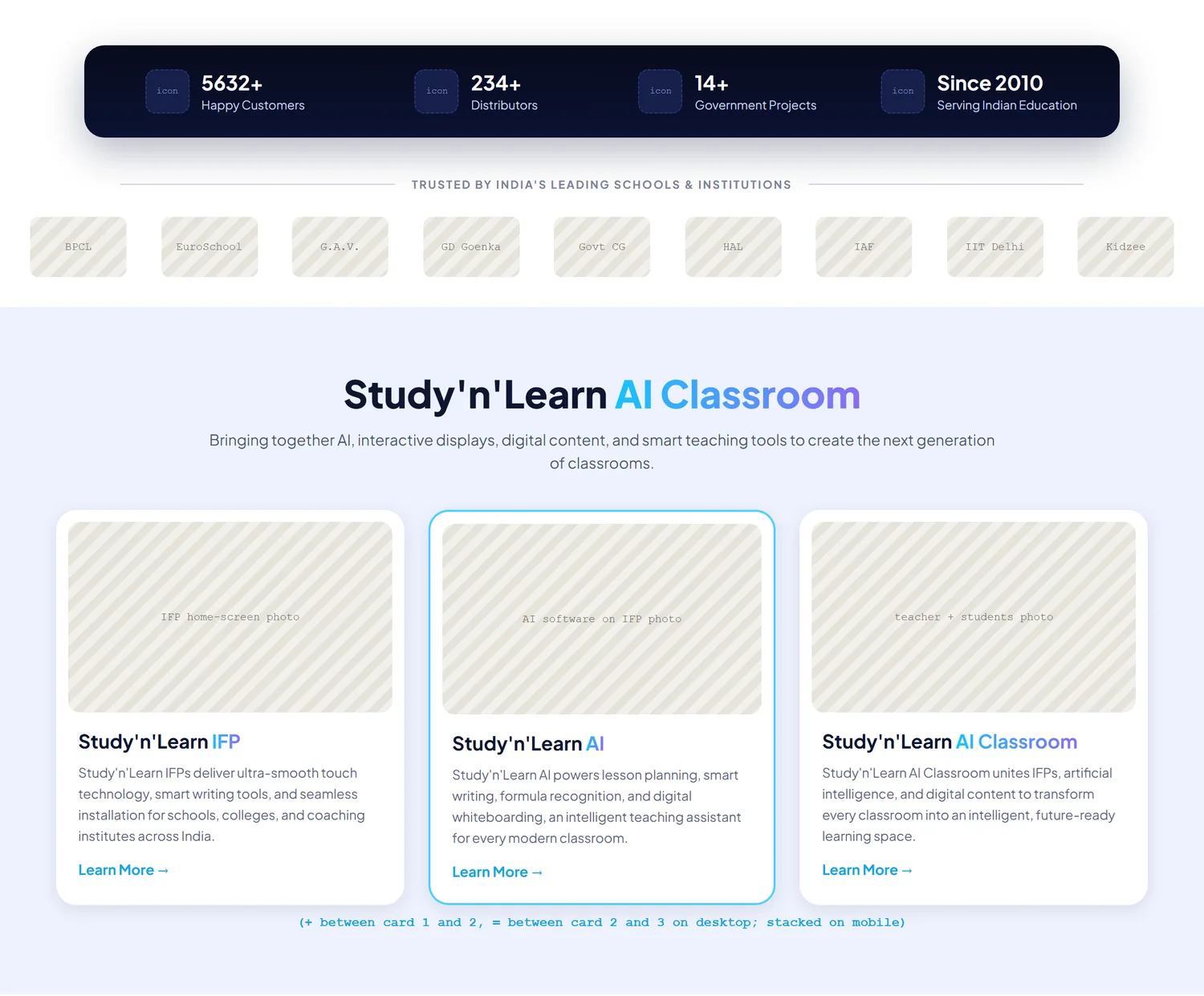
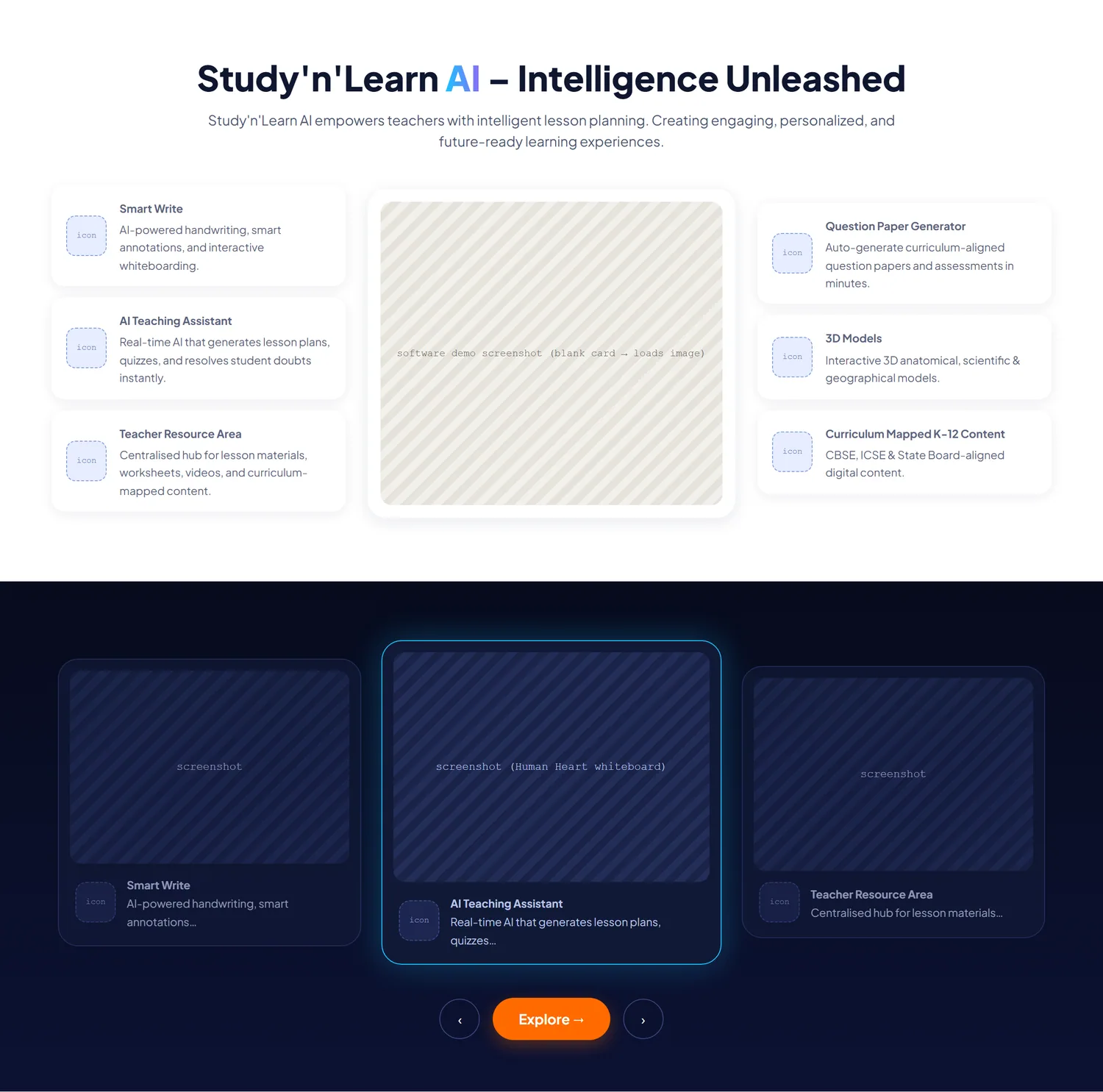
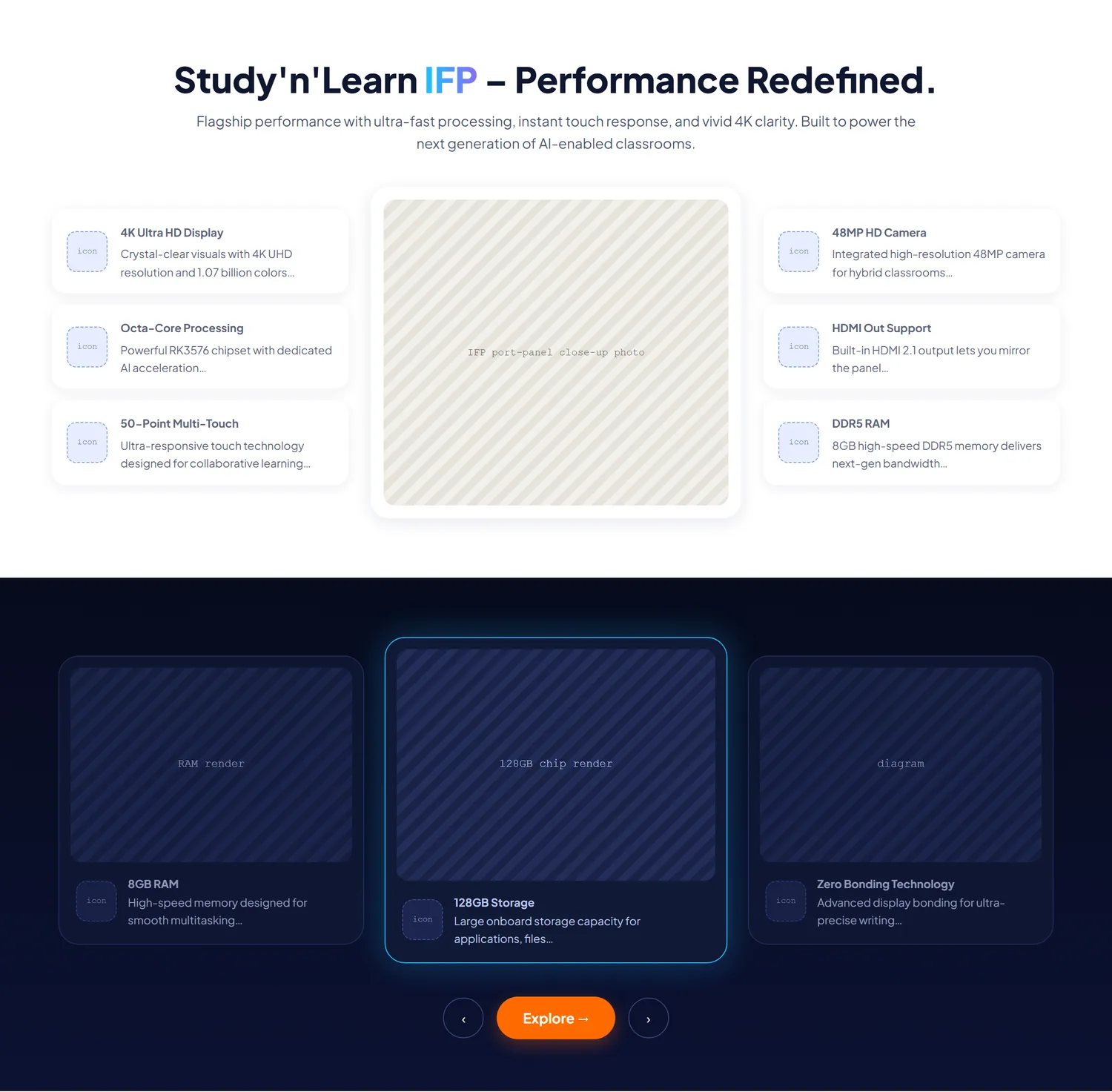
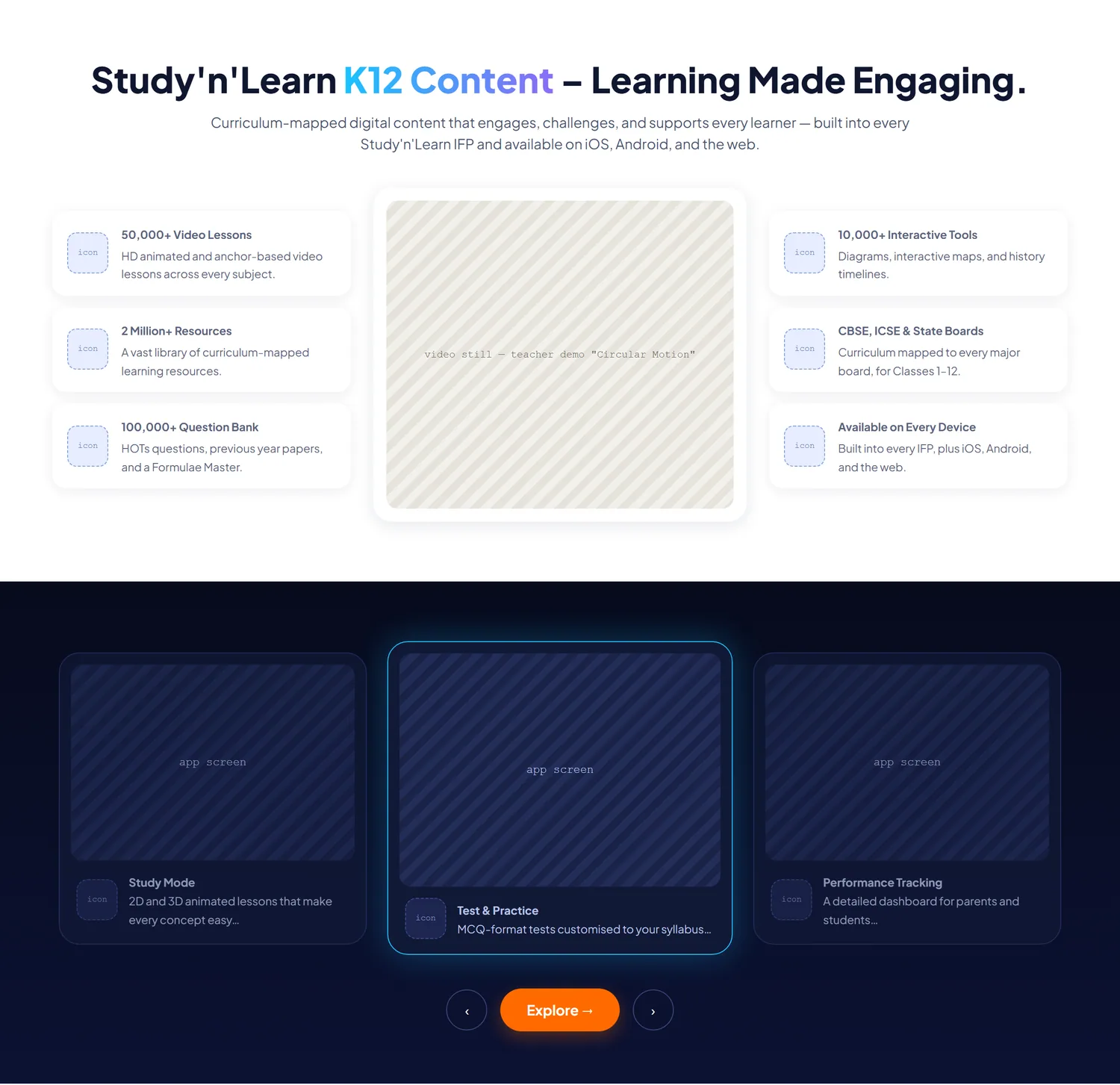
The home wireframe runs in the same order on desktop and on a phone. Cards that sit side by side on desktop stack in one column on a phone.
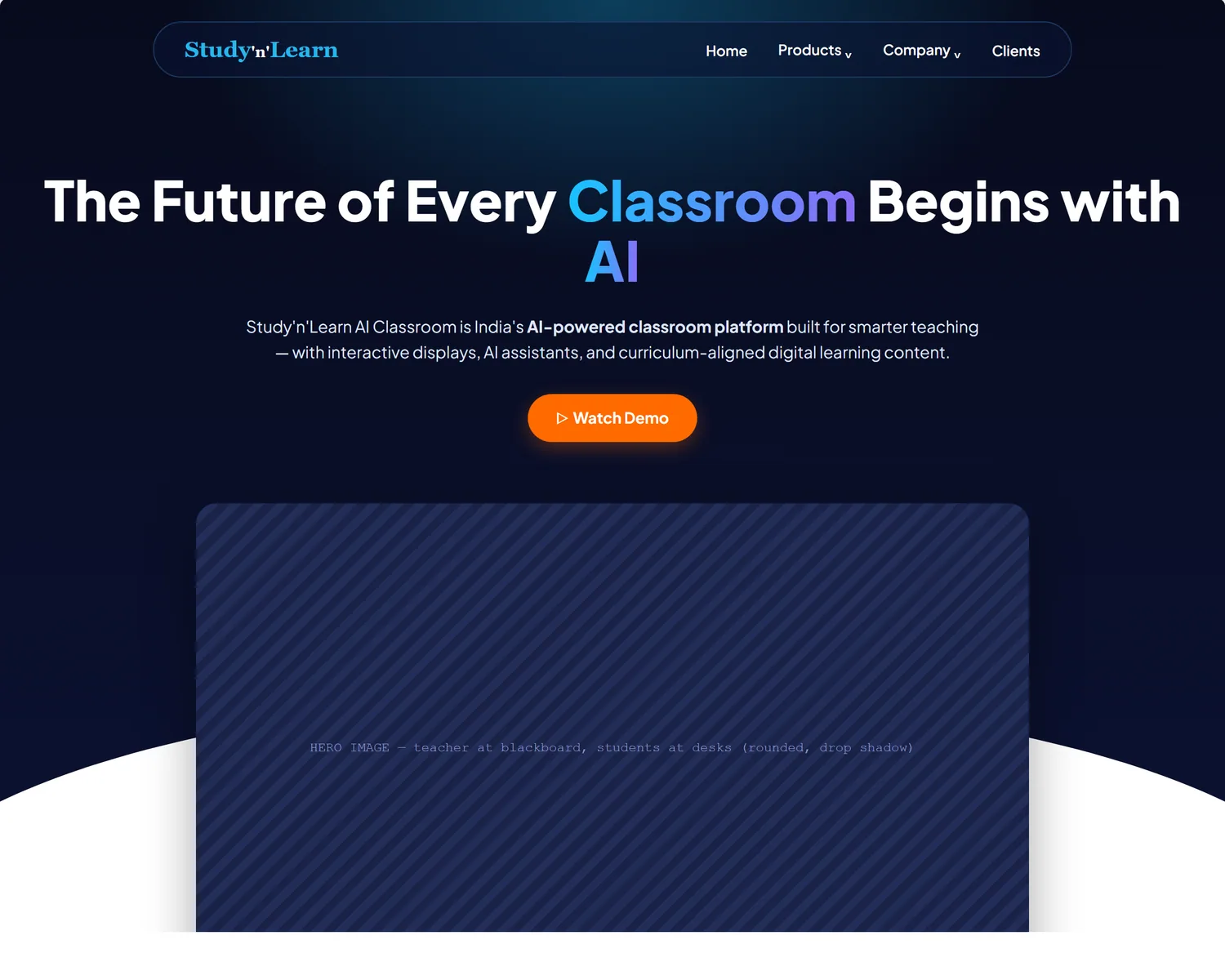
Level 2 keeps the same blocks in the same order as Level 1. It adds a dark navy top, blue accent words in the headings, light-blue bands between sections and an orange main button.
A search box and a category filter sit above a grid of twelve article cards, three across on desktop and one across on a phone. The latest-posts list sits beside the grid on desktop and drops below the page numbers on a phone.
The home wireframe opens with a headline, one main button, “Watch Demo”, and a hero image placeholder below it.
This is the design system that SNL later reused. I built it as one system with shared colors, type sizes, spacing and parts, so every new page starts from the same place.
Page titles scale from 34 to 52 px and section titles from 34 to 48 px, dropping to 26 px on phones.
Plain and readable at 16 px. Both fonts load without blocking the page, so text appears right away.
Cyan
#0bb6e7
The brand accent.
Deep navy
#0b0a9b
Dark accent and small labels.
Orange
#FF6B00
The main button, so it stands apart from everything else.
Indigo
#4F46E5
The active tab or filter, kept separate from the main button.
Cyan to violet
Highlighted words in headings.
Colors, spacing and type sizes live in one place. Pages reuse them instead of copying numbers.
Shared parts such as the question list, testimonials, blog cards and buttons are defined once and reused. A copy that drifted once quietly overrode the real one and broke a sticky sidebar.
Heavy hero effects run on desktop only. They skip under 768 px and for reduced motion, and they pause when the tab is hidden.
No invented job titles, certificate numbers or dates. Missing information is marked as missing.
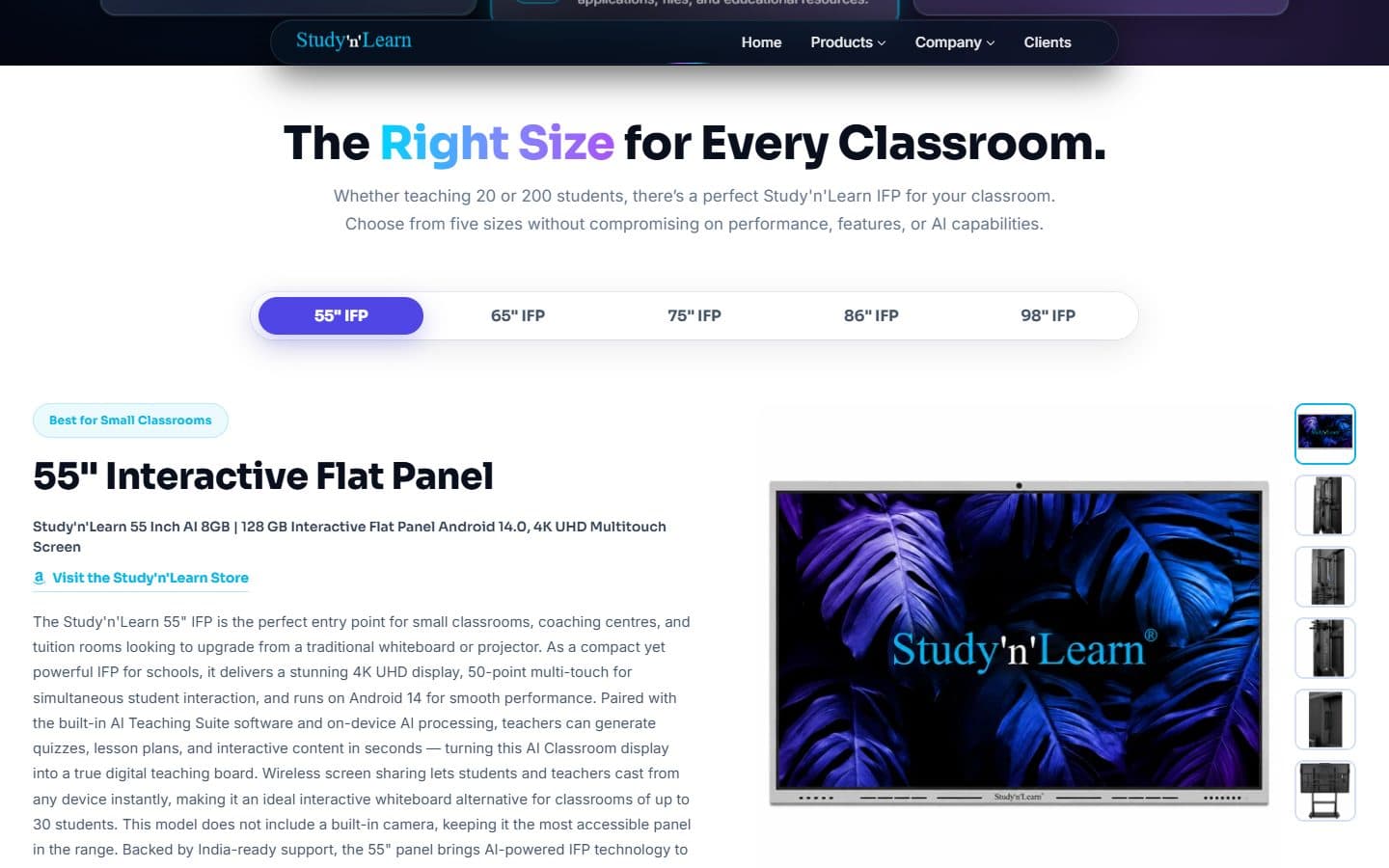
High-fidelity screens for the home page and the flat panel page.
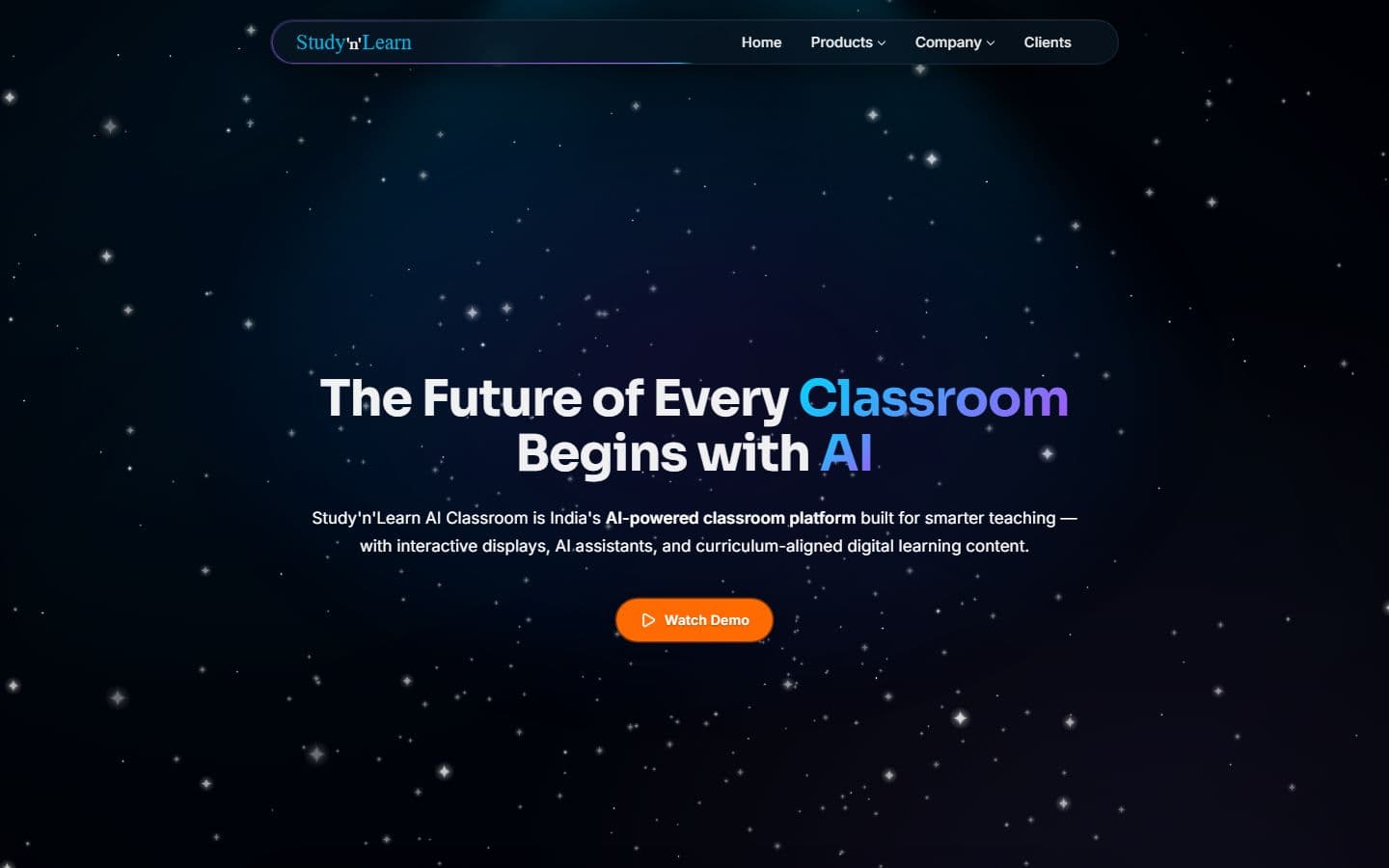

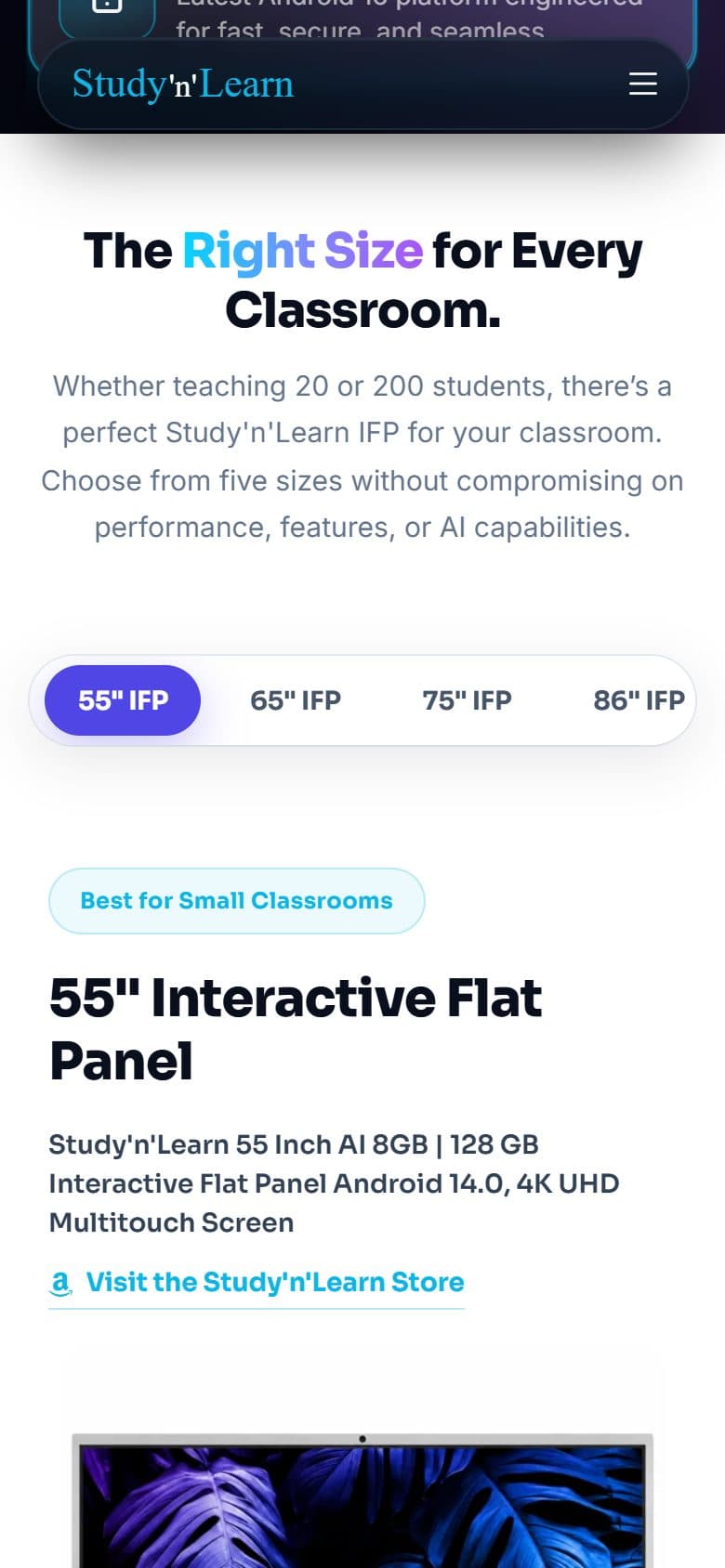
A dark glass bar with menus that flip sides to stay on screen. On a phone it becomes a rounded drawer.
A headline with a gradient accent, one orange button, and a looping product video in a device frame.
Five size tabs (55 to 98 inches) with photos, key specs and a full table that compares every size side by side.
Hardware and software cards you can drag, with dots and auto-play, and the middle card highlighted.
Searchable, with category tabs and counts. 61 answers across four pages.
A video carousel and a review lightbox.
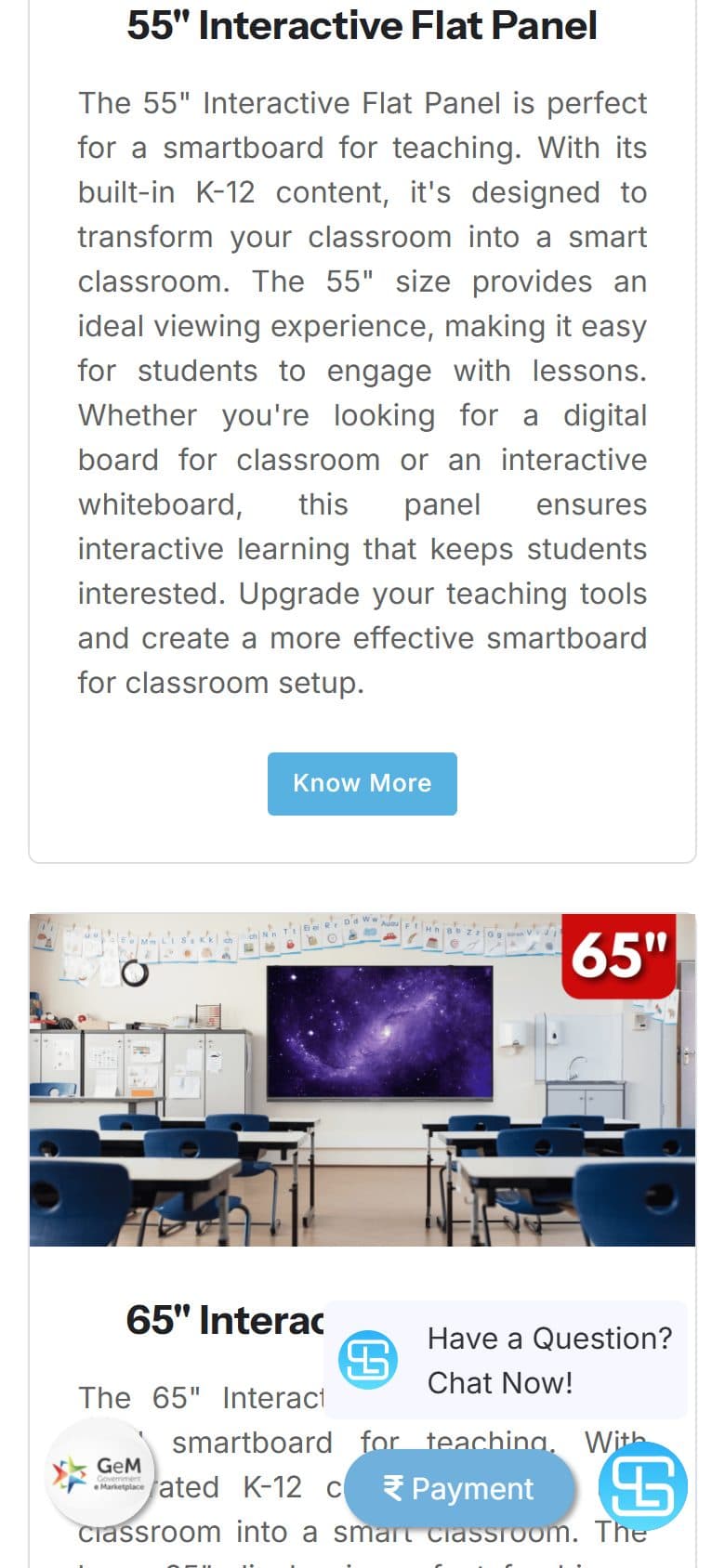
Both pages are live on studynlearn.com, captured on 20 October 2026: the earlier one at /interactive-flat-panel on the left, the new one at /studynlearn_ifp on the right. The earlier page has not been replaced.
Earlier page
New page
The earlier page lists each size as a card that leads to more text. The new page puts five sizes on one page behind a tab bar, so a visitor switches sizes without leaving.
Earlier page
New page
Earlier page
New page
Two constraints drove the technical decisions: buyers need their questions answered on the page, and the company's own developer has to be able to take the files as they are.
PHP and vanilla JavaScript, with no jQuery, and hand-written CSS with shared values. Bootstrap's grid is used on one page only. Icons come from Lucide and Font Awesome, and galleries use a lightbox library.
Each page's questions live in one list that draws both the visible accordion and the search-engine markup, so the two can't drift apart.
The repository holds a front-end-only working copy that runs on my machine and on Vercel. The company's server developer's own versions of the files live in a separate hand-off folder that is never served, and the two are never merged into one.
The front end is plain and small on purpose, so the company's developer can take it as it is.
21
pages, each one PHP file
1
shared stylesheet, plus one per page
0
databases
Every page is one PHP file with the same header and footer. Everything else is static content plus PHP lists for questions, specs and testimonials. There is no database.
A shared stylesheet holds the colors, spacing, header and footer, and each page has its own stylesheet. Pages link minified copies, which I regenerate by hand after each edit, and every stylesheet link carries a version tag that changes with the edit so browsers fetch the new file.
I wrote the engines in plain JavaScript: one master frame loop, neural-network backgrounds, a drag carousel, a WebGL light-rays hero and a starfield hero. They pause when the tab is hidden and skip on phones under 768 px or for reduced motion.
The header becomes a floating pill with a rounded drawer on phones. One spacing value tightens at 992 px and again at 600 px, so every section gets the same rhythm.
Five flat panel sizes from 55 to 98 inches, each with photos and key specs, plus one table that compares every size side by side.
A comparison table that answers a question buyers ask before they choose.
61 questions and answers on four pages (AI 21, flat panel 12, K-12 20, Olympiad 8) with category tabs, marked up for search engines.
A landing page for the national Olympiad with ten subject cards, a three-month exam calendar by subject and its own questions.
A page for 26 conversation episodes, each described for search engines as a video.
A video carousel of customer stories and a lightbox for review screenshots.
Nine regional offices can be filtered by zone.
A blog with a case stories filter, and a downloads hub for apps, firmware and content.
The Book a demo page holds the form and a demo video. The player sits on the left and a chapter list on the right, with a menu to pick 1080p, 720p or 480p. Chapter images are WebP. The three video files are served from studynlearn.com.
The site reads one outside source and hands one task to another service. Both are built so a failure leaves the page working.
Blog posts come from the company's WordPress blog, then a feed, then a saved list if both fail.
The contact form does not send an email. It opens WhatsApp with a ready-written message, so an inquiry reaches the company without a server on my side.
No analytics, Search Console or keyword tool is connected to this site yet.
Checks and clean-ups on media weight, loading and phone layout. These are file sizes and rendering fixes, not speed scores: I quote none, because I have no Lighthouse run for this site.
Gallery images load lazily and the hero image loads straight away. The icon and font stylesheets are loaded in a way that does not block the first paint, and the icon script is deferred.
After editing a PHP or CSS file I check the PHP for syntax errors and ask the local server for the page, to confirm it answers with a 200.
Problem
Heavy media: 437 MB of video in 31 files, 17.7 MB of photos, and two badge posters of 1.6 MB shown at a tiny size.
Solution
I re-encoded the videos, converted 304 images to WebP, and cut the posters and icons to the size they are shown.
Result
Video fell from 437 to 211 MB and images from 17.7 to 9.0 MB. The two posters went from 1.59 MB to 86 KB.
Problem
On phones the screen went white and blinked when scrolling to the last case-story card.
Solution
I traced it to a page-height estimate that went stale at one screen width, and corrected the estimate at that width.
Result
The freeze is gone.
The video and image figures here are the state on 5 September 2026, when I measured them. The repository's video folder has since grown back to about 2 GB across 33 files (checked 20 October 2026), because the Book a demo videos were added: a 902 MB, a 708 MB and a 291 MB file. Those three files are served on studynlearn.com. So the heavy-media problem is not solved for good.
Buyers search before they call, and more of them now ask an AI assistant, so I made every page easy for both to find and read. The work followed the 50-question ranking in the research section: price, sizes, comparisons and warranty come first.
21
pages, each with its own title and description
19
pages with a share preview
61
questions published as search-engine data
2
placeholder pages held back (noindex)
Each of the 21 pages on studynlearn.com has its own title and description, and 19 of them also set a share preview (the card that appears when a link is pasted into a chat). The two placeholder pages, the development center and the experience center, are marked noindex, so they are hidden from search until they are ready. I checked these on the live site on 20 October 2026. Some titles and descriptions run longer than the usual 60 and 160 character guides, so that is still to tidy.
The 61 questions on the AI, flat panel, K-12 and Olympiad pages (21, 12, 20 and 8) are also published as search-engine data, built from the same list that draws the visible question list, so the two can't drift apart. I rewrote the 8 Olympiad answers from about 20 words to 87–98 so each one makes sense when an AI assistant quotes it alone. I also fixed a bug that showed raw code such as — inside the published answers.
The flat panel is described to search engines with the other names buyers use: digital board, interactive whiteboard, smart panel board and touch screen board. Buyers rarely type the company's own product name.
The live robots.txt allows the main AI crawlers by name, such as GPTBot, ClaudeBot and PerplexityBot, plus Bingbot, and an llms.txt file tells AI tools in plain language what the company sells and who it is for. I corrected one line in it that still promised home page questions that no longer existed. The live sitemap is out of date: it lists 18 addresses, leaves out the K-12 page, and still names the earlier flat panel address.
The 12 flat panel questions are published as search-engine data on the new page at /studynlearn_ifp. The earlier page at /interactive-flat-panel has none, and its canonical tag points to the home page. No Search Console or keyword tool was connected, so I quote no rankings, clicks or search volumes. What I can say is coverage: what each page tells search engines and AI tools. Whether that moves rankings is not measured yet.
studynlearn.com is served by a separate server, so a green Vercel build does not mean the live site changed. Vercel hosts the new build for review, and the finished changes reach the real server through a hand-off. The flat panel page shows why: the new page is live at /studynlearn_ifp, yet the live sitemap still lists the earlier address, because the server and its sitemap belong to the company's developer.
Vercel runs the new build through one PHP function with a list of allowed pages. A new page needs two small entries: one in that list and one route.
The real domain runs on the company's own server, so I keep a hand-off folder that mirrors its file layout, and I list changed photos and videos separately from code.
Stylesheets and scripts are cached for a day, fonts for a year, and images and videos for 30 days. The live server sent none when it was checked in September 2026, and its settings belong to the company's developer, so these apply to the Vercel copy only.
Problem
Every deploy failed for more than two days in July 2026. The first design gave each page its own Vercel function and went over the free plan's limit of 12.
Solution
I moved to one gateway function that routes every page from a list of allowed pages.
Result
One function serves all the pages, and a new page needs only two small entries.
Problem
Cards on some pages jumped up and down when the pointer rested near their bottom edge.
Solution
Lifting a card also moved the area that reacts to the pointer, so the card slipped out from under it, dropped back, and lifted again. I removed the lift everywhere and kept the shadow and border change.
Result
The jitter is gone, and there is a rule for every new card: never lift on hover.
Problem
Two new animations didn't move after their first deploy, and there was no error.
Solution
A temporary “stop all animation” style was overriding them. I added the new animations to its exceptions, and later removed that kill switch and replaced it with a small phone-only motion budget.
Result
Motion returned, and it now follows one rule: off under 768 px or for reduced motion.
Problem
My notes said the big videos were stored with Git LFS, but nothing was, so the repository grew. It was about 965 MB in August 2026 and is about 6 GB on 20 October 2026.
Solution
I checked the setup instead of trusting the note, corrected the docs, and wrote down the real fix. Moving videos to LFS rewrites history, so it needs a planned day.
Result
The docs now match reality. Git LFS is still not set up, so the fix itself is still open.
See the Design Lifecycle: how the experience was structured, the visual direction and the final screens.
The new home page and the new flat panel page are both live on studynlearn.com, the flat panel page at /studynlearn_ifp. The earlier page is still served at /interactive-flat-panel, which the company's developer controls, and the live sitemap and the new page's canonical tag still name that address.
Video weight
211 MB
Was 437 MB
Photo weight
9.0 MB
Was 17.7 MB
Two badge posters
86 KB
Was 1.59 MB
Twelve feature icons
53 KB
Was 279 KB
These are file sizes, measured on the day of each change between August and September 2026. They are not page-speed scores. I have no Lighthouse run or visitor numbers for this site, so I don't quote any.
There are no traffic, ranking or conversion numbers, because no analytics or Search Console data was connected. Some company figures on the site, such as customer counts and exam dates, are still waiting for the owner to confirm, so I don't repeat them here.
iPhone

Tablet
Android
The official website for India's big education leadership summit. People can register, book stalls and nominate for awards, and explore the venue in an interactive 3D floor plan. Over 20,000 visitors are expected.
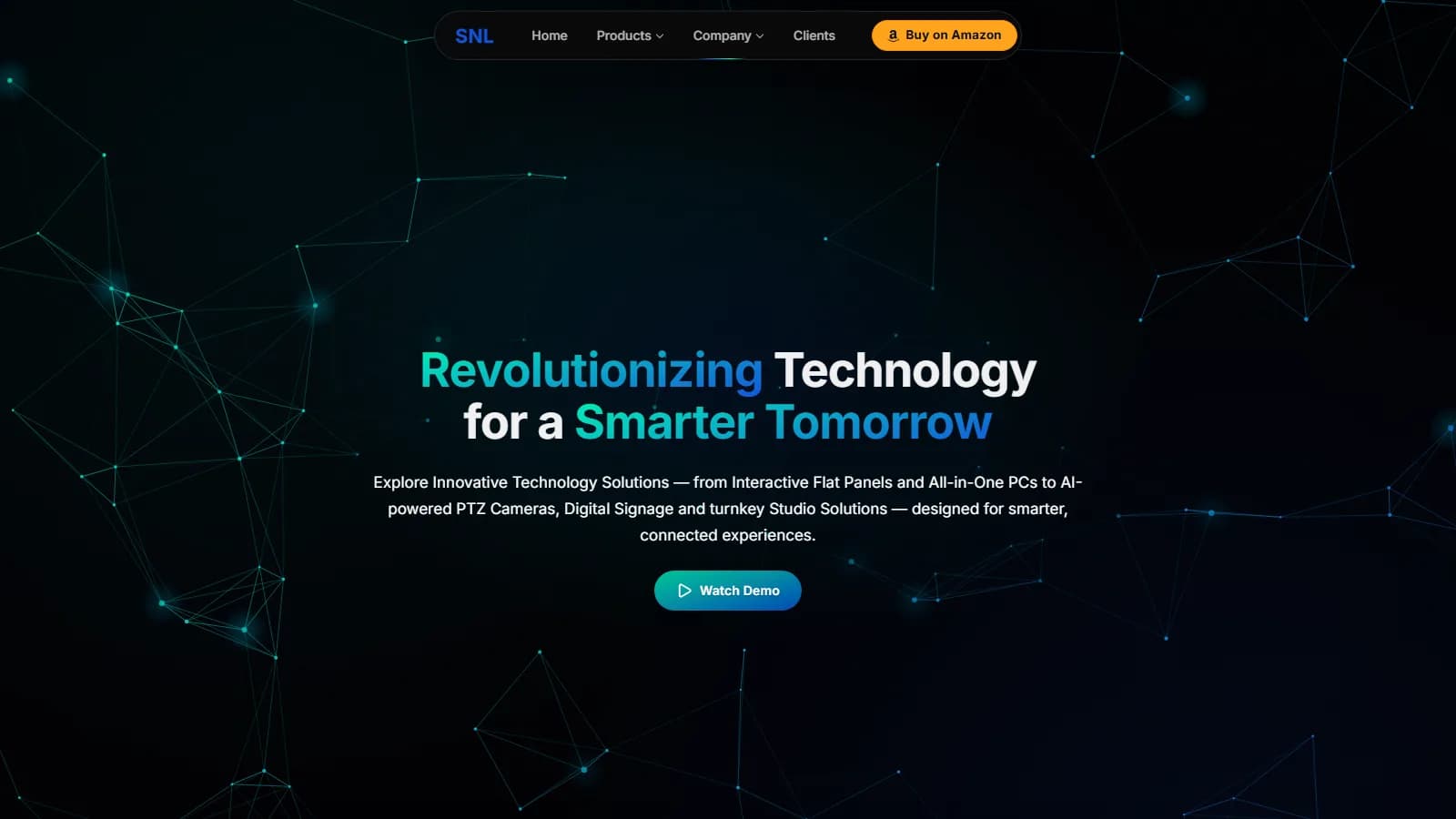
A redesign of the SNL Solutions website. SNL sells smart classroom equipment to schools across India. Version 2 has 27 pages, scored 94–99 for phone speed when tested in September, and makes it easy to compare products.
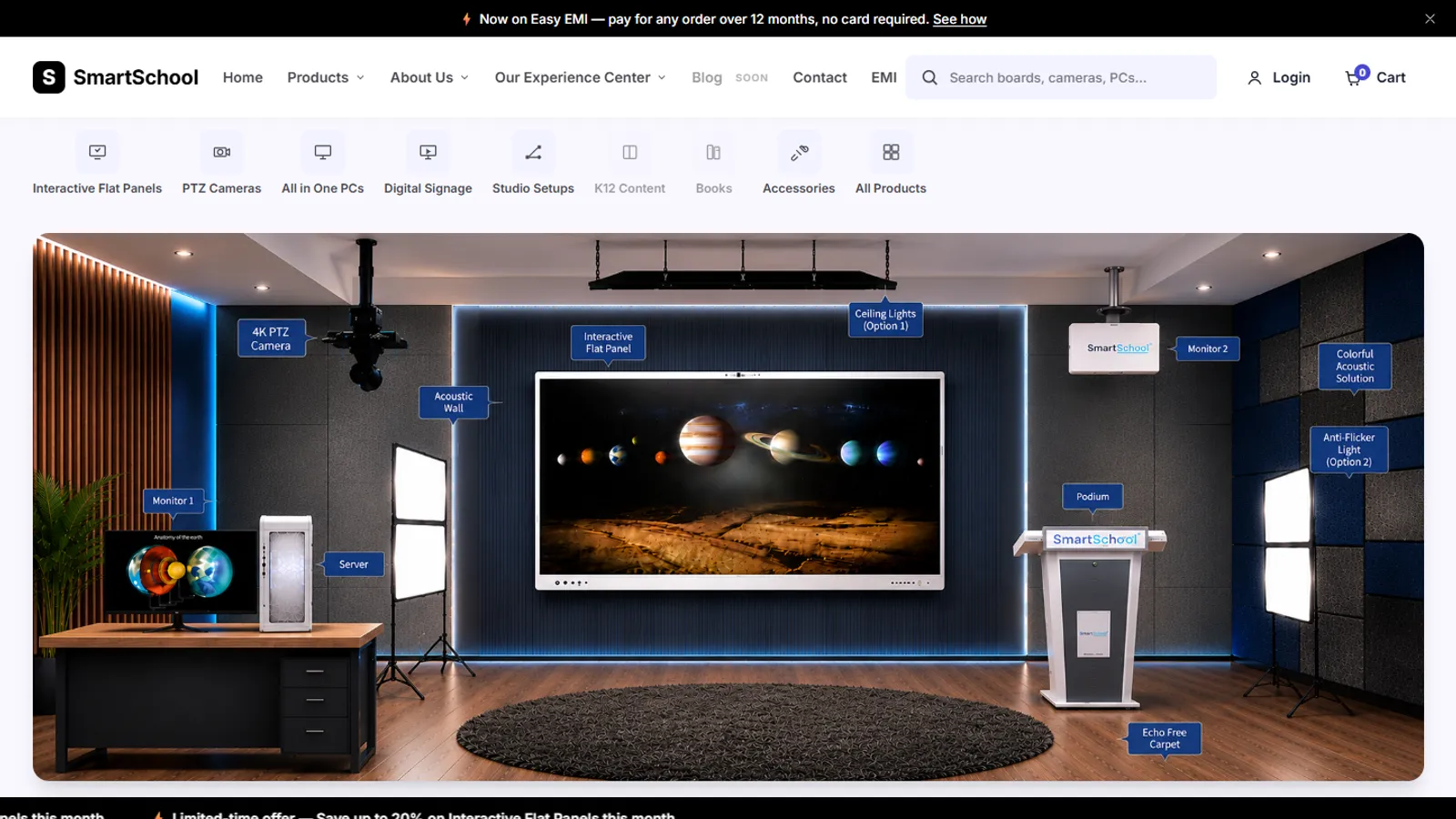
An online store for classroom equipment, built without a framework: 34 products, filters, a cart, checkout and a demo account.