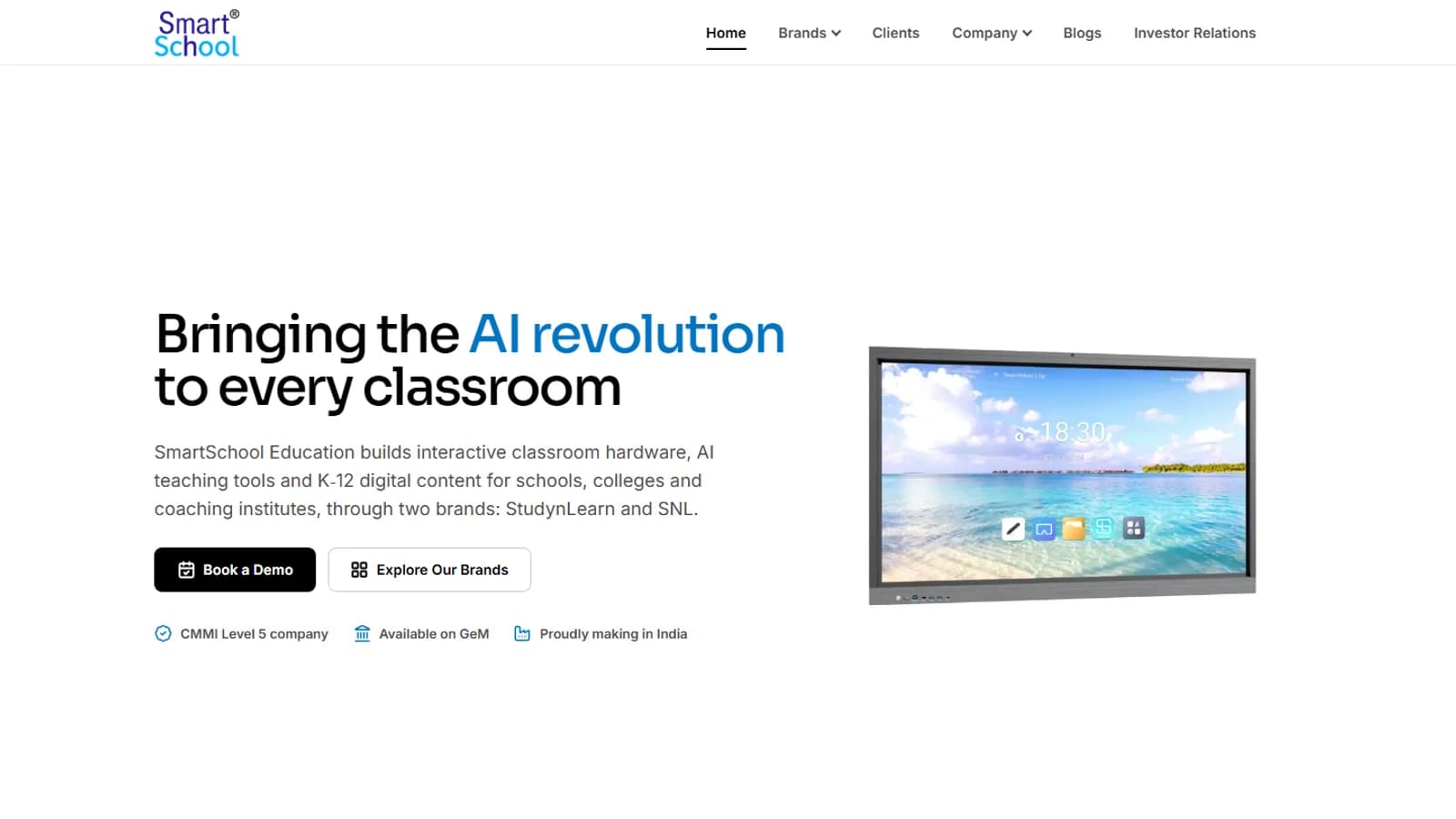
The corporate website of SmartSchool Education, an Indian EdTech company: a V2 redesign with a new homepage, brand pages, an investor relations page and a newsroom of 60 stories.

Case study · SmartSchool Education Ltd
Frontend Developer · 2026
An online store for classroom equipment, built without a framework: 34 products, filters, a cart, checkout and a demo account.
Home
SmartSchool Experience Center is an online store for smart boards, cameras, all-in-one PCs and digital signs for Indian schools. Prices are in rupees and EMI is part of the design. It uses plain HTML, CSS and JavaScript with a little PHP, and needs no database. Seven collection pages and one shared product page cover all 34 products, with a working cart, a checked checkout form and a demo account.
Technologies, platforms, and tools used to design, develop, and deliver this project.





SmartSchool sells classroom equipment to Indian schools: smart boards, cameras, all-in-one PCs, digital signs and studio bundles. The people buying are school staff comparing options, so the store has to make comparing easy, in rupees, with EMI in view.
Twenty pages, grouped by what a buyer is doing. Seven collection pages share one template and one product page serves every product, chosen by the address (product.php?id=...).
The visual system is called NOVA, taken from a Google Stitch design and written down in the project's design.md. The first version used a chalkboard and wiring-diagram look; that was retired on 7 October 2026. The values below come from the stylesheet.
One family, weights 400 to 900, loaded from Google Fonts. Headings use weight 700 to 800 with tight tracking, from 20 pixel card titles up to a 64 pixel display size. Sora, used in the first version, was dropped.
Lavender canvas
#FAF8FF
The page background on a laptop (white on a phone)
White
#FFFFFF
Cards and controls
Image well
#F2F3FF
The pale panel behind every product photo
Ink
#131B2E
Headings and body text
Soft ink
#45464C
Secondary text
Black
#000000
The main button, such as Add to Cart
Indigo
#4648D4
The one accent: focus rings, active filters, links and confirmation
Error red
#BA1A1A
Form errors
Cards are white on a tinted page and use a soft shadow scale for depth. A thin line is kept only for dividers.
Product cards without a photo use hand-drawn inline icons colored from the same palette, so a missing photo never leaves a gray box. Where a real photo exists it is blended onto the image well so white-background pictures sit flush.
The same filter element is a sticky sidebar from 900 pixels wide and a slide-up sheet below that, so the controls are written once.
Below 900 pixels a four-tab bar (Home, Shop, Cart, Account) sits at the bottom. A fifth Wishlist tab was left out because the store has no wishlist.
The three studio bundles get a blue banner strip, free installation and freight badges, and the full bundle title, so a bundle is not mistaken for a single product.
There is no dark theme. Transitions are short, and they are switched off for visitors who ask their device for reduced motion.
Values are read from css/styles.css and design.md. There is no user research or audit behind this look, and the wireframe canvas was not exported as images, so those steps are not on this page.
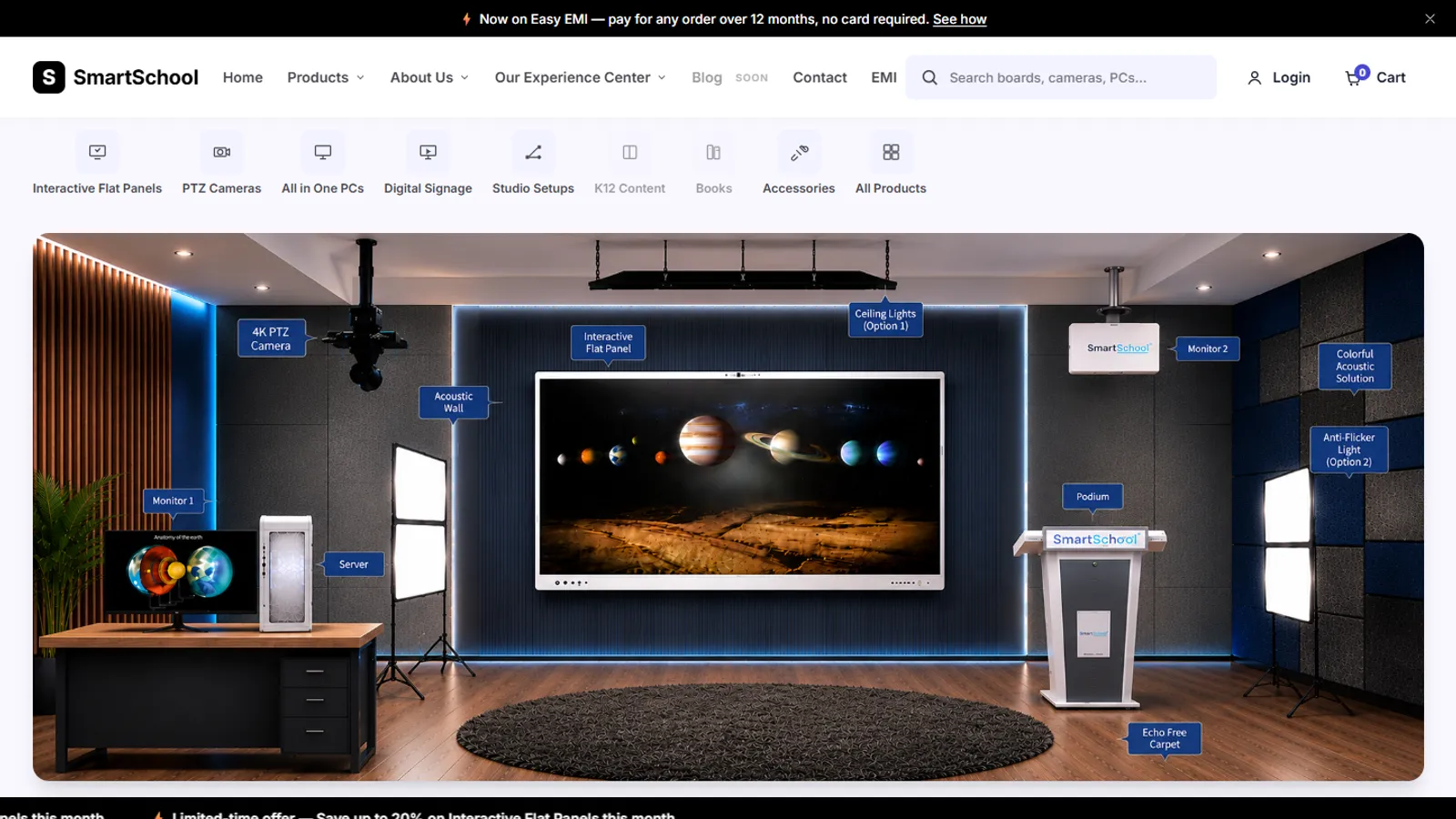
Real screens from the finished code, on a laptop and on a phone. Prices, stock and ratings on them are sample data, and the plain icon tiles on the home page are placeholders where product photos have not been added yet.
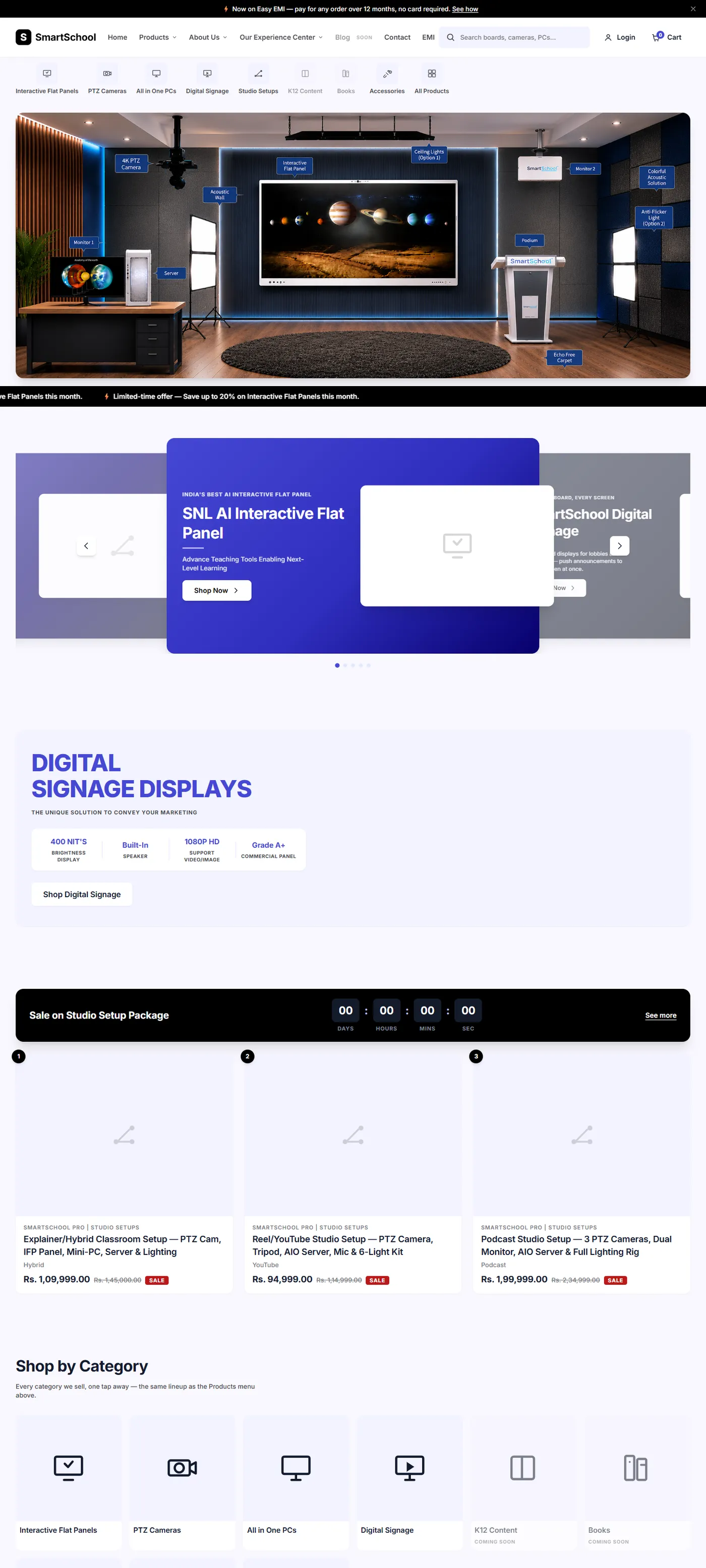
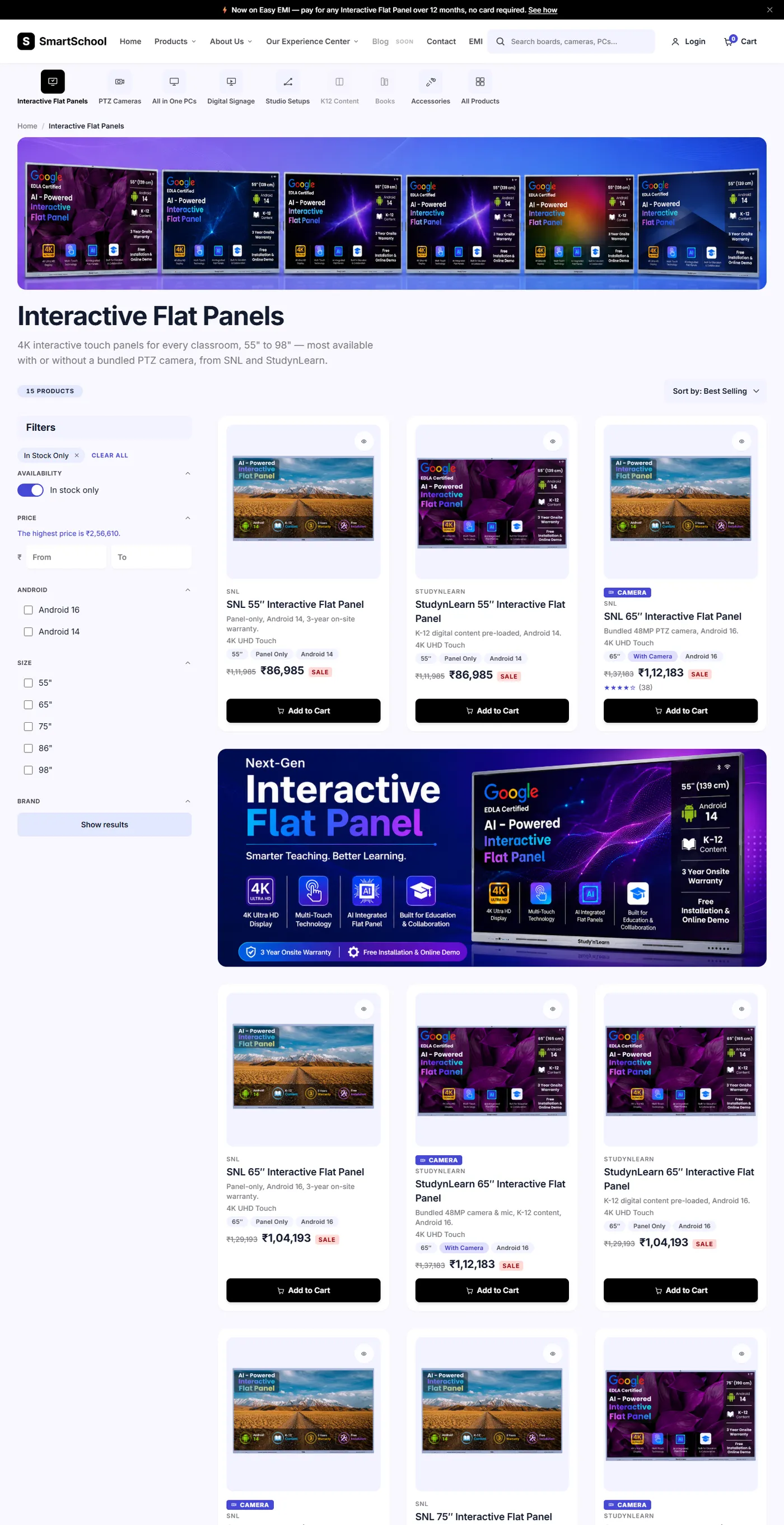
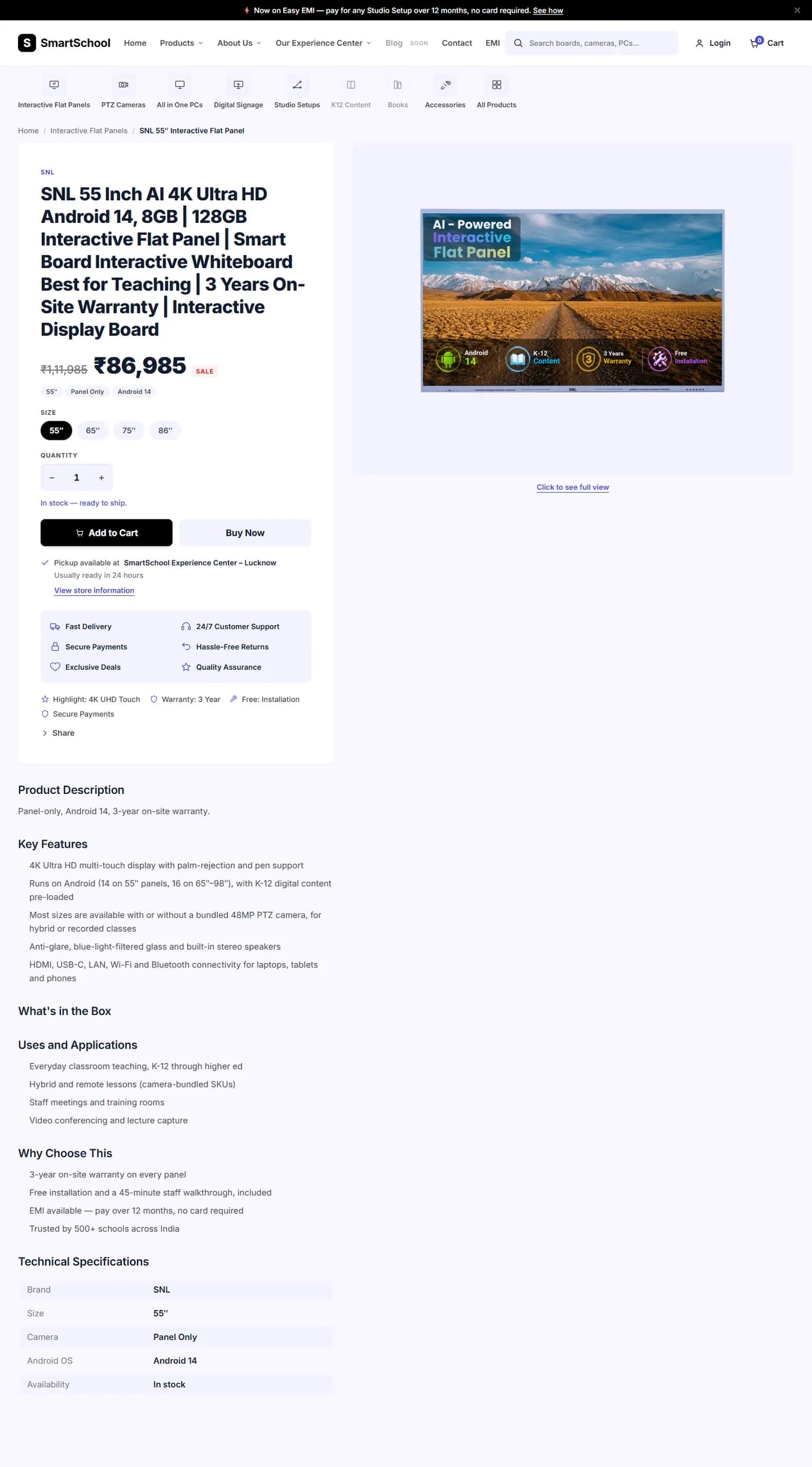
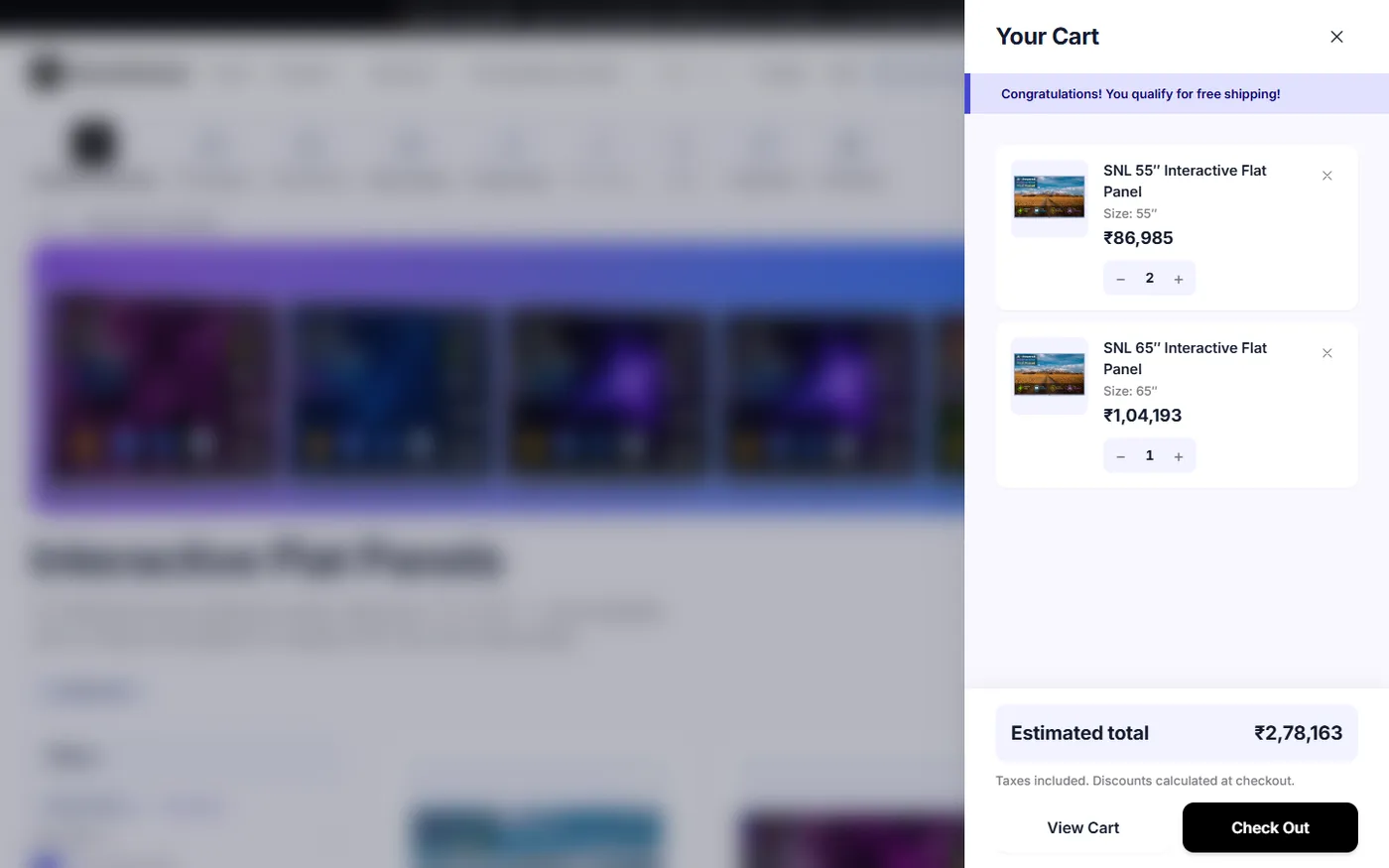
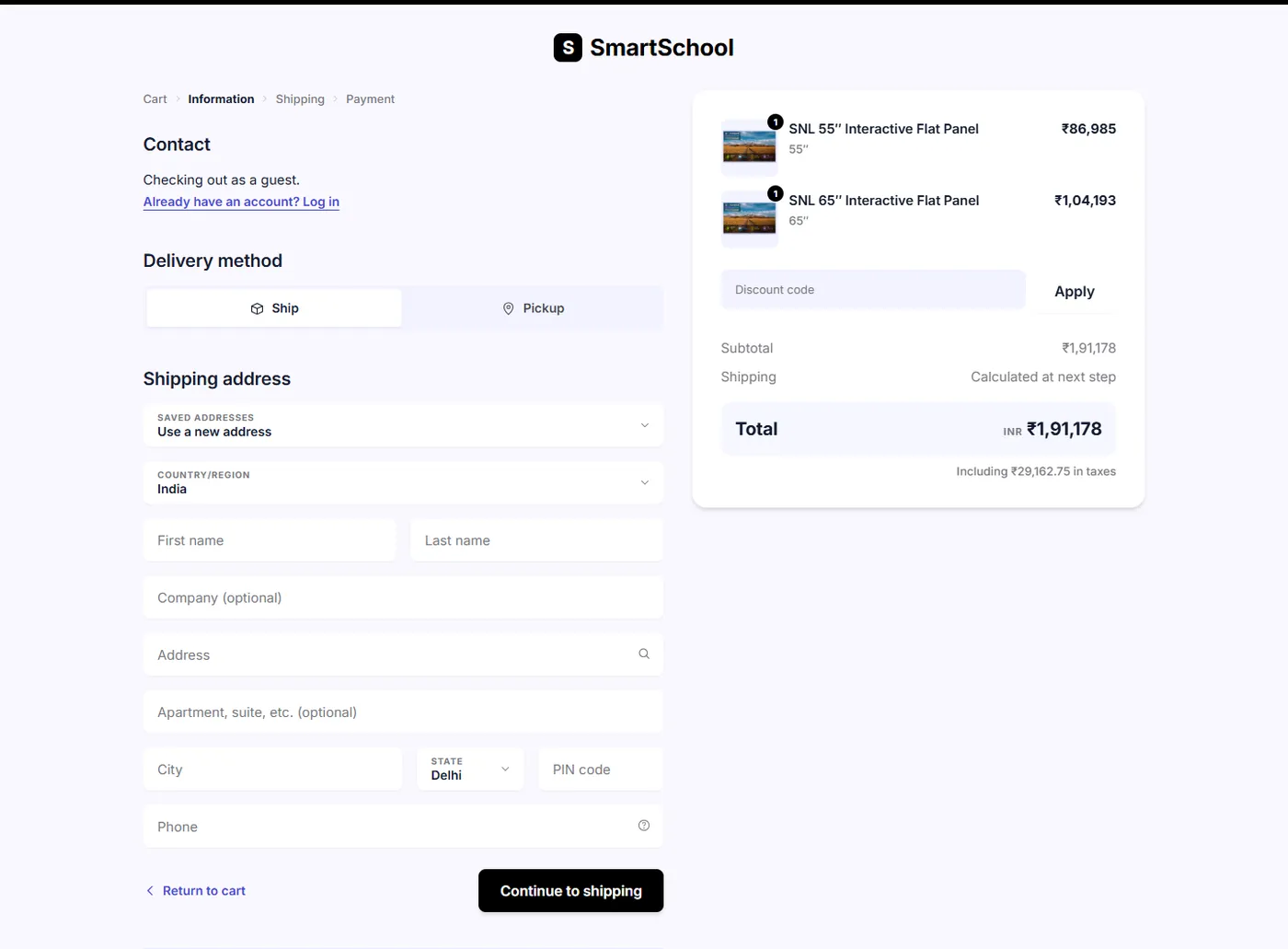
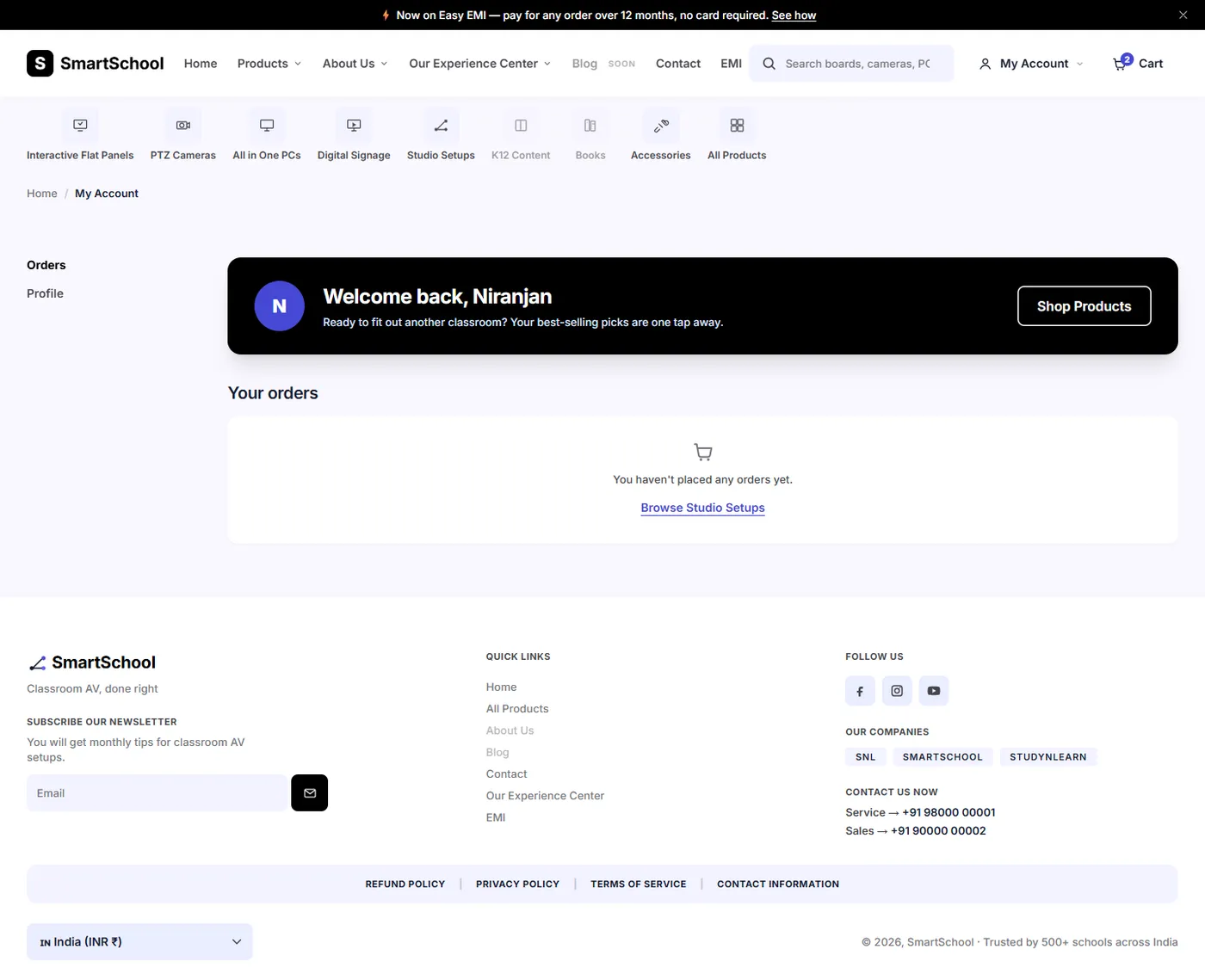
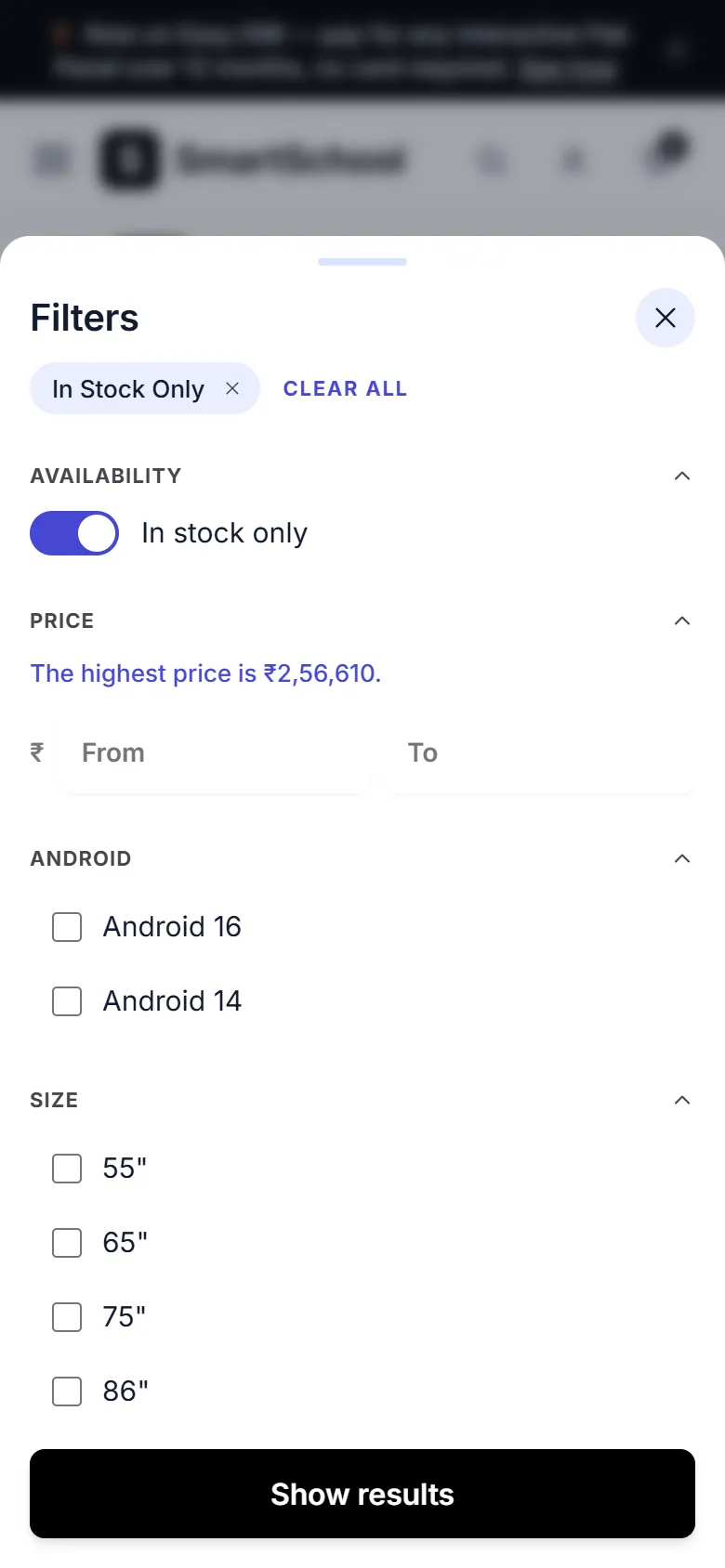
Photo or line-art, brand, short title, price with an optional struck-through price, a rating line and an Add to Cart button. The whole card is clickable, while the title link is the one keyboard users reach.
Every active filter shows as a chip with a remove button, and Clear all resets them. The chip row is announced to screen readers when it changes.
A panel that slides in from the right with quantity buttons, a size line for boards, a free-shipping note and two buttons that go to checkout.
A dialog on each card that shows the product without leaving the list.
A small selectable control for cameras that carry a warranty choice. It is cosmetic and does not change the price.
The requirements were a store for classroom equipment with filters, a cart and a checkout, on a budget of no framework, no database and no build step. These were the decisions that followed.
All 34 products live in one array in js/script.js. Collection pages, the product page, related rows and the cart all read from it, so adding a product is one new object and nothing else. A page narrows the list by a value on the body tag, such as boards or cameras.
PHP is used for includes, so the header, footer and collection layout are written once. It holds no logic, sessions or data. The trade-off is that pages need a PHP server to run: opening a file straight from disk no longer works.
With no backend, the cart, the demo account, recently viewed products and the browsing-history setting are kept in the browser's local storage, and the dismissed announcement bar in session storage.
The wireframe canvas explored four collection layouts. I built the first, the sidebar layout, because it is the most familiar for a store, and left the other three as design records.
The simplest stack that does the job: PHP includes put the pieces together, and plain CSS and JavaScript style and run them. Nothing needs installing except a PHP server.
34
Products
20
Page files
7
Collection pages
6
Shared template files
1,180
Catalog script lines
537
Shared script lines
2,199
Stylesheet lines
47
Commits
PHP includes, HTML5, one stylesheet with custom properties and a mobile-first set of breakpoints (base, 768, 900 and 1024 pixels), and two plain JavaScript files with no modules or bundler. Fonts come from Google Fonts and icons are an inline SVG sprite, so there is no icon library.
Each page sets a few variables (title, description, active collection) and includes the shared header. A collection page then includes one shared collection template, and every page ends with the shared footer. The footer adds the promo carousel, the toast message, and the two script tags.
common.js runs first on every page and owns the shell: menu, search, filter-sheet open and close, cart, toast, announcement bar, newsletter and demo account. It hands script.js a small set of helpers on window.SmartSchool. script.js owns the catalog: the product list, card rendering, filters, chips, sort and the product page.
product.php cannot know a product from its address without a second copy of the catalog in PHP, which could drift. So the page renders empty mount points and script.js fills them from the one list. The category text (key features, what is in the box, uses, FAQs) is written for all categories, and the script reveals the one that matches.
The Vercel copy of the pages is a hand-made mirror in api/pages. Editing a page or template means copying it there too, or the change does not reach production.
Each collection sets its heading, promo copy and banners, then includes the shared template. The grid, filters, sort and empty state are the same everywhere, and each page also carries its own FAQ list, written for that category.
Filters cover in stock, a price range and the category options of the page, and boards add Android, size, brand and camera. Changes apply on change rather than on every keystroke. Each active filter becomes a chip, and sort has four modes: best selling, price low to high, price high to low and name A to Z.
Add to Cart saves the item in the browser, updates the count in the header and opens the cart drawer as the confirmation. The drawer changes quantity, removes items, shows a size line for boards and a free-shipping note shown for every non-empty cart, because the demo has no shipping fee. Sold-out items show Notify Me instead.
The Information step has a contact block, a Ship or Pickup toggle, and an address form. Six fields are required (first name, last name, address, city, PIN and phone), each with its own inline message. The order summary reads the same cart and shows an 18 percent GST-inclusive estimate, which is illustrative because there is no tax engine.
Login offers Google, Microsoft and email paths, and all of them sign in the same demo user. The header then swaps Login for a My Account menu, and the account page has Orders and Profile tabs. It shows how the flow would look and does not secure anything.
A board's page shows its sibling sizes from the same brand as pills. Choosing a size opens the matching product, keeping the camera choice where that combination exists. The camera row only appears when a size offers two options.
The last 12 products a visitor opened are remembered in the browser and can be cleared. Browsing history can also be turned off, and the choice is saved.
On products that have a real photo, clicking the image or the link under it opens a lightbox with the photo at full size.
The accessibility work was part of the first build. These are the measures that are in the code, and a plain list of what was not checked.
A skip link to the main content. A visible 2 pixel focus outline that is never turned off. Icon-only buttons have text labels. The in-stock switch is a real switch with its state kept in sync. The chip row and the toast are live regions, so changes are announced. The current page is marked in the breadcrumb and category rail. Form errors sit next to their field. Motion is switched off for visitors who ask for less.
When the mobile filter sheet is closed it is marked inert, so its controls cannot be tabbed to. The clickable-card pattern uses a cover link that is hidden from keyboards and screen readers, so they land on the real title link instead of an unlabeled link.
On checkout, the Your cart is empty message is a hidden block whose own display rule overrides the hidden attribute, so it shows under the form even when the cart has items. It is the same kind of bug as the Login link fix, and it is not fixed yet.
There is no focus trap inside the mobile menu or the filter sheet: Escape and the backdrop close them, but Tab can still walk out to the page behind. Color contrast was chosen with care but not tested with a tool against WCAG on every pairing.
The project has no automated tests, and I have not run Lighthouse, PageSpeed or a screen-reader pass on it. The notes in the repo record bugs found by hand while building (see the fixes step).
The site was hosted on Vercel through one PHP function. There is no build step and no pipeline for the site itself.
A vercel.json file rewrites the home page and every clean page address to a single function, api/index.php, which includes the matching file from a copy of the pages in api/pages. One function is used because the free plan caps a deployment at 12, and it checks the page name against a list of 20 allowed pages. The real top-level PHP files are left out of the upload by .vercelignore so they cannot shadow the rewrites.
The deployment returns 404 on every address, including the home page, when last checked. It was live before, and I have not redeployed it. That is why this page has no link to the site, and the screens above come from running the code locally.
The only workflow in the repo copies brain.md to a notes vault; it does not build or deploy the site.
Problem
The product page's two-column layout never applied. The code set grid columns but never switched the container from flex to grid.
Solution
Switched the container to grid at 900 pixels, then found that the override sat earlier in the stylesheet than the base rules, so equal specificity let the base win at every width. Moved it into its own media block after them.
Result
The buy box and sticky gallery sit side by side on a laptop.
Problem
A script error on the login page: an unguarded line that set the cart count threw before the shared helpers were exported, silently breaking the whole page.
Solution
Guarded every piece of shared-shell wiring so it skips elements the stripped-down login header does not have.
Result
The login page works with its minimal header.
Problem
The hidden Login link kept showing at laptop widths, because the button style's display beat the browser's hidden rule at equal specificity.
Solution
Added an ID-level override so hidden wins.
Result
Login and My Account swap cleanly.
Problem
Camera cards and flat panels shared one collection page, because camera-bundled boards and the studio bundles were also tagged as cameras.
Solution
Made the cameras tag strict to products that are cameras, and gave bundles their own warranty and installation badges so they lost nothing.
Result
The PTZ Cameras page shows only the 3 camera products.
Problem
In the NOVA redesign, a blurred layer on the header made it the container for the fixed mobile menu and clipped the menu to 64 pixels tall.
Solution
Moved the white blurred layer to a pseudo-element of the header instead of the header itself.
Result
The mobile menu opens at full height.
See the Design Lifecycle: how the experience was structured, the visual direction and the final screens.
The home page and the collection, product and checkout screens, on a laptop and a phone.
These come from reading and running the code. Prices, stock and ratings are placeholders, and the checkout stops after the Information step.
This page has no traffic, speed, accessibility-audit, sales or conversion numbers, because none were recorded. The live deployment is offline, and there is no real payment, order backend or sign-in.
iPhone

Tablet
Android
The corporate website of SmartSchool Education, an Indian EdTech company: a V2 redesign with a new homepage, brand pages, an investor relations page and a newsroom of 60 stories.
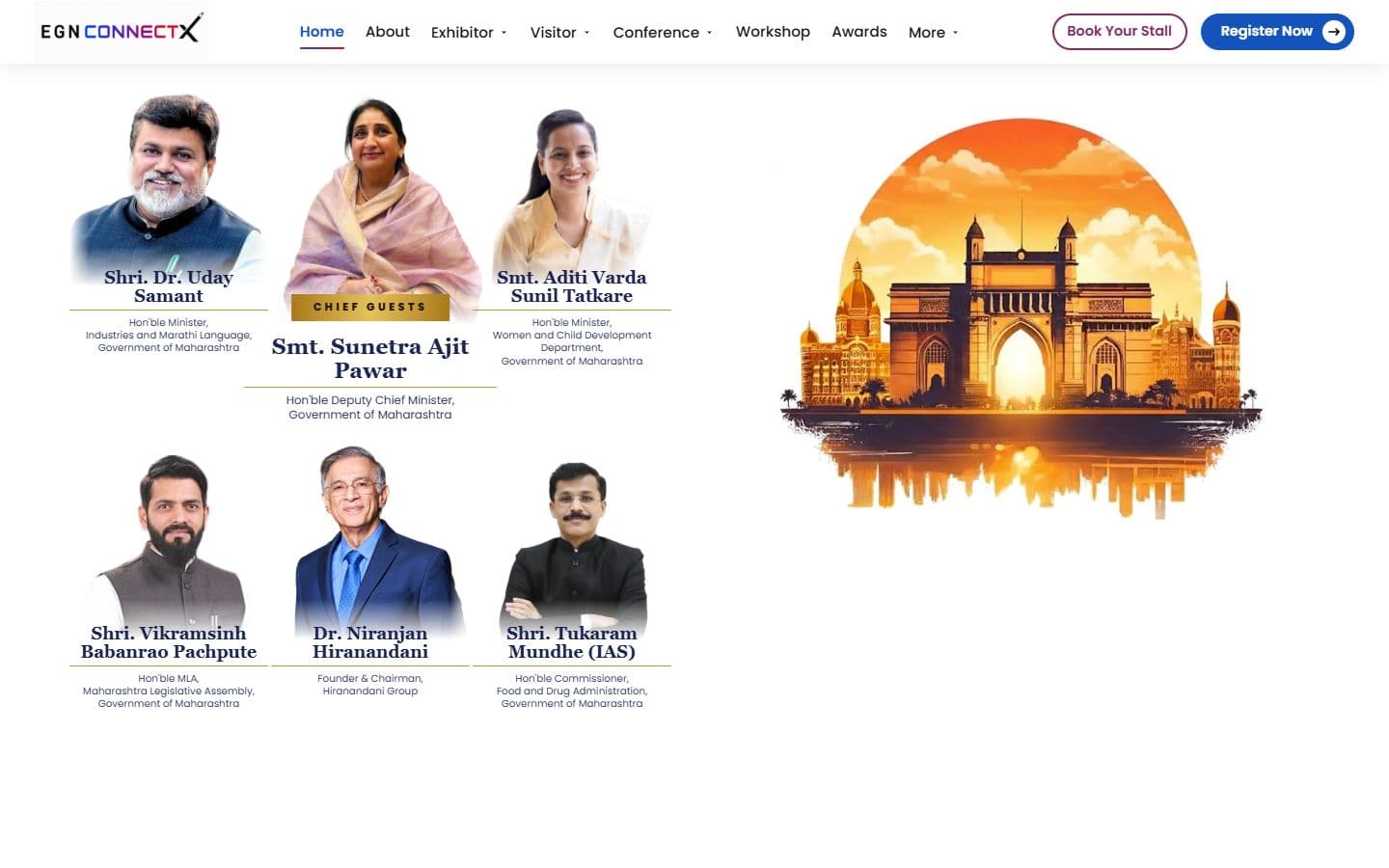
The official website for India's big education leadership summit. People can register, book stalls and nominate for awards, and explore the venue in an interactive 3D floor plan. Over 20,000 visitors are expected.

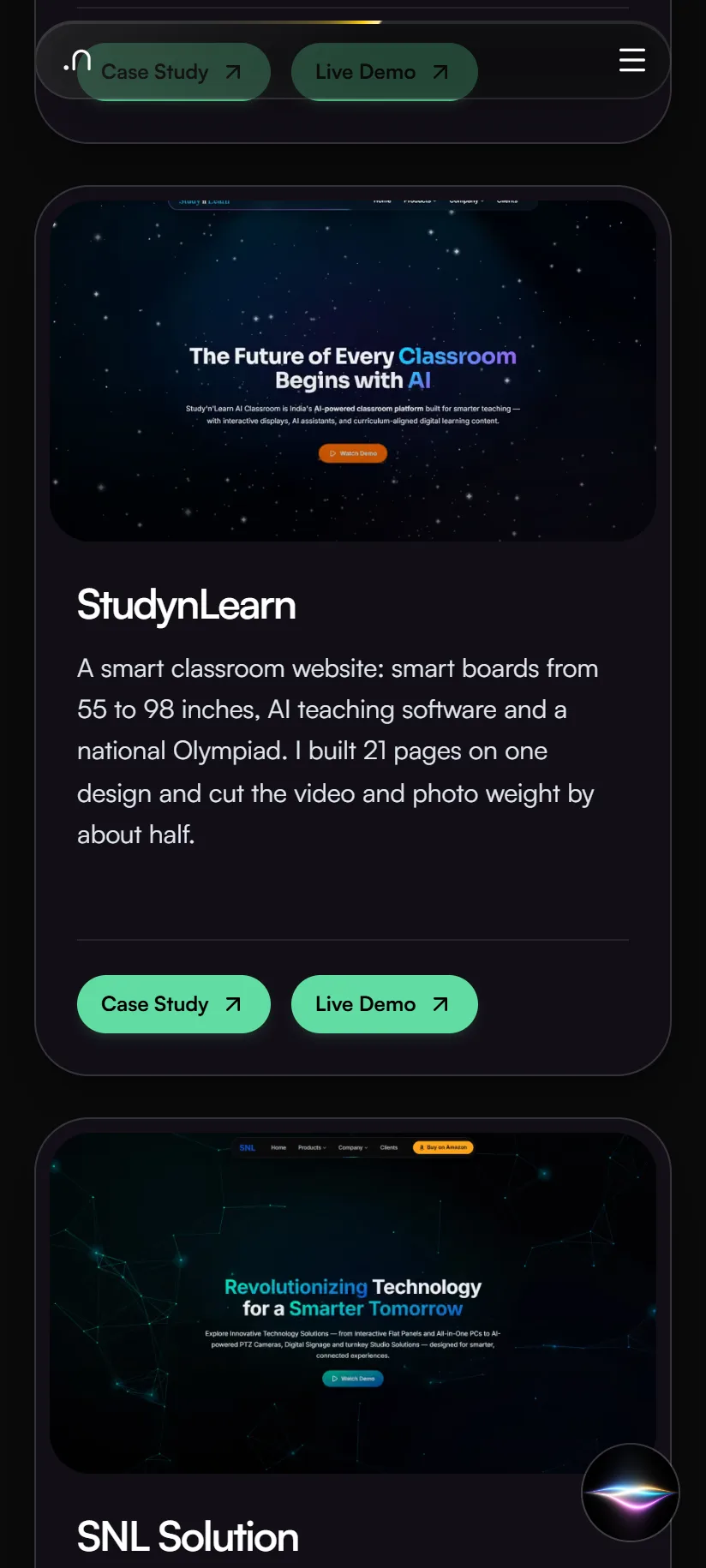
A smart classroom website: smart boards from 55 to 98 inches, AI teaching software and a national Olympiad. I built 21 pages on one design and cut the video and photo weight by about half.