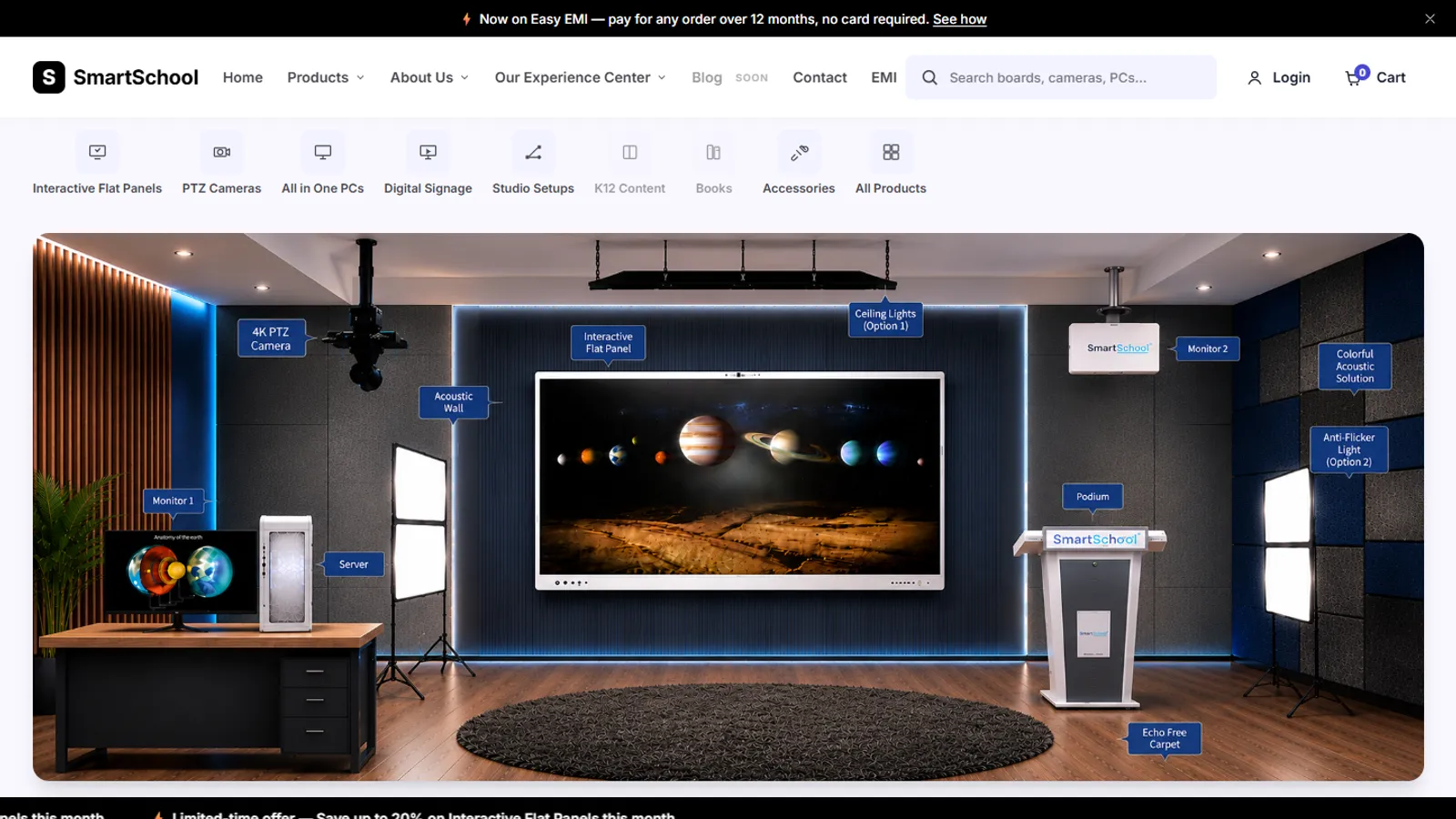
SmartSchool Experience Center
In DevelopmentAn online store for classroom equipment, built without a framework: 34 products, filters, a cart, checkout and a demo account.

Case study · SmartSchool Education Ltd
Frontend Developer · 2026
The corporate website of SmartSchool Education, an Indian EdTech company: a V2 redesign with a new homepage, brand pages, an investor relations page and a newsroom of 60 stories.
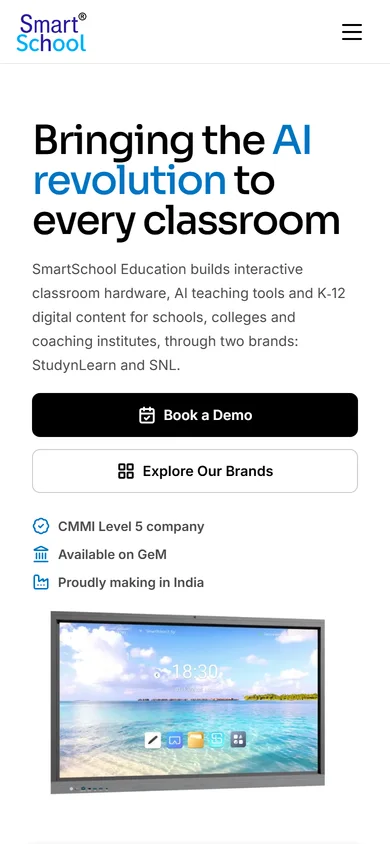
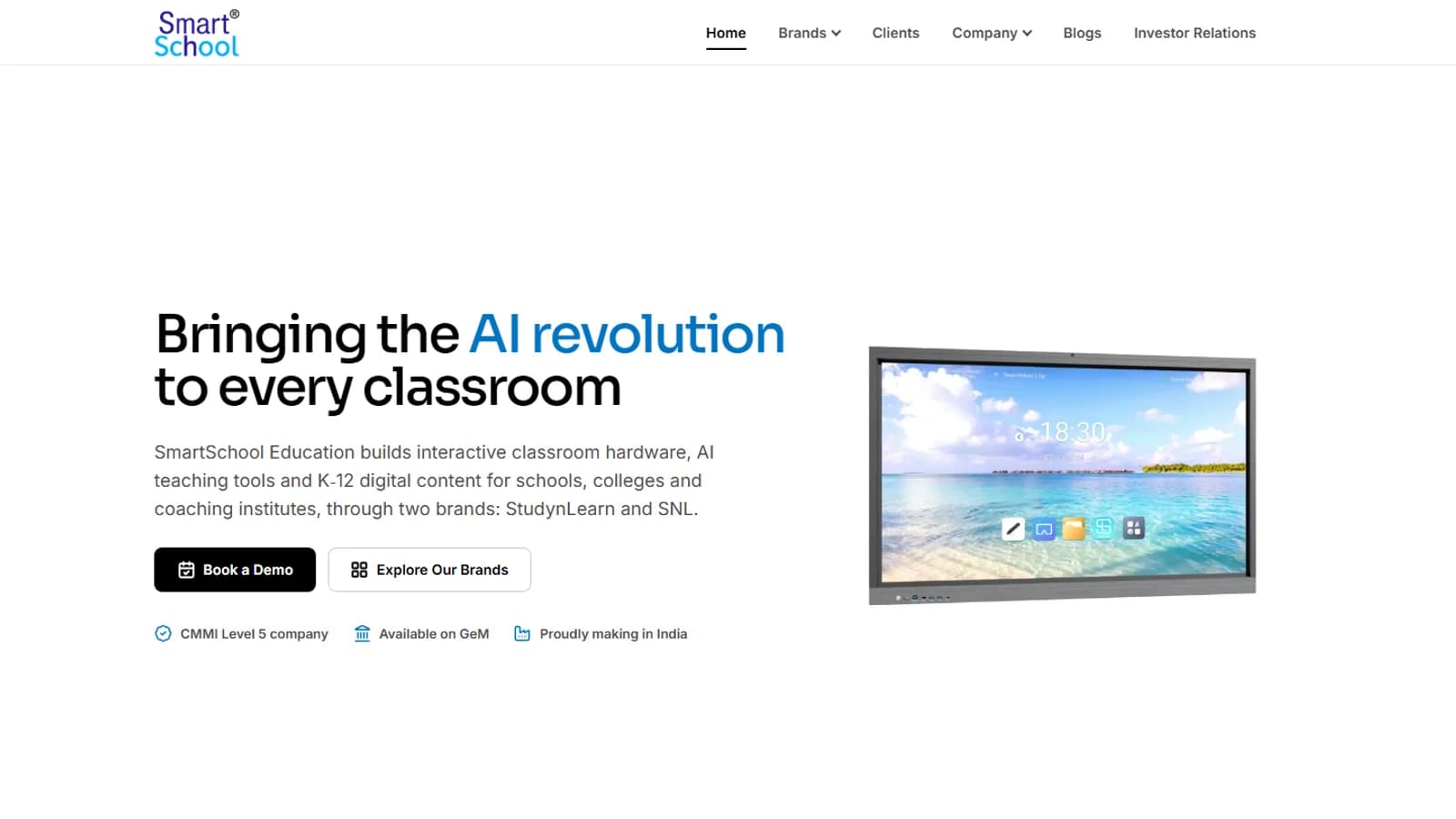
Homepage
SmartSchool Education makes classroom hardware, AI teaching tools and K-12 digital content for schools, colleges and coaching institutes, sold through two brands, StudynLearn and SNL. This is the V2 redesign of its corporate website: a new homepage, a clearer menu, company pages, an investor relations page and a newsroom. The earlier site is still the one at smartschoolonline.in; V2 is being built and previewed on its own branch. I designed and built V2 as the frontend developer. The products and the company are not mine: the site presents them.
Technologies, platforms, and tools used to design, develop, and deliver this project.





A company that sells through two brands, StudynLearn and SNL, needs a corporate site that explains the whole company without looking like a product catalogue. The earlier site mixed pages inherited from StudynLearn, so the parent company was hard to see.
The menu is built around the company, not the product list: Home, Brands, Clients, Company, Blogs and Investor Relations, with Book a Demo as the one button. All menus come from one data file, so the header, the phone drawer and the footer always agree.
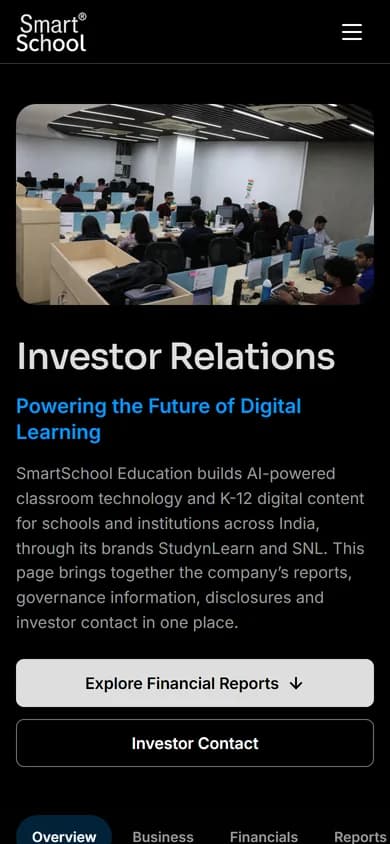
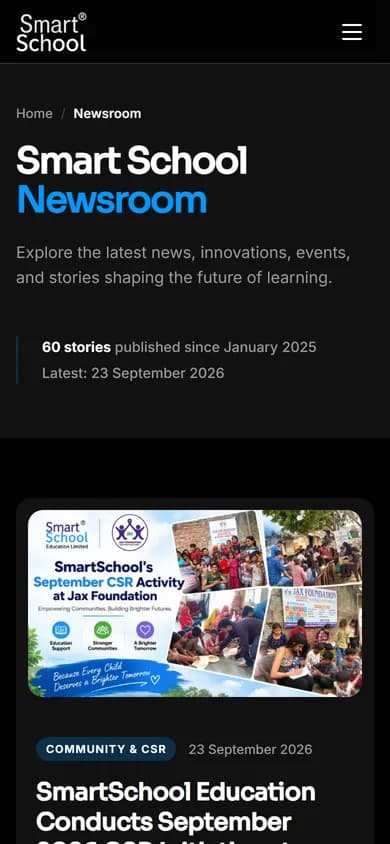
Captures of the V2 pages, taken from a local copy on 13 Oct 2026. The V2 site is a preview, so these are not the pages currently at smartschoolonline.in.
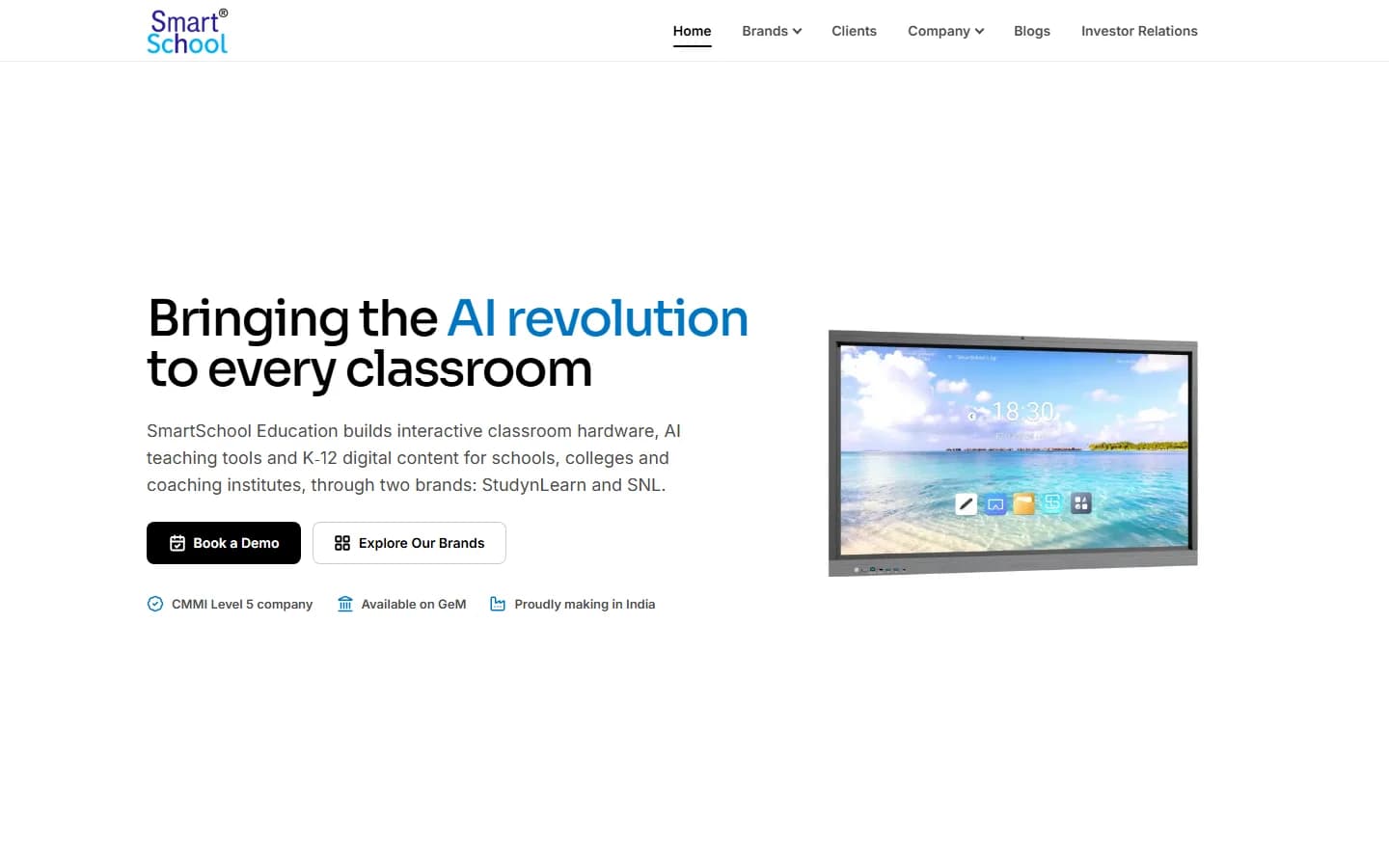
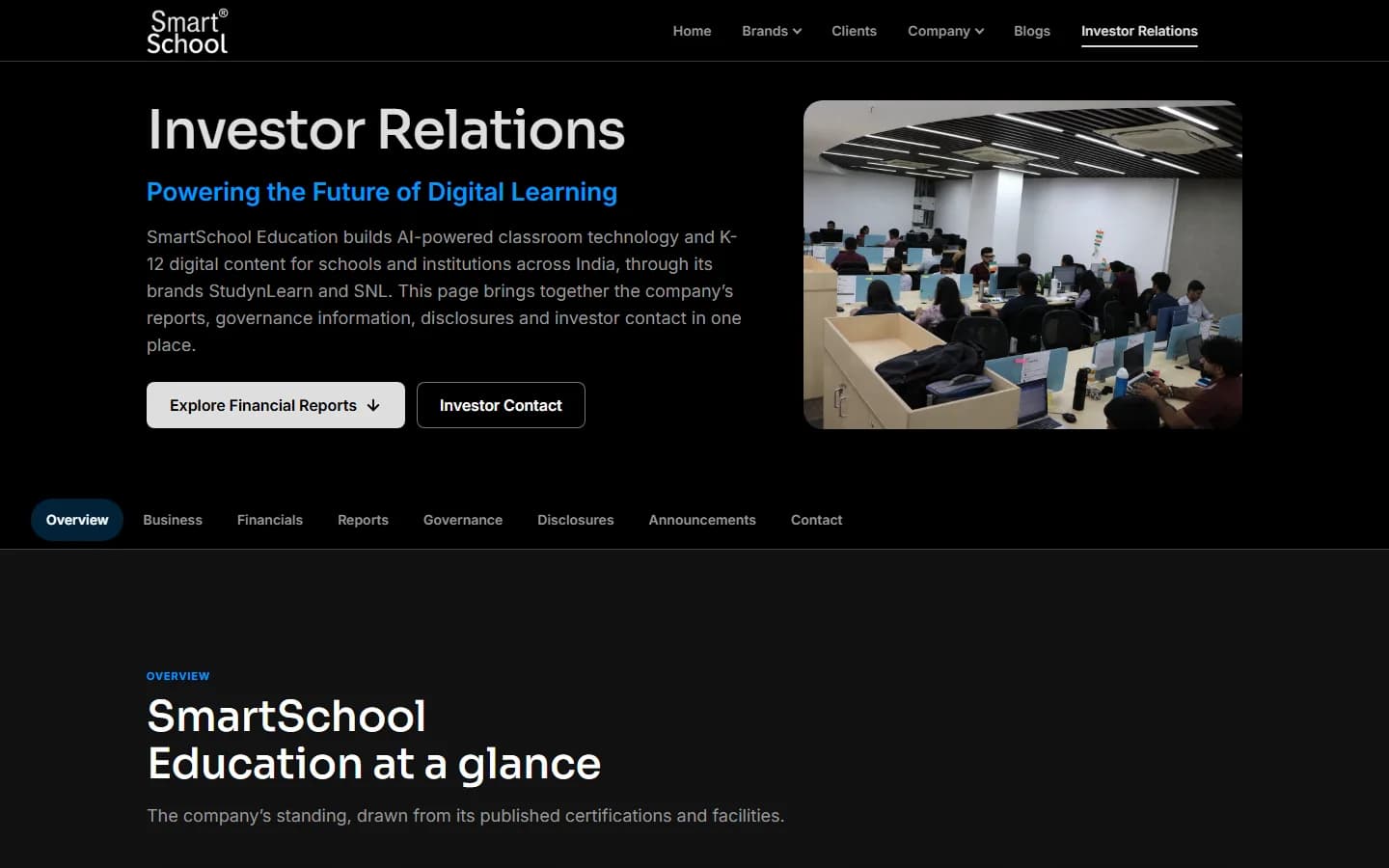
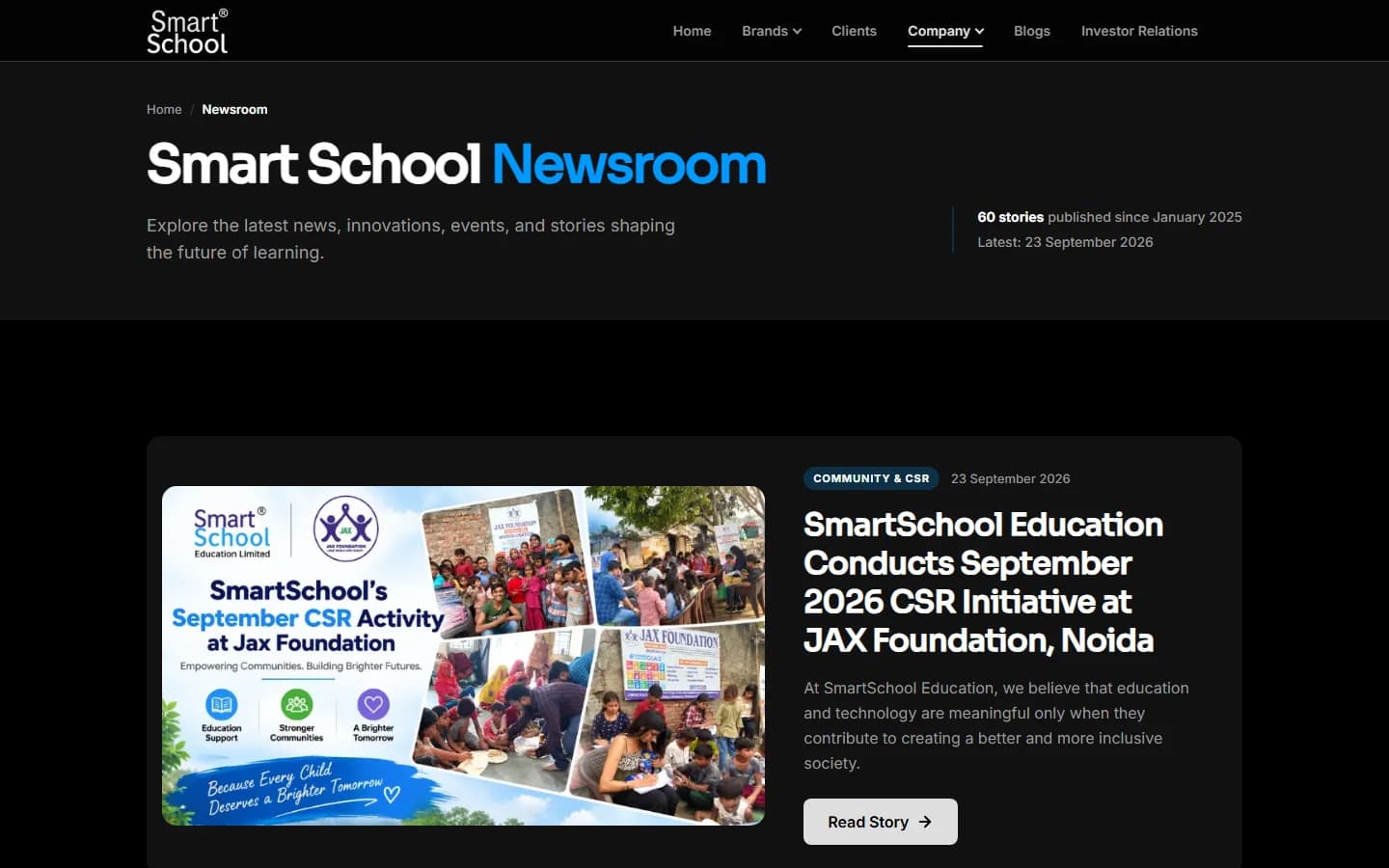
The brief became a few firm technical rules.
No framework or database: each page is one PHP file with shared header and footer parts. It deploys as one serverless function behind clean web addresses.
Where the company has not approved a figure or document, the page shows that it is not published instead of a placeholder.
The dev team asked for each page to carry its own styles. A build script trims each page's CSS to only what it uses.
21
Page files
60
Newsroom stories
16
Investor sections
4
Widths checked
Colors, spacing and type are shared tokens. A single change to the tokens turned the whole site dark while the homepage hero stayed light.
The header, the phone drawer and the footer render from one data file, so adding a link is a one-line edit.
Every page goes through one gateway file, because the hosting plan limits how many functions a project may have.
Sixteen sections with a sticky section bar. Documents appear only if the file exists, with filters and search once there are some. Financial figures show only when approved.
Listing with search, category and year filters and pagination, plus one template for every story. Each story keeps its old address so existing links still work.
The latest StudynLearn posts, fetched and cached for an hour.
The desktop and phone layouts are composed separately: the hero text comes first on a phone, and the logo strip becomes a swipeable row.
A consent banner with Accept and Decline, and a contact form that opens a ready-made WhatsApp message.
What was checked. All of it was done by hand or with a script on my machine.
Checked for sideways scrolling, a working phone menu and missing images. The checks found a hidden overlay that was blocking clicks, which was fixed.
An automated WCAG 2.2 A and AA scan (axe) came back clean at 1440 and 390 on the homepage, about, careers, clients, downloads and newsroom pages.
Visible focus rings, menus that close on Escape, scrolling areas reachable by keyboard, and a hero video that pauses when reduced motion is on.
Not measured: Lighthouse scores, Core Web Vitals, traffic or conversions. Fonts are stand-ins for the licensed brand fonts, which I do not have.
What the pages carry for search engines.
Each page sets its own title, description, canonical link, Open Graph and structured data. The homepage describes the company and its two brands.
A sitemap lists the newsroom and every story with its real update date.
Open items: the canonical domain is split between two sites on older pages, and there is no robots file or site-wide sitemap yet. These wait on a decision from the company.
See the Design Lifecycle: how the experience was structured, the visual direction and the final screens.
No analytics, speed or lead numbers exist for V2, so none are claimed. V2 is not live: smartschoolonline.in still serves the earlier build.
iPhone

Tablet
Android
An online store for classroom equipment, built without a framework: 34 products, filters, a cart, checkout and a demo account.
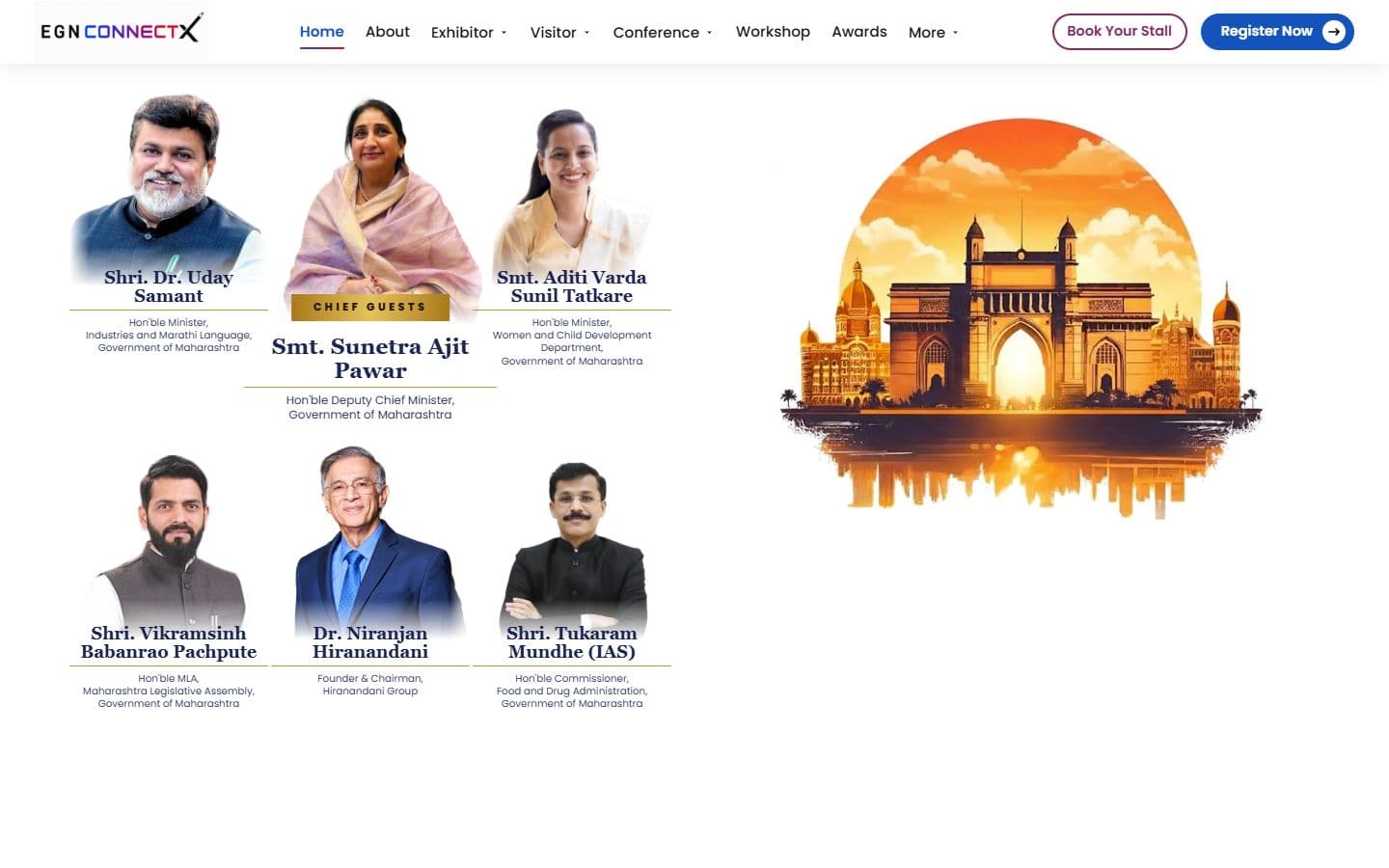
The official website for India's big education leadership summit. People can register, book stalls and nominate for awards, and explore the venue in an interactive 3D floor plan. Over 20,000 visitors are expected.
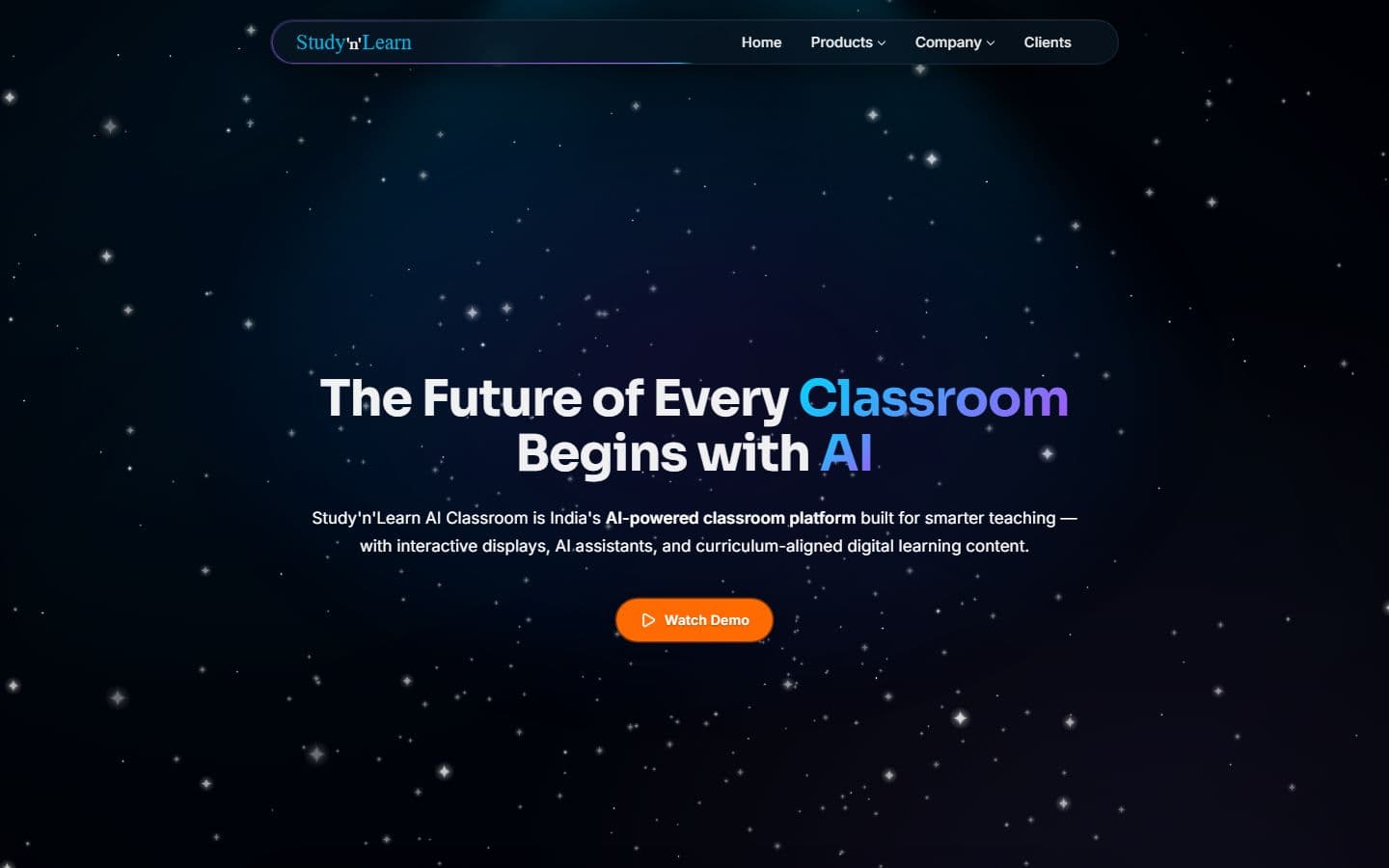
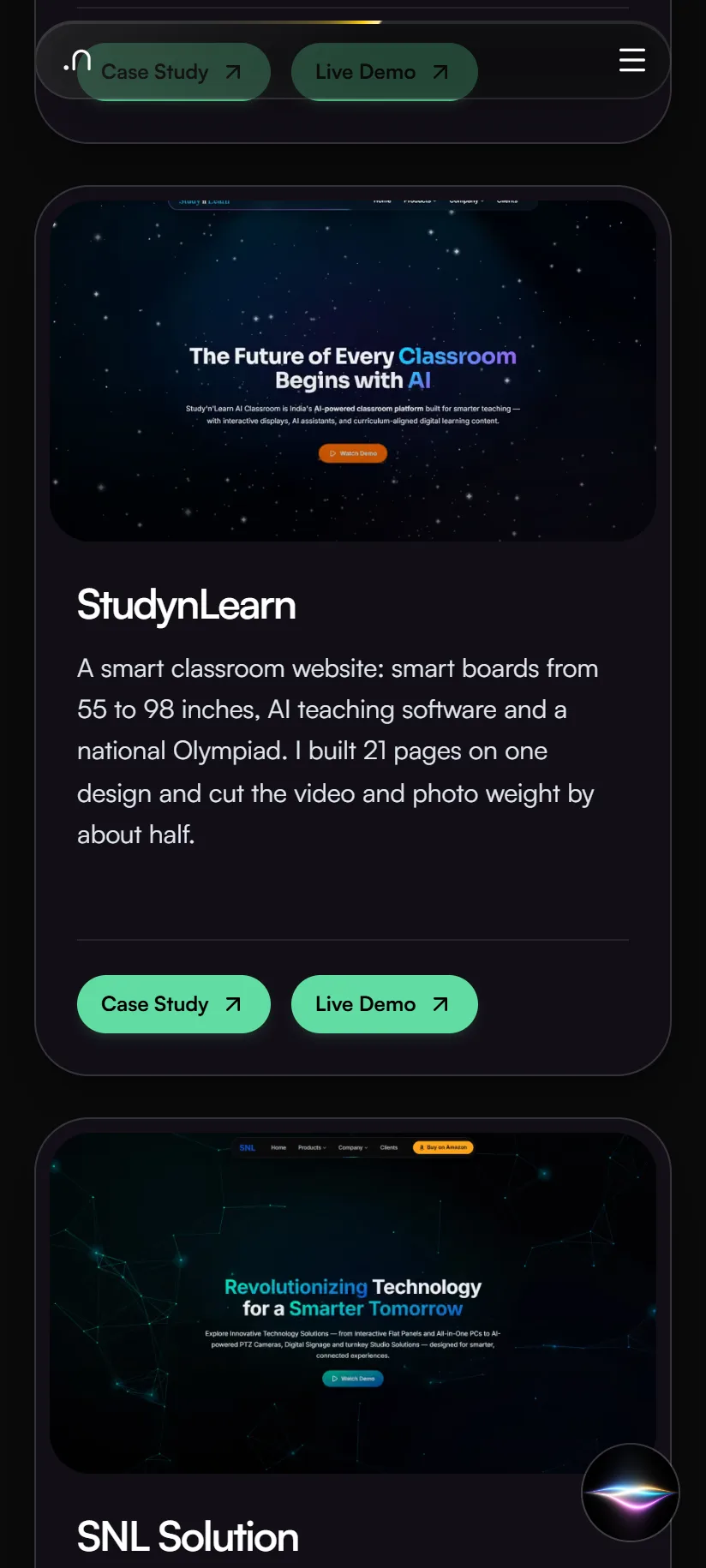
A smart classroom website: smart boards from 55 to 98 inches, AI teaching software and a national Olympiad. I built 21 pages on one design and cut the video and photo weight by about half.