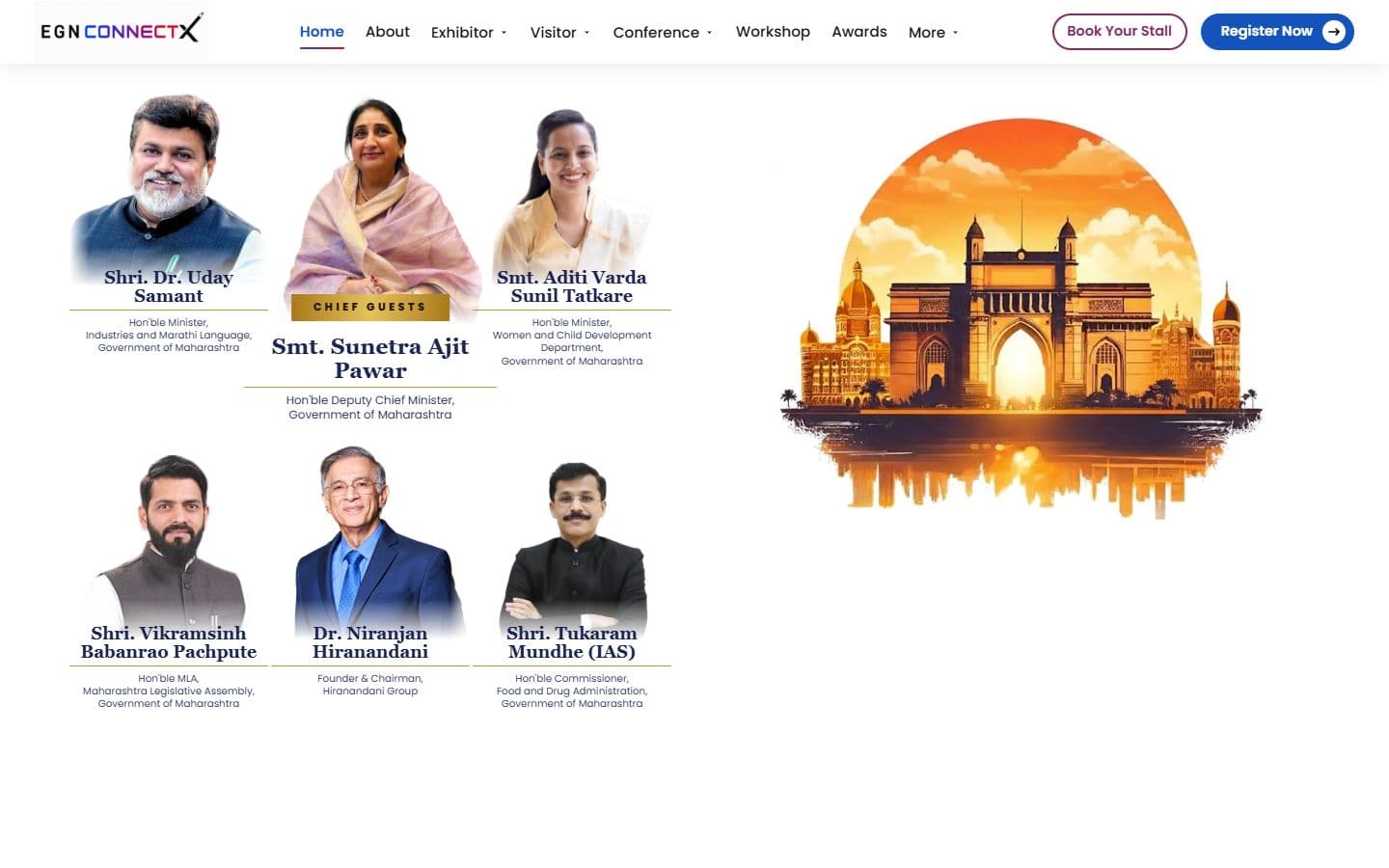
The official website for India's big education leadership summit. People can register, book stalls and nominate for awards, and explore the venue in an interactive 3D floor plan. Over 20,000 visitors are expected.

Case study
Front-End Developer · Jun 2026
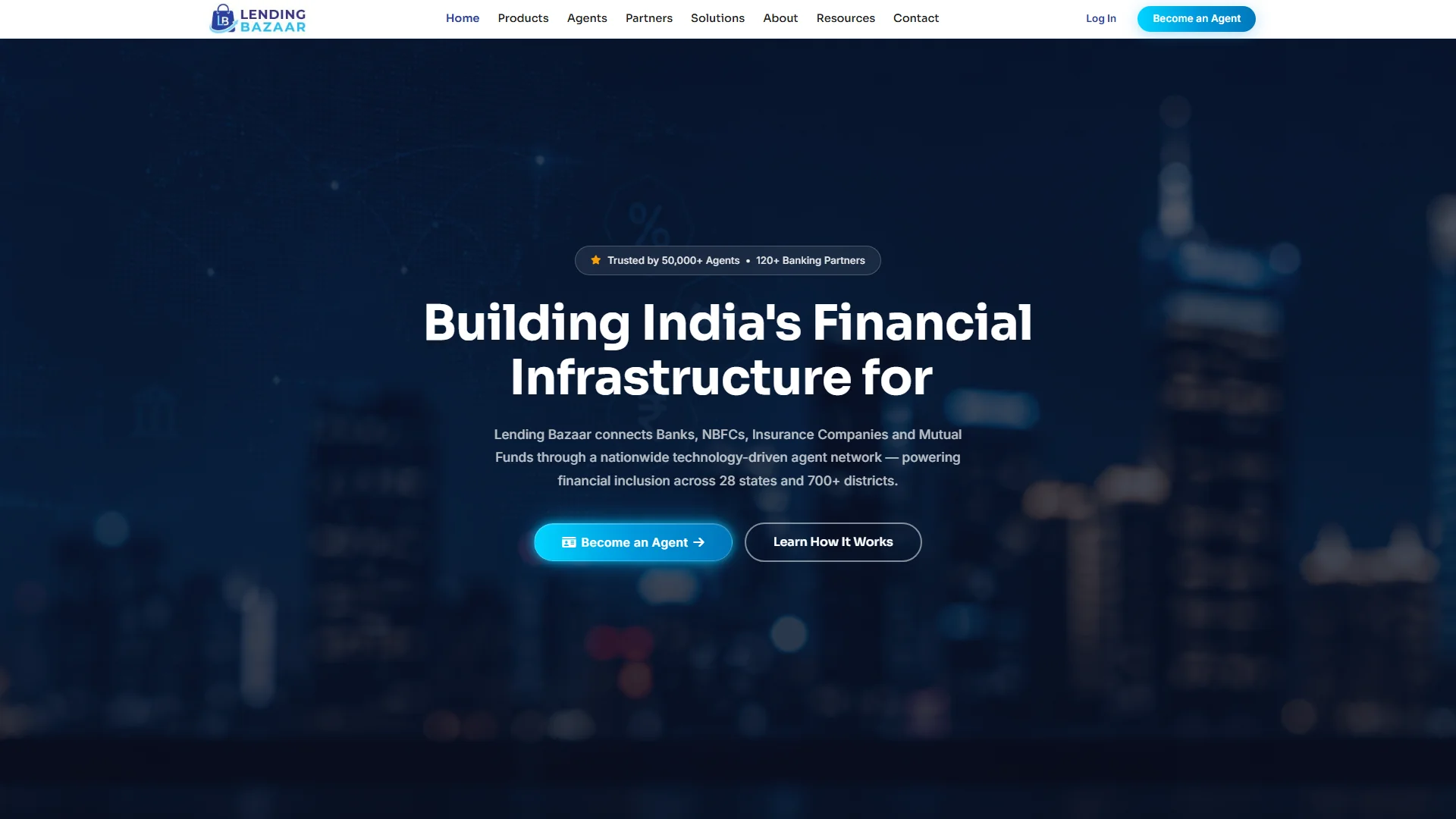
A financial platform for India that connects banks, finance companies, insurers and mutual funds through a network of agents in 700+ districts.
Home
Lending Bazaar connects banks, finance companies, insurance providers and mutual funds through a network of agents across 700+ districts in India. I built the website and every screen an agent, employee and admin would use after joining: 49 screens in plain PHP, HTML, CSS and JavaScript with no framework. The app screens run on sample data until a backend is built.
Technologies, platforms, and tools used to design, develop, and deliver this project.




Lending Bazaar does not sell one product. It connects banks, finance companies, insurers and mutual funds to a network of field agents. The site has to win both sides, and it has to show the tools an agent would use once they join.
Two sides. The public website is open to anyone and has two pages. The three apps sit behind their own login screens and each has its own layout. Links between the two sides run both ways.
A clean white and soft gray page with one strong blue, set in two fonts. The same values run through the website and all three apps. These come from the project's stylesheet and its design.md file.
A geometric display face in weight 800 for section headings, which scale from 26 pixels on a phone up to 48 on a laptop. Loaded from Google Fonts.
A plain, readable face for paragraphs, forms and buttons. Also from Google Fonts. Body text drops from 18 pixels to 13 on the smallest phones.
Royal blue
#4361EE
The main brand color: links, icons, the active menu item and the start of the button gradient
Sky blue
#25BEF3
The second brand blue, used in the logo and in the end of the blue gradient
Violet
#7C3AED
The end of the main button gradient
Brand gradient
Earnings cards, chart bars and the contact page hero
Ink
#0F172A
Headings and dark text
Muted gray
#6B7280
Secondary text and captions
Soft white
#F5F7FB
The alternate section background
Navy
#0E1B5E
The admin sidebar and the employee app accent
Success
#10B981
Approved leads and positive numbers
Warning
#F59E0B
Pending leads and star ratings
Danger
#EF4444
Rejected leads and alerts
The project's rules ban small label chips above headings, floating blobs and gradient overlays on sections. A section starts straight with its heading, and its background is plain white or soft white.
Every button on every page uses one base style: a pill with 15 pixel semi-bold text. The main button is a blue to violet gradient, the second choice is outlined, and a white version sits on dark or colored backgrounds. No section gets its own button.
Any row of statistics uses the same strip: an icon tile, a large number and a small label, separated by thin lines. The numbers count up the first time they are seen.
A lead is Processing (violet), Approved (green), Pending (amber) or Rejected (red), in the same small badge on the agent, employee and admin screens. Learn it once and it holds everywhere.
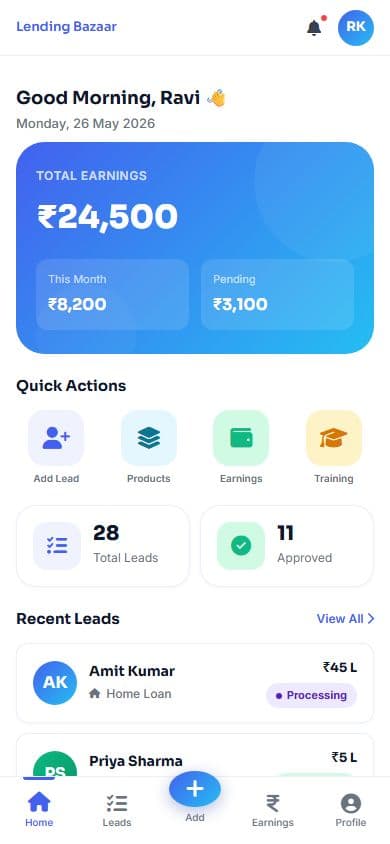
The agent and employee screens sit in a 430 pixel column with a fixed top bar, a fixed bottom bar, large touch targets and a round Add button. On a laptop the column is centered in the window.
The admin panel uses the full width: a 240 pixel dark sidebar, summary cards on top, then charts and tables with search and filters.
Sections ease in as they scroll into view, numbers count up, the headline types out five words and the logo strip scrolls. Animation is switched off for visitors who ask their device for less motion.
Values are read from css/Lending_style.css and design.md. I did not make a separate brand guide, and there are no wireframes, research or audit for this project, so those sections are not on this page.
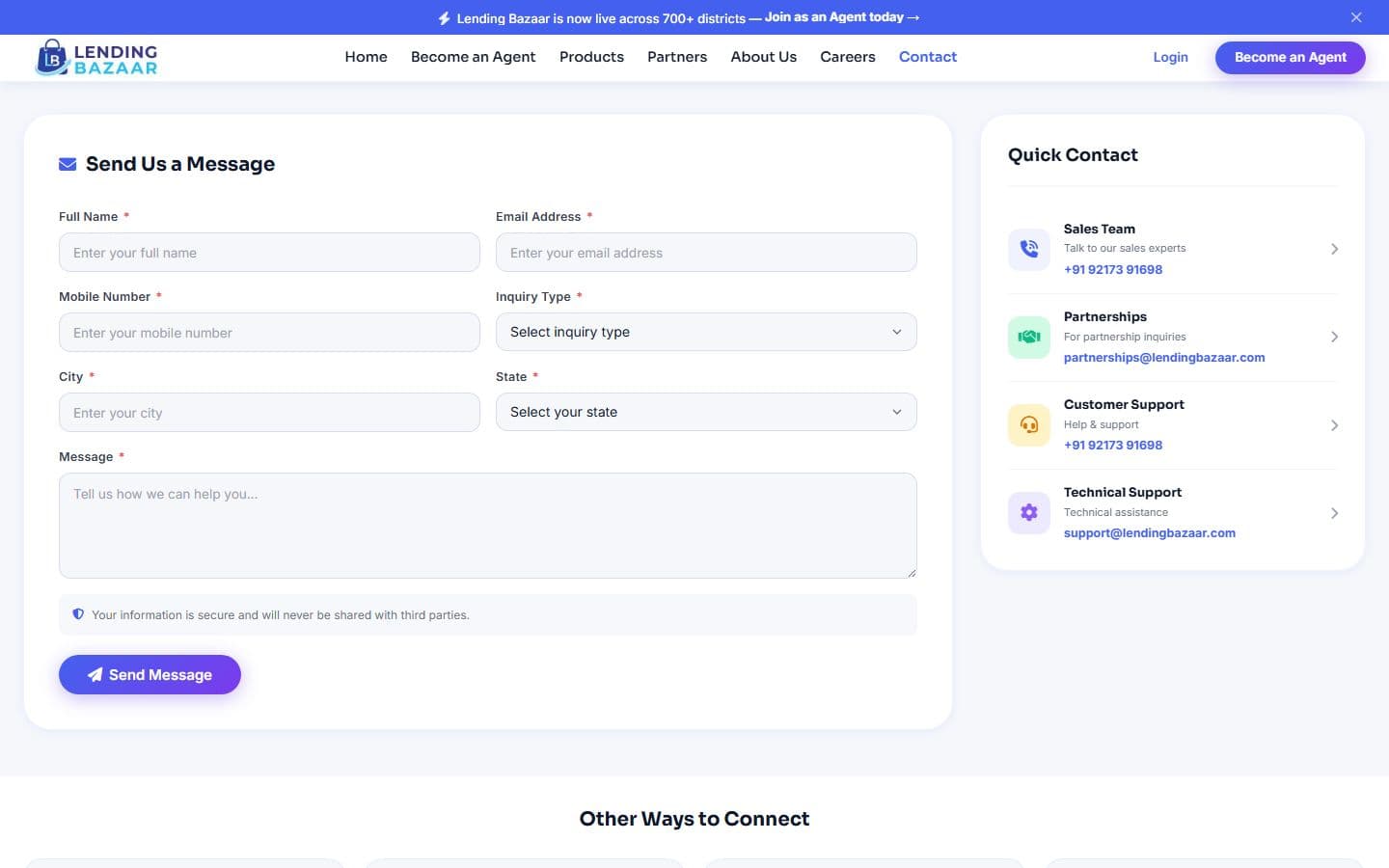
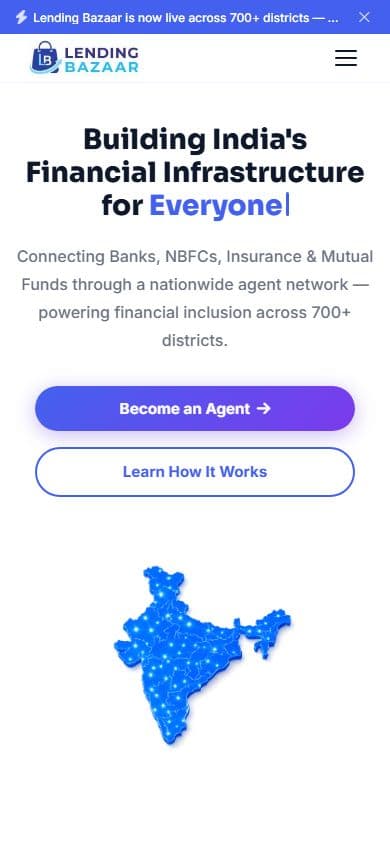
Real screens from the code, captured on 2026-10-04 from a local server at laptop and phone widths. The company numbers and names on the app screens are sample data.
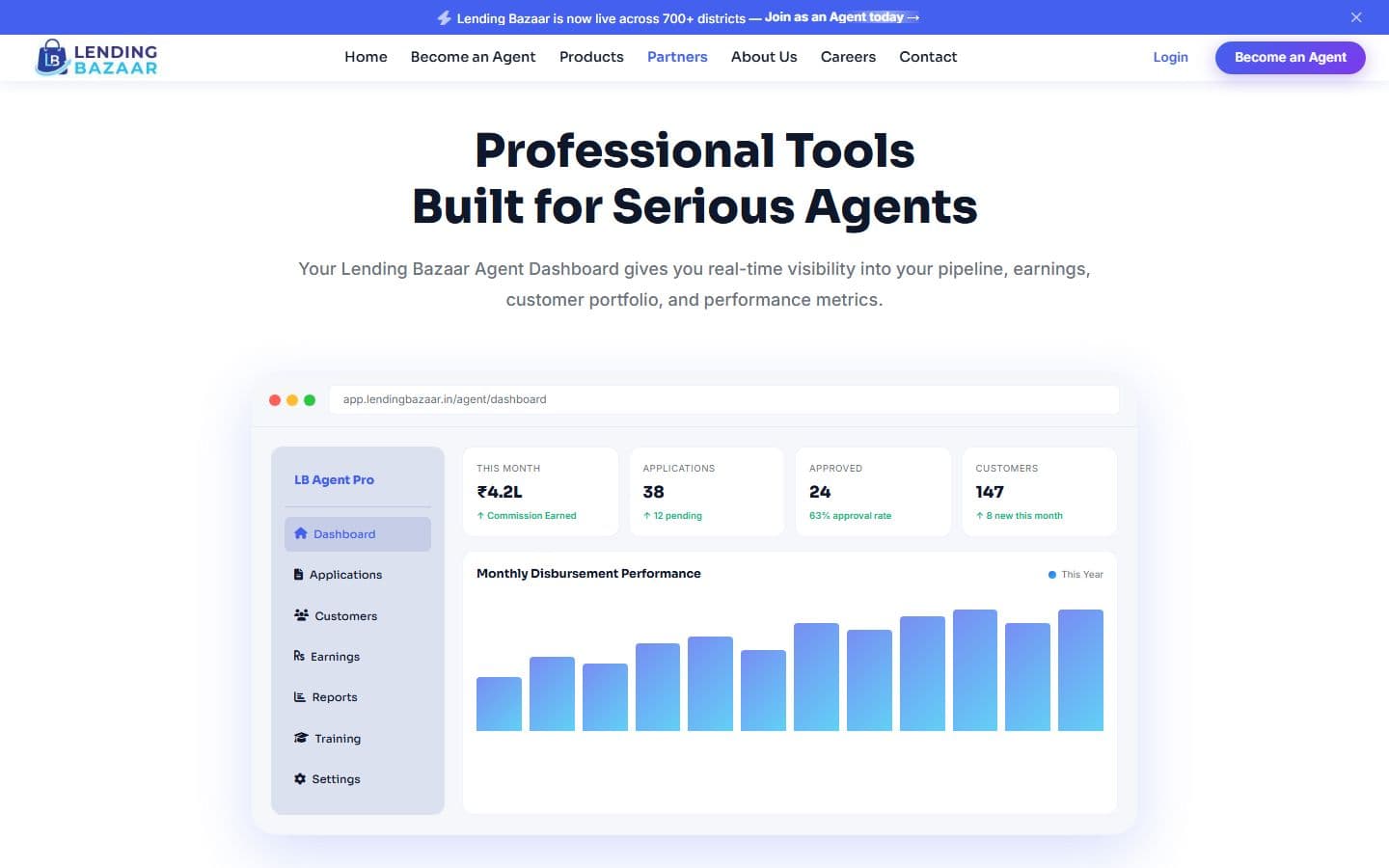
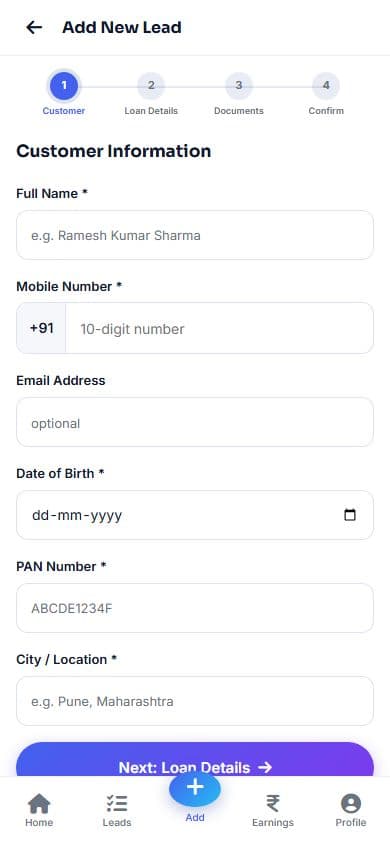
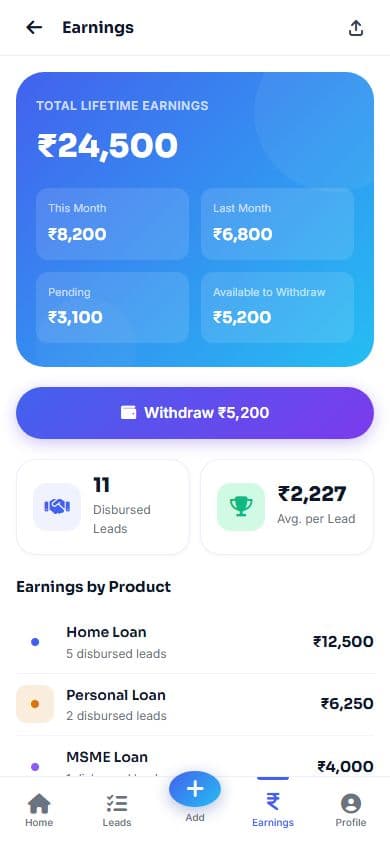
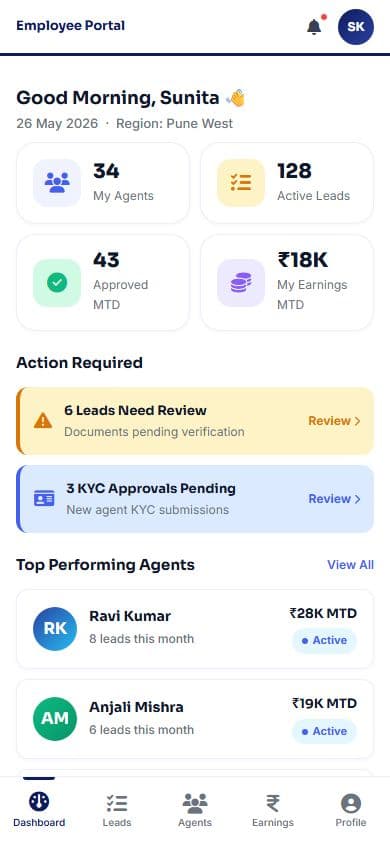
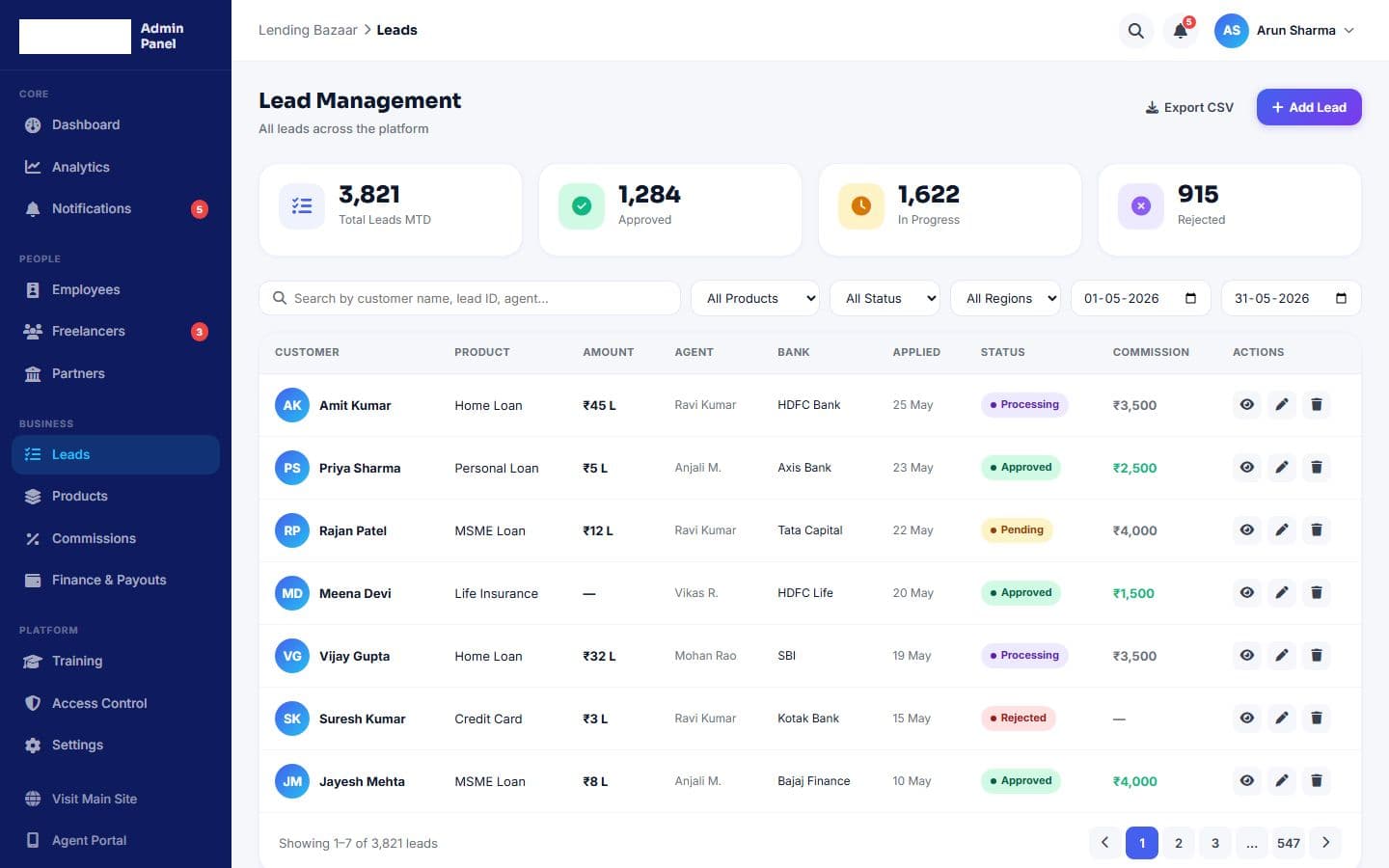
An icon tile, a large number and a label, repeated and separated by thin lines. It is used on the home page, the contact page and the dashboards.
A small rounded label with a dot: Processing, Approved, Pending or Rejected. The same four colors appear in the agent, employee and admin screens.
A row of numbered dots that turn into ticks as a person moves through registration (3 steps) or adding a lead (4 steps).
Five tabs, with Add raised in the middle, fixed to the bottom of the agent and employee screens.
A header row, a person's initials in a round avatar, a badge and icon buttons for view, edit and delete, with paging underneath.
The simplest stack that does the job. Plain PHP puts the pieces together, plain CSS and JavaScript style and animate them, and nothing needs installing.
61
PHP files
49
Screens
6,343
Lines of PHP
5,067
Stylesheet lines
30
Partner logos
0
External scripts
PHP files that include each other, HTML5, one stylesheet of 5,067 lines, and about 230 lines of JavaScript in one block at the bottom of the footer file. Icons come from Font Awesome 6.5 and the fonts from Google Fonts, both loaded from their own servers. There is no framework, no build step and no package manager: I edit a file and refresh the browser, running on XAMPP. The site is uploaded to the host with FileZilla.
Each public page includes the shared header, its own sections and the shared footer. Each app has its own small shell instead: one file that opens the page and the phone-width frame, one for the bottom bar and one that closes the page. That keeps the apps from loading the website's header, footer or script.
The website, the agent app, the employee app and the admin panel all read css/Lending_style.css, in numbered sections: tokens, the button system, the website sections, the app frame and bottom bar, forms, status badges, cards, the admin sidebar and tables, and the contact page. The page loads it with a version number (?v=38) so that after an upload, browsers fetch the new file.
Every name, amount and chart on the app screens is a sample row kept in the PHP file. There is no database and no check on who is signed in: the Login and Verify buttons are links to the dashboard, and the contact and newsletter forms only show a Sent message. The multi-step forms read their step from the address (add-lead.php?step=2). These screens are finished layouts, ready to be wired to real data.
Ten real excerpts, grouped by what they do. They are copied from the files by a script, so they match the repo.
The stylesheet and the app pages are much longer than these excerpts. No keys or passwords exist in the project.
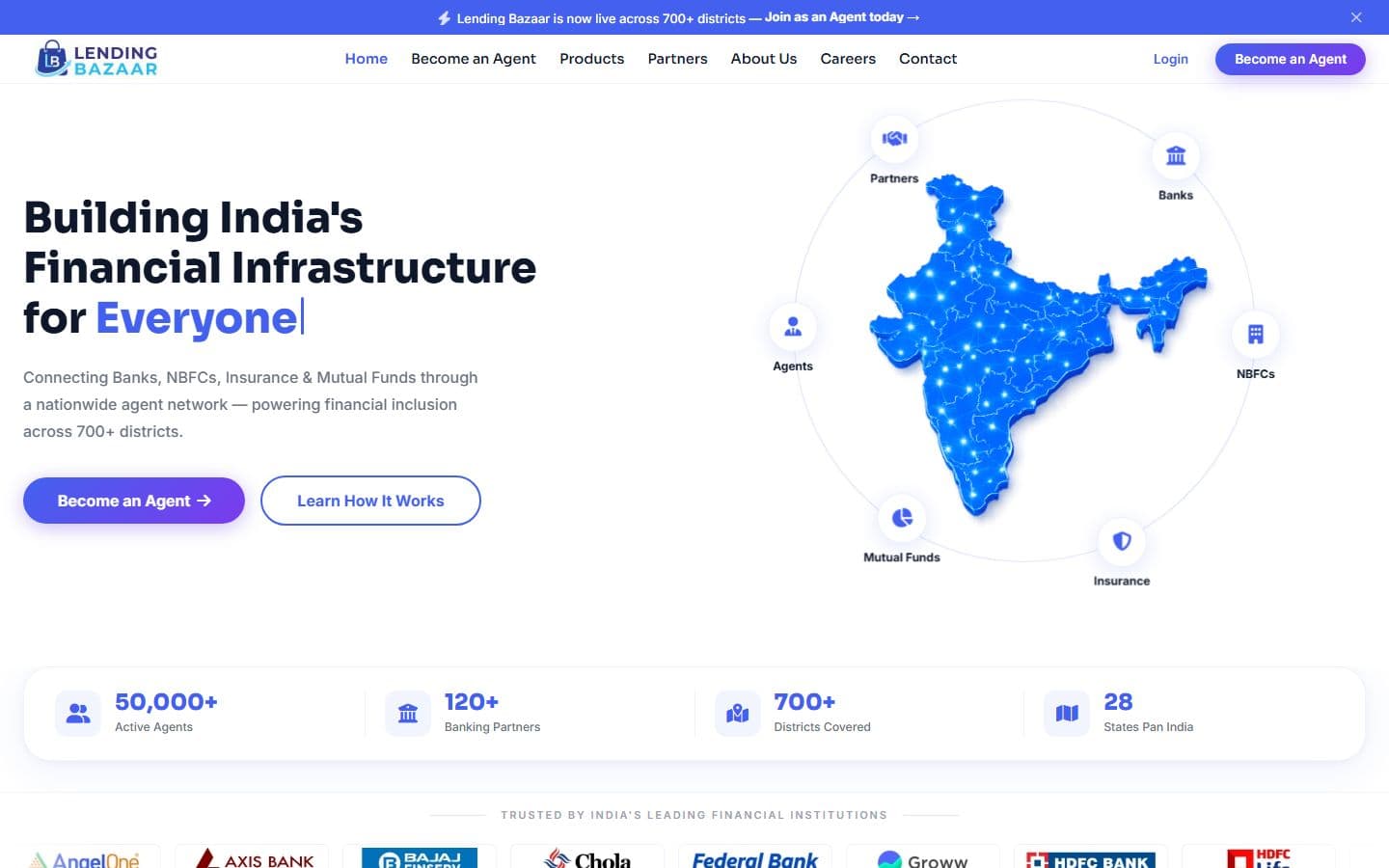
The hero finishes the sentence “Building India's Financial Infrastructure for …” with five words in turn (Everyone, Agents, Banks, NBFCs, India), typing and deleting each one with a blinking cursor.
A number marked with a few attributes counts from zero the first time half of it is on screen, shows Indian digit grouping (50,000) and stops at its target. The same code runs on the home and contact pages.
The scrolling strip reads every image in the Logo folder, skips the site's own logo and lists them twice for a seamless loop. Thirty partners show today: banks, finance companies, insurers and investing apps. Adding one is a file copy.
A closable banner sits above the menu and the menu moves up when it is closed. After 60 pixels of scrolling the menu gets a shadow. Links to sections scroll smoothly, stopping 80 pixels short so the heading is not hidden, and the current section is highlighted in the menu as you scroll.
On small screens the menu becomes a drawer with a dimmed overlay. It closes from the close button, the overlay, any link or the Escape key, locks page scrolling while open, and keeps its open state in an aria-expanded value for screen readers.
The agent login asks for a phone number, then shows code boxes. Typing moves to the next box, Backspace goes back, and a 30 second countdown gates Resend. The splash screen before it moves on by itself after 2.2 seconds.
Registration has three steps and adding a lead has four, each with a stepper at the top that ticks off finished steps. Back and Next buttons move between steps.
A form with a label on every field, four quick contacts, a map of the head office and seven questions in an accordion that opens one at a time.
The sidebar becomes a slide-in menu on small screens, opened with a menu button and closed by tapping outside it. The tables have search, filters for product, status, region and dates, and paging.
I ran the code on a local PHP server, captured the screens shown on this page and read through the files. These are the flaws that turned up. I left the code as it was.
The screens on this page come from the code running on a local PHP server on 4 October 2026, at laptop and phone widths. Two screens were left out of the capture because of flaws listed below: the agent welcome logo and the admin dashboard activity list.
Found while reading and capturing the code, and not changed. (1) The About Us and Careers menu links, and the Become an Agent button in the hero, point to ids that do not exist on the page. (2) The contact page numbers (5,000+ agents, 50+ partners, 20+ states) differ from the home page (50,000+, 120+, 28). (3) The app shells still ask for stylesheet version 8 while the website asks for 38, so the apps can show an old cached stylesheet after an update. (4) The admin Recent Activity list prints the color word instead of the message. (5) The logo in the admin sidebar and the agent welcome screen turns into a white box, because a filter meant for a transparent logo is applied to a JPEG with a white background. (6) The home page images are PNG files of 1.4 to 2.3 MB each, 11.5 MB for the hero and six cards together. (7) The app pages have no noindex tag.
The project has no automated tests, and I have not run PageSpeed or Search Console against the live site.
What the home page tells search engines and link previews today, read from the header file. It is a basic set; the gaps are listed so the next pass is clear.
A title and description about India's financial distribution network, a keywords tag, robots set to index and follow, Open Graph and Twitter card tags with a title and description, the language set to English, one h1 with an h2 for each section, and a label on every section. Logo images have alt text made from the file name and fixed width and height, so the page does not jump while they load.
No sitemap and no robots.txt, no canonical link, no structured data, and no social share image. The contact page has no title of its own and shares the home page's. The app pages have no noindex tag. The big PNG images (11.5 MB for the hero and six cards) slow the first load.
I have not run PageSpeed or Search Console against the live site, and no ranking or speed has been measured.
There is no build step and no pipeline. The files are uploaded to the host over FTP with FileZilla, and the stylesheet's version number is raised by hand so browsers fetch the new file.
On 2026-10-04 I asked lendingbazaar.in for each page. The home page answers. The contact page and all three apps return 404 there, and the live home page loads stylesheet version 4 where the code is at 38. I asked again for the home page and the contact page on 2026-10-07 and got the same answers. So the live site is an older, home-page-only version of this project.
See the Design Lifecycle: how the experience was structured, the visual direction and the final screens.
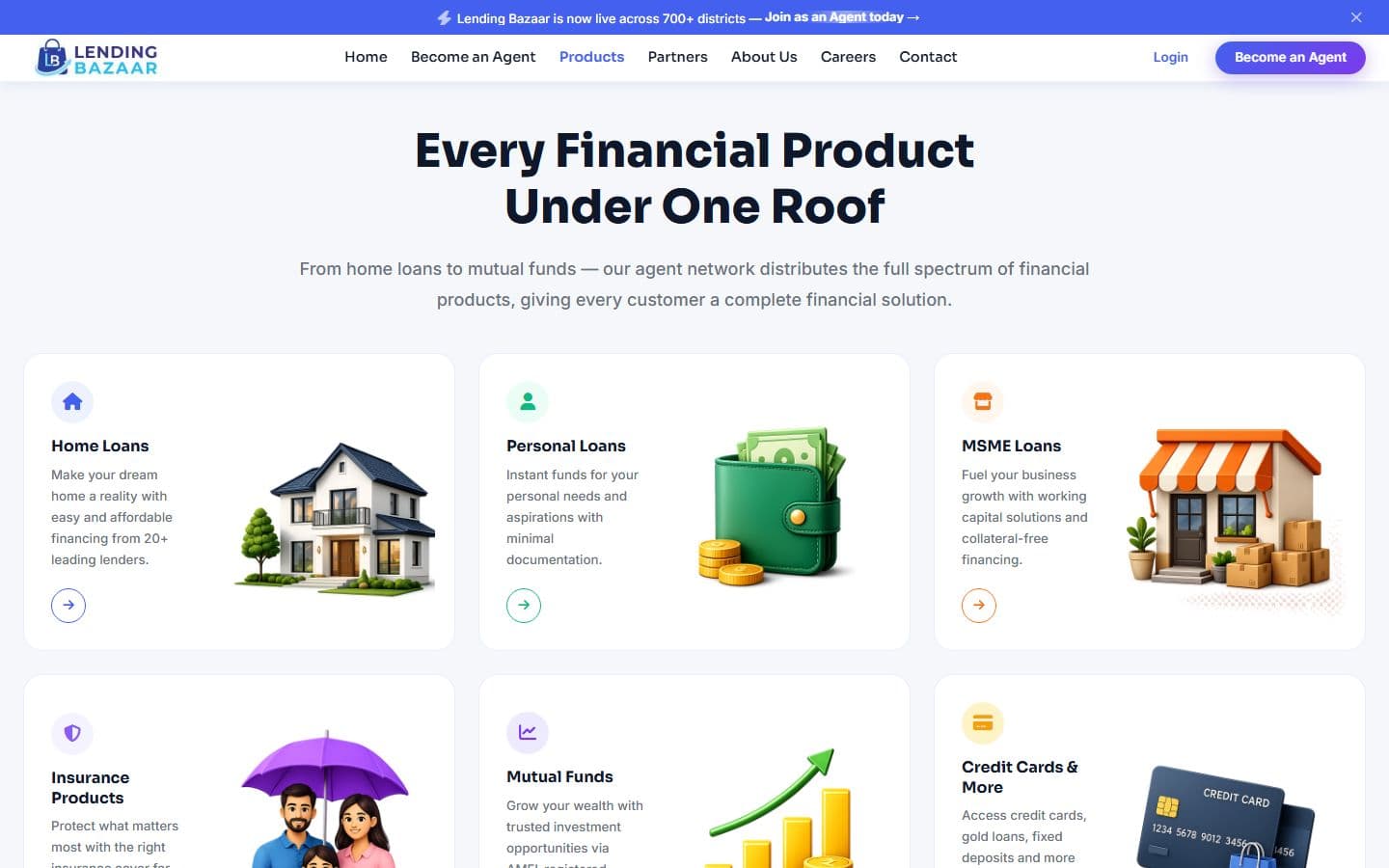
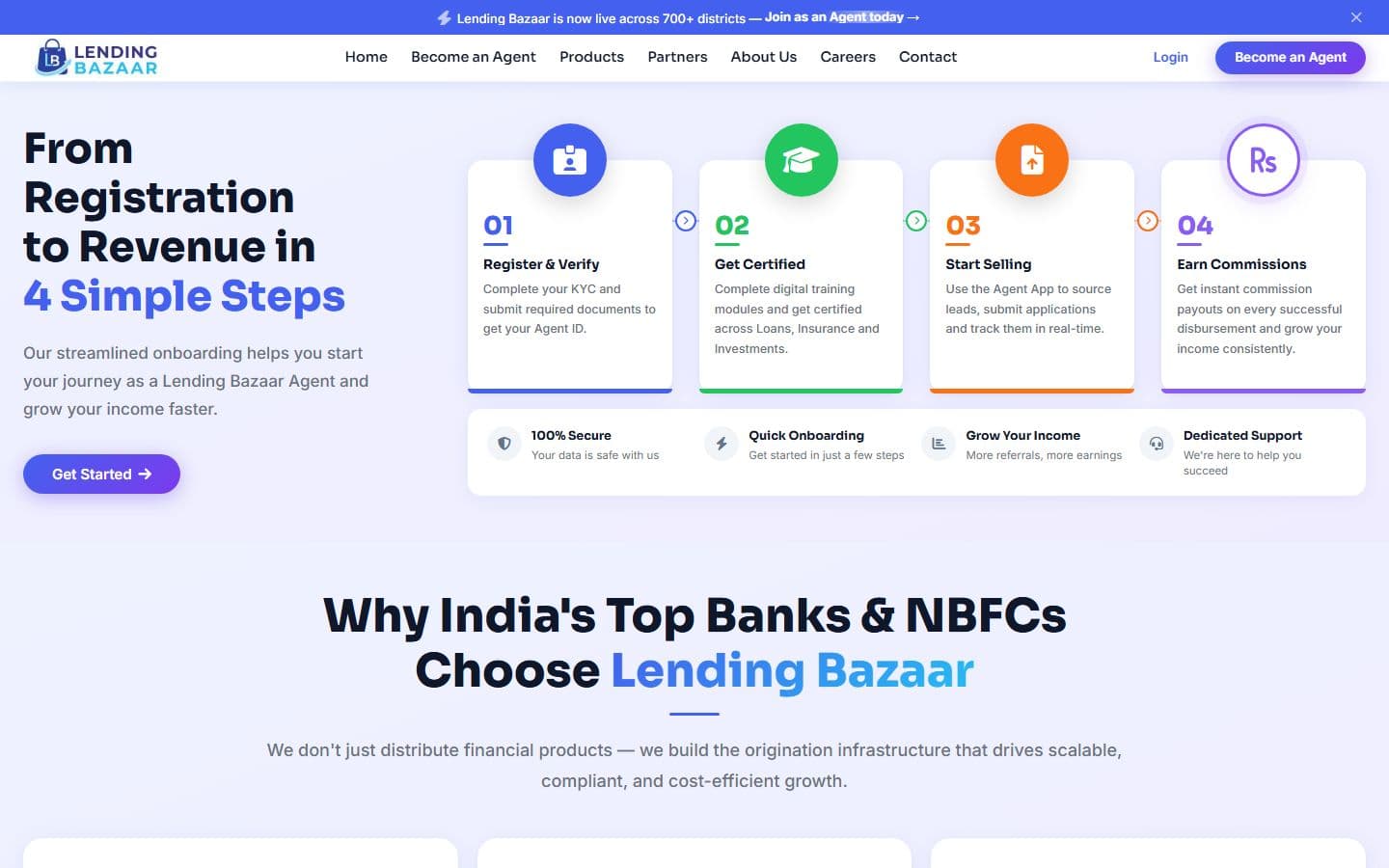
The home page and one app screen from each side, on a laptop and on a phone.
These come from reading and running the code on my machine. The screens were captured from a local server on 2026-10-04. The company numbers shown on the pages (50,000+ agents, 120+ partners, 700+ districts) are the client's copy, not figures I measured.
This page has no traffic, speed, sign-up or conversion numbers, because none are recorded. The live site serves the home page only, and the app screens use sample data until a backend is built.
iPhone

Tablet
Android
The official website for India's big education leadership summit. People can register, book stalls and nominate for awards, and explore the venue in an interactive 3D floor plan. Over 20,000 visitors are expected.
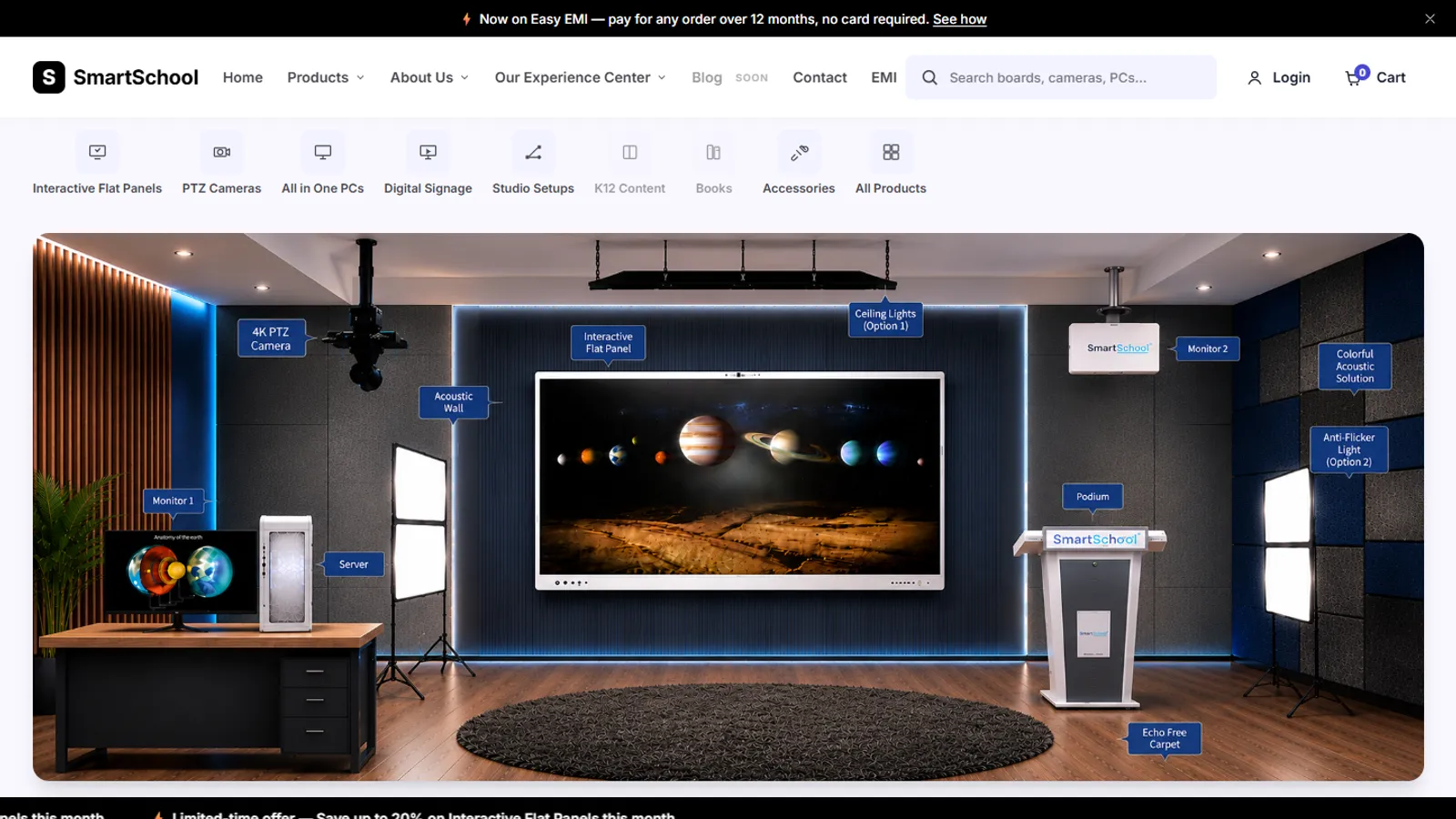
An online store for classroom equipment, built without a framework: 34 products, filters, a cart, checkout and a demo account.
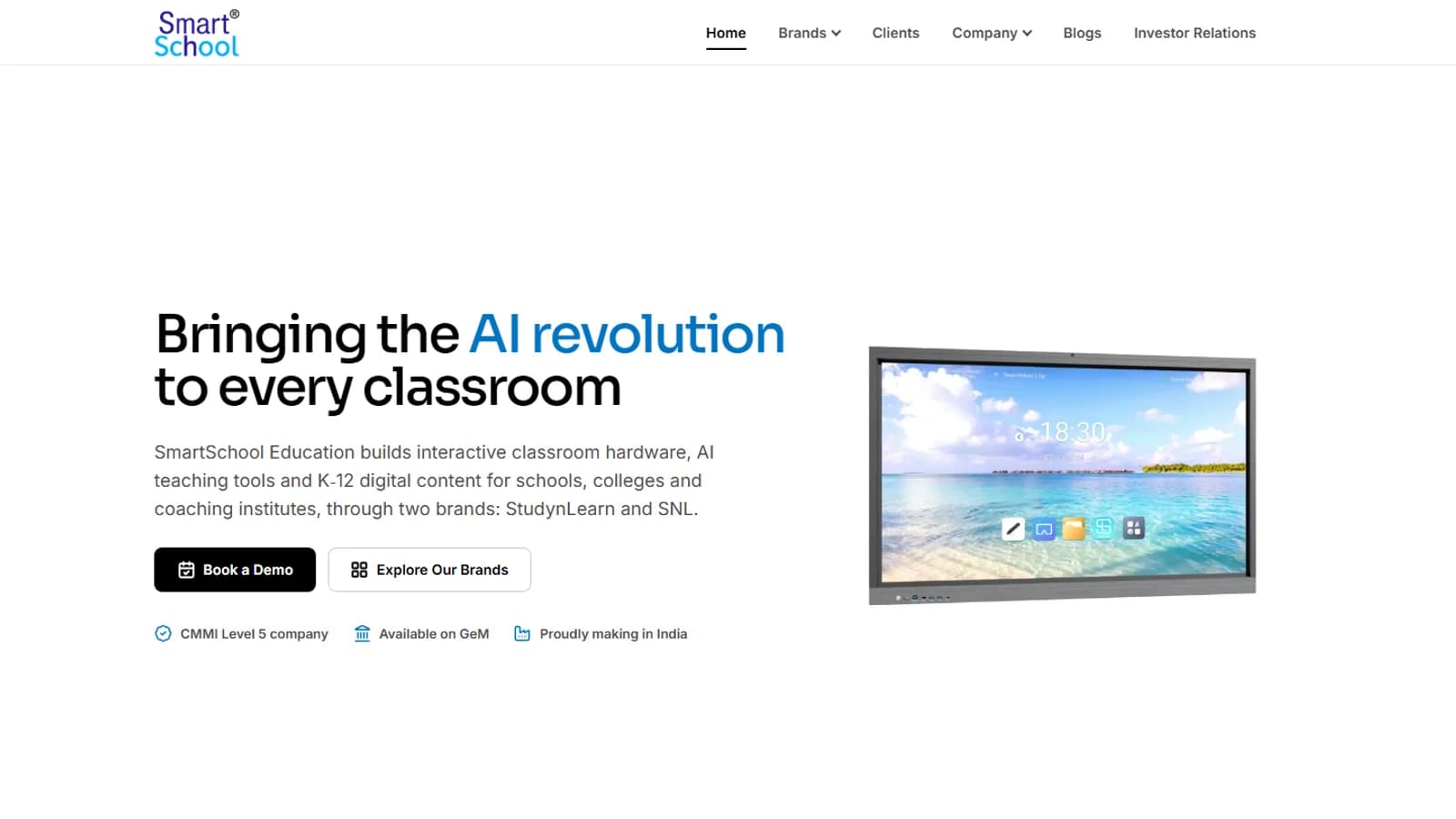
The corporate website of SmartSchool Education, an Indian EdTech company: a V2 redesign with a new homepage, brand pages, an investor relations page and a newsroom of 60 stories.